

Overview
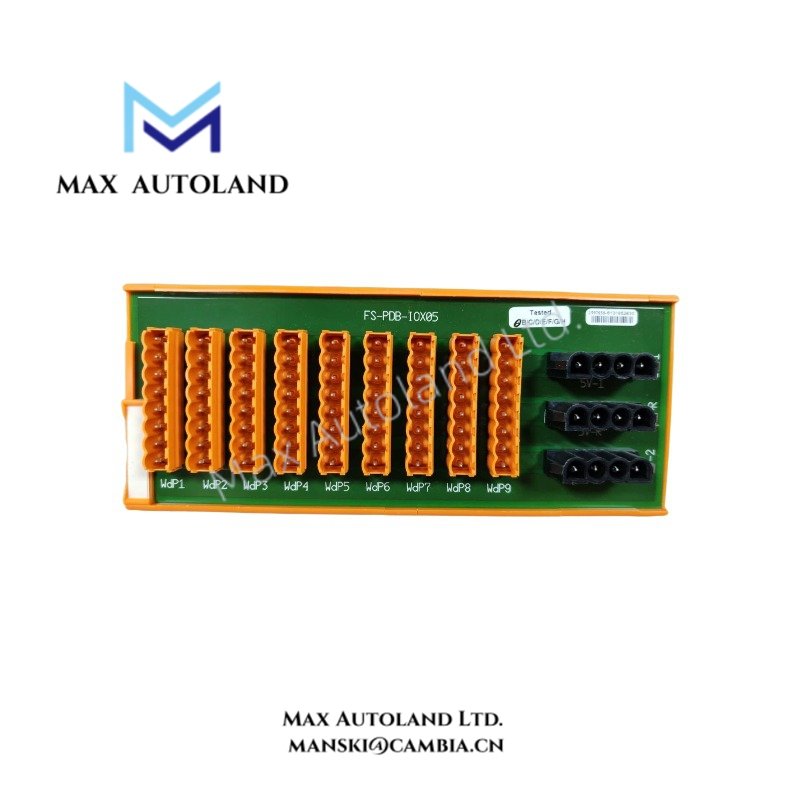
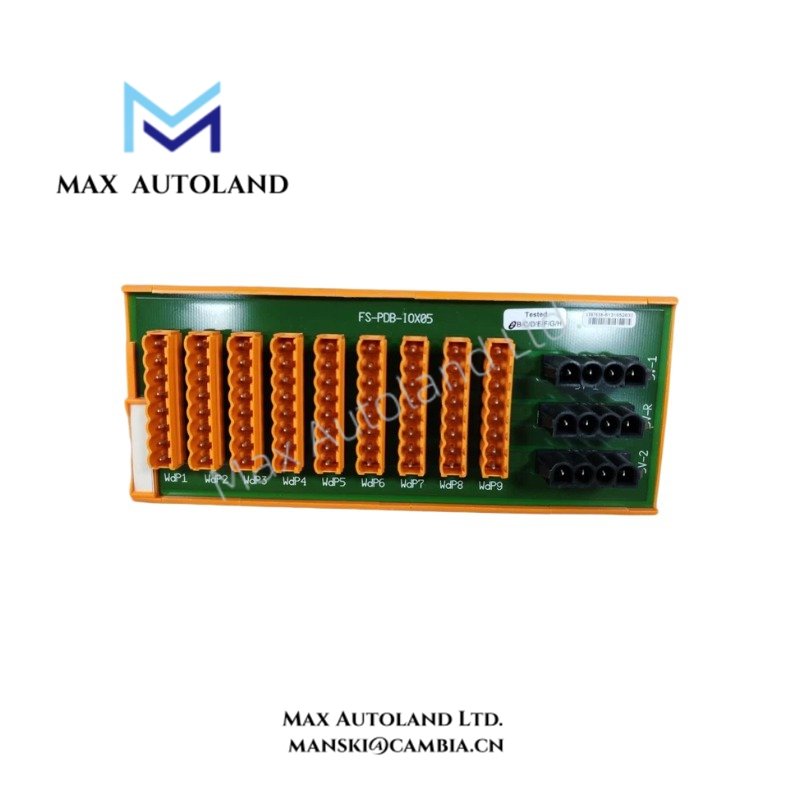
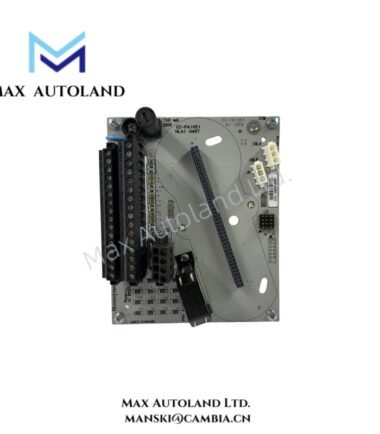
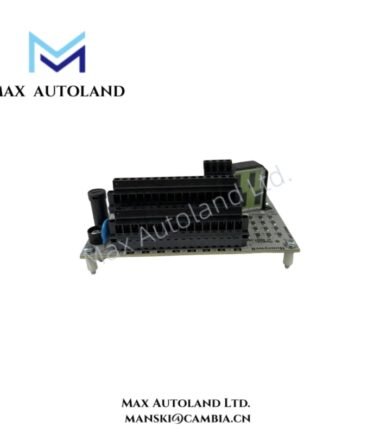
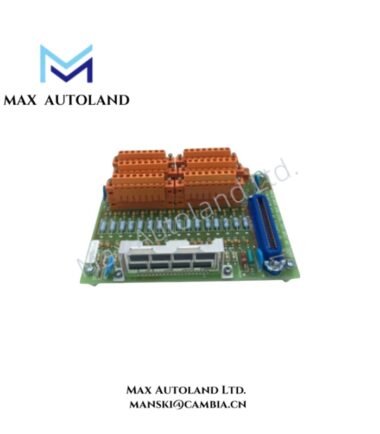
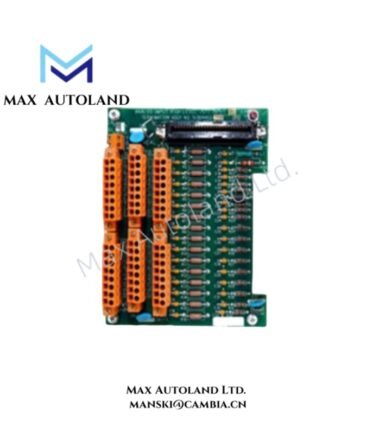
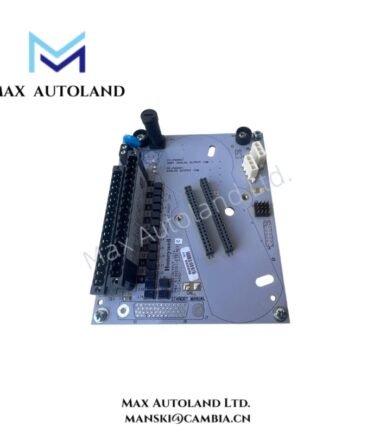
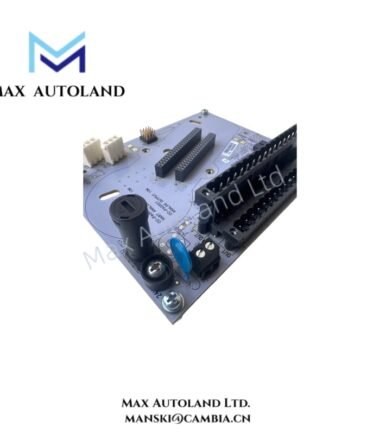
Configured for 5 V power distribution and watchdog signal routing in Honeywell extension I/O cabinets, the Honeywell FC-PDB-IOX05 (FC-PDB-IOX05 Power Distribution Board) provides direct electrical distribution between the main controller cabinet and extension I/O chassis.
Hardware Specifications
| Parameter | Specification |
|---|---|
| Model | FC-PDB-IOX05 |
| Catalog Reference | FS-PDB-IOX05 |
| Brand | Honeywell |
| Product Type | Power Distribution Board |
| Application | Extension I/O cabinet |
| Primary Function | 5 V power distribution and watchdog signal routing |
| Power Distribution | System 5 V power, including redundant distribution options |
| Watchdog Signals | CP1 and CP2 |
| Compatible Interfaces | PDC-IOX05-1, PDC-IOX05-2, 5V-R lines |
| Mounting | Cabinet/chassis installation |
Honeywell Process Control Power and Signal Distribution
The FC-PDB-IOX05 distributes system 5 V power to extension I/O hardware. It also routes controller watchdog signals identified as CP1 and CP2.
The board interfaces with dedicated power distribution cabling, including PDC-IOX05-1, PDC-IOX05-2, and 5V-R connections. Therefore, installation should preserve the specified cable interfaces and cabinet wiring topology.
Because the supplied data does not specify channel current ratings, isolation ratings, or switching characteristics, those values should be verified against the applicable Honeywell system documentation before cabinet integration.
Frequently Asked Questions
Q: What power does the FC-PDB-IOX05 distribute?
A: The board distributes system 5 V power to extension I/O hardware. The supplied specifications do not define the board’s maximum distribution current.
Q: Which watchdog signals does the board route?
A: The FC-PDB-IOX05 routes controller watchdog signals identified as CP1 and CP2.
Q: Can the FC-PDB-IOX05 use general-purpose power cables?
A: The supplied data identifies dedicated interfaces such as PDC-IOX05-1, PDC-IOX05-2, and 5V-R lines. Use the specified Honeywell cable arrangement rather than assuming compatibility with general-purpose cables.
Field Installation Guidelines
- Install the board within the designated extension I/O cabinet or chassis assembly.
- Verify the cabinet power distribution topology before connecting the 5 V supply.
- Connect PDC-IOX05-1, PDC-IOX05-2, and 5V-R lines according to the applicable Honeywell wiring documentation.
- Maintain physical separation between power wiring and unrelated high-voltage or high-noise conductors where the cabinet design permits.
- Verify CP1 and CP2 watchdog signal routing before energizing the system.
- Check connector orientation and cable identification before applying power.
- Secure cables to prevent mechanical loading on board connectors.
- Bond cabinet and chassis protective earth connections according to the applicable installation standard.
- Do not substitute unspecified cables, power sources, or connector assignments without confirming compatibility with the system documentation.




Reviews
There are no reviews yet.