


Overview
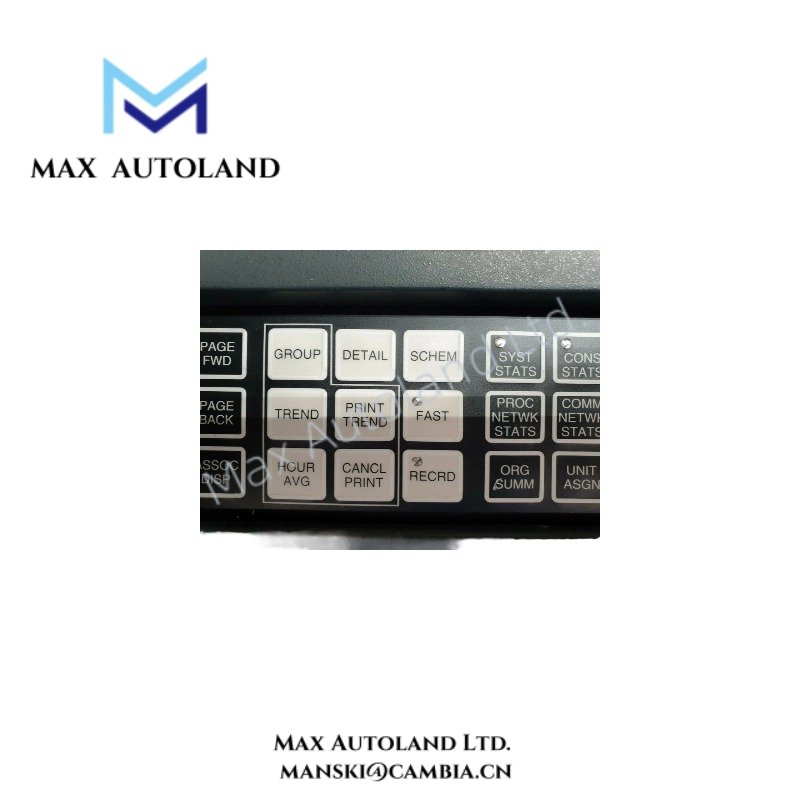
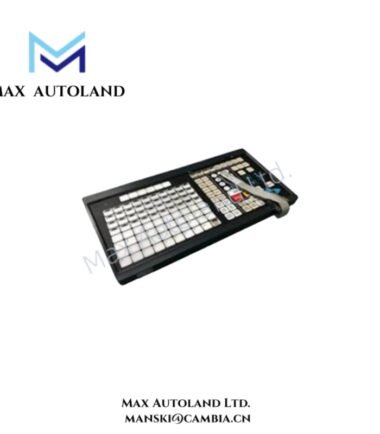
Configured for operator input execution in Honeywell GUS and Universal Station console environments, the Honeywell 51196694-100 (51196694-100 desktop keyboard) provides direct human-machine data entry to workstation-level PS/2 input subsystems within Honeywell legacy operator station architectures. The device functions as a discrete alphanumeric input terminal interfacing with console input controllers through standard PS/2 electrical signaling.
Suffix Breakdown & Model Matrix
No structured suffix segmentation is defined for 51196694-100. The model operates as a single configuration assembly without documented field-replaceable variant encoding or functional suffix decomposition.
Hardware Specifications
| Parameter | Specification |
|---|---|
| Model | 51196694-100 |
| Brand | Honeywell |
| Origin | USA (system assembly dependent) |
| Weight | Approx. 1.3–1.7 kg |
| Dimensions | Approx. 17–18 in (W) × 6–7 in (D) × 2–3 in (H) |
| Operating Temp | Not specified by manufacturer documentation |
| Power Consumption | PS/2 5 VDC powered, low current draw (not specified) |
| Keyboard Layout | 104-key QWERTY |
| Interface | PS/2 electrical interface |
| Trackball | Not integrated |
| Application Layer | Operator workstation input subsystem |
Honeywell Operator Console Interface Characteristics
Within Honeywell process control workstation architectures, the 51196694-100 keyboard interfaces through PS/2 signaling aligned with console-level input scanning logic. In system-level integration contexts, operator input streams may coexist with process data channels mapped through DCS communication layers, including environments where 4-20 mA HART loop protocol and higher-level supervisory control networks coexist at the control system boundary. The keyboard itself remains a discrete digital input device without analog signaling capability, relying entirely on binary scan-code transmission to the host workstation controller.
Frequently Asked Questions (FAQ)
Q: Does the 51196694-100 support hot-swap removal under PS/2 interface conditions?
A: PS/2 interface is not designed for hot-swapping. Electrical insertion or removal under live conditions may cause transient scan-line disruption or controller reset behavior depending on workstation implementation.
Q: What is the electrical signaling mode used by the keyboard?
A: The device uses PS/2 synchronous serial signaling with host-controlled clock and data lines, transmitting scan codes to the workstation input controller.
Q: Is firmware upgrade or internal programmable logic supported?
A: No internal firmware field upgrade mechanism is documented. Keyboard behavior is defined by hardware scan matrix and PS/2 protocol translation at the host system level.
Field Installation Guidelines
Installation shall be performed with workstation power in a de-energized state to avoid PS/2 bus contention. The keyboard connector must be aligned to the PS/2 port keying geometry without mechanical stress on the DIN interface pins. Cable routing should maintain separation from high-noise motor drive or switching power conductors to reduce potential electromagnetic interference on low-voltage signaling lines. Grounding is inherently referenced through the host workstation chassis; no additional grounding conductor is required for the keyboard assembly.






Reviews
There are no reviews yet.