
Overview
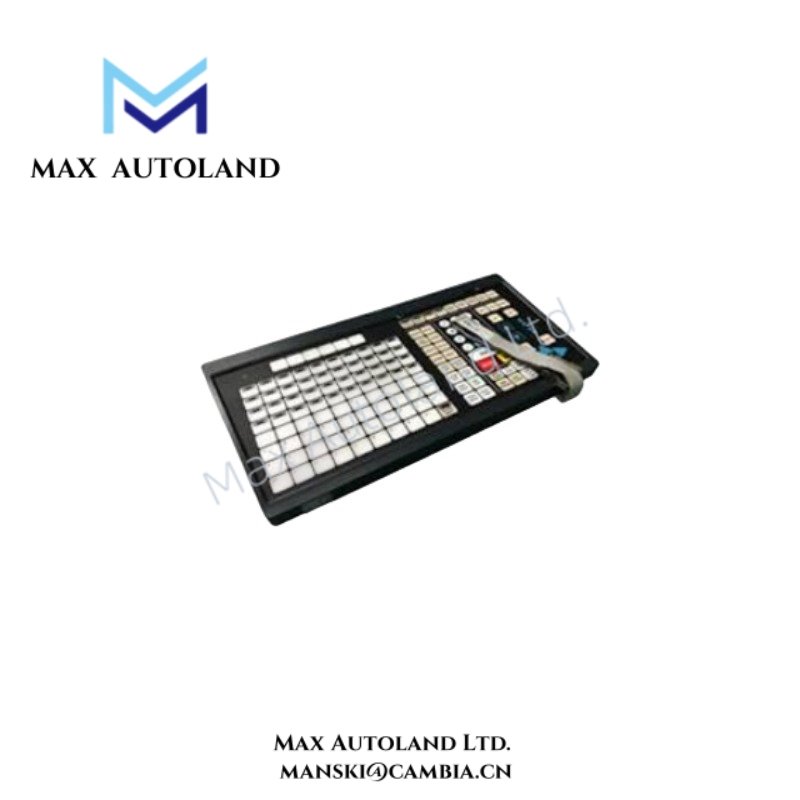
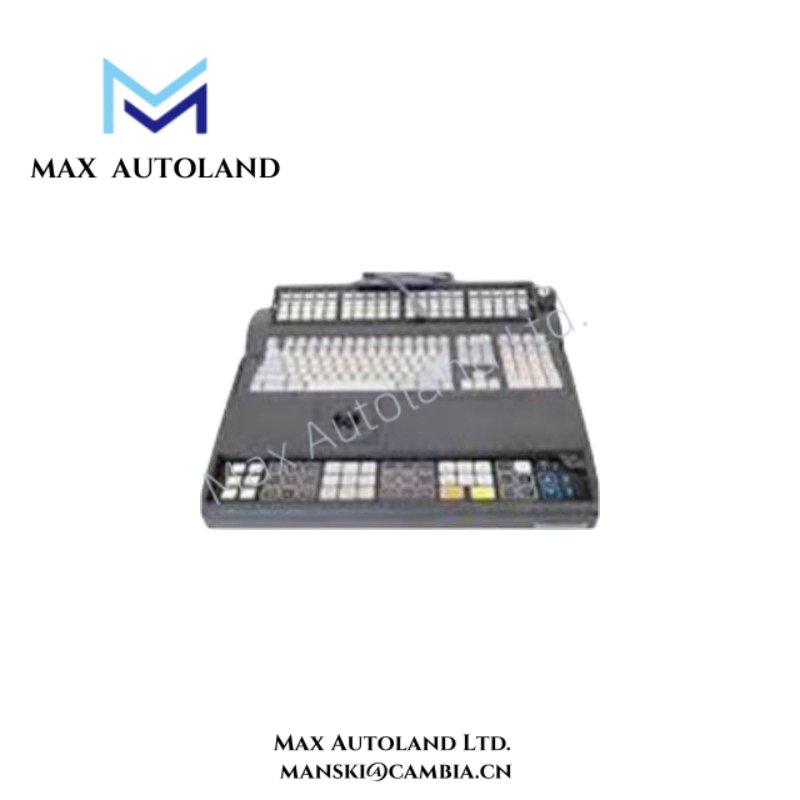
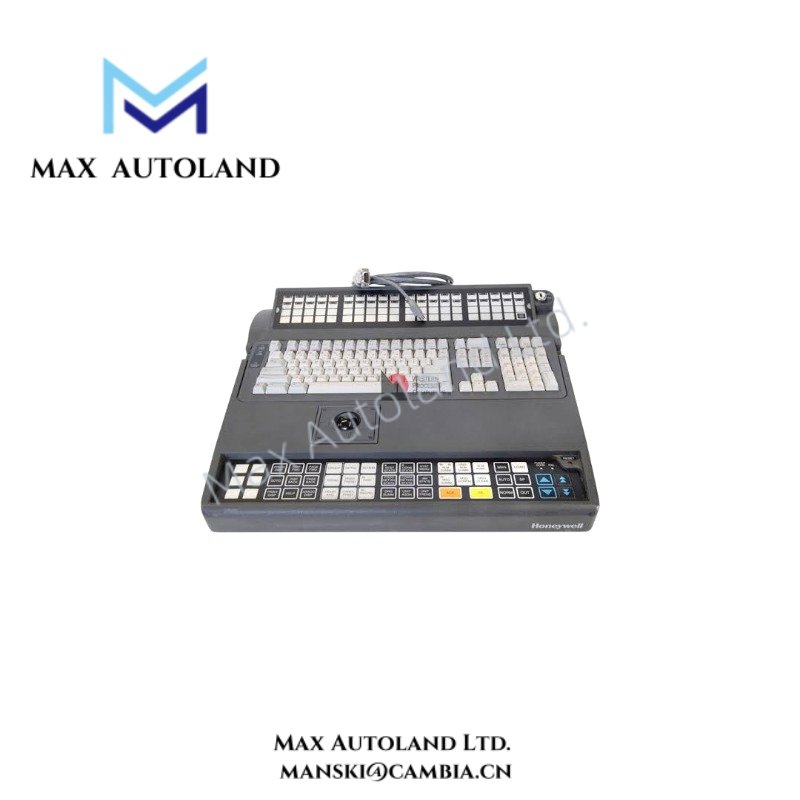
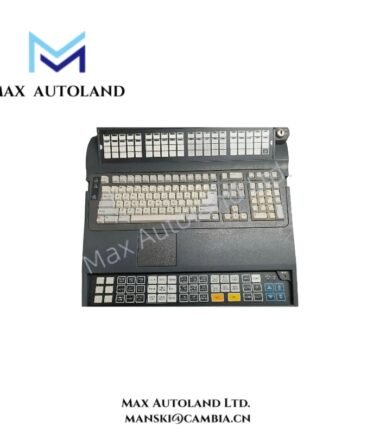
Configured for operator input and cursor navigation in Honeywell console environments, the Honeywell 51196694-310 (51196694 Integrated Keyboard with Trackball) provides direct physical execution. The unit combines a full-travel 109-key keyboard with an integrated trackball interface for keyboard entry and pointer control within Honeywell GUS, Universal Classic Station, and compatible Experion PKS operator platforms.
Suffix Breakdown & Model Matrix
The available documentation identifies 51196694-310 as a complete catalog number. No official suffix decomposition or model matrix is specified in the provided technical information.
Hardware Specifications
| Parameter | Specification |
|---|---|
| Model | 51196694-310 |
| Brand | Honeywell |
| Origin | USA |
| Product Type | Integrated Keyboard with Trackball |
| System Compatibility | Honeywell GUS, Universal Classic Station, Experion PKS, TDC 3000 (where supported by console interface) |
| Keyboard Layout | Full-travel 109-key layout |
| Cursor Control | Integrated trackball, IBM PS/2 protocol |
| Mounting | Desktop or Classic Console |
| Power Supply | 24 VDC |
| Interface | PS/2; serial or USB depending on console interface version |
| Dimensions | 17.2 x 7 x 16.5 cm |
| Weight | 0.54 kg |
| Operating Temp | -20 deg C to +60 deg C |
| Storage Temp | -40 deg C to +85 deg C |
| Power Consumption | Not specified by manufacturer |
DCS Operator Interface Integration
Within Honeywell DCS installations, the 51196694-310 functions as a local operator interface device rather than a process I/O component. It does not process field analog signals such as 4-20 mA HART loops or perform channel-to-channel isolation. Signal acquisition, HART communication, and field instrumentation functions remain the responsibility of the associated controller and I/O hardware, while the keyboard and integrated trackball provide operator command entry and cursor positioning through the console interface.
Frequently Asked Questions
Q: Does the 51196694-310 support hot replacement while the operator station is running?
A: The available documentation does not specify hot-swap capability. Replacement should follow the maintenance procedure applicable to the host console or workstation.
Q: Can the integrated trackball be used as a standard PS/2 pointing device?
A: The documentation identifies the trackball as operating through the IBM PS/2 protocol. Functional compatibility depends on the supported interface of the connected Honeywell console.
Q: Does the keyboard provide process signal isolation or communicate directly with field instruments?
A: No. The unit is an operator input device. Process signal isolation, analog measurement, and fieldbus communication are handled by the associated DCS controllers and I/O modules.
Field Installation Guidelines
- Verify console compatibility before installation, including the supported keyboard interface.
- Disconnect or isolate console power in accordance with the maintenance procedure before connecting or removing the keyboard assembly.
- Route keyboard and pointing-device cables separately from high-voltage and high-current wiring to reduce electrical interference.
- Maintain cable bend radius and avoid excessive mechanical stress on connectors during installation.
- Install the unit on a stable console or desktop surface with sufficient clearance for cable routing and operator access.
- Confirm proper protective grounding of the host console in accordance with the site’s electrical installation standards.



Reviews
There are no reviews yet.