


Overview
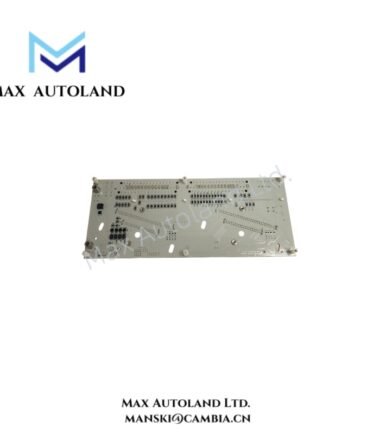
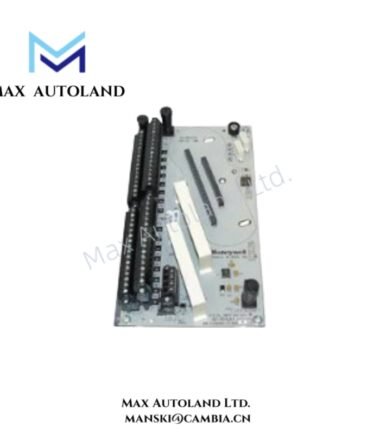
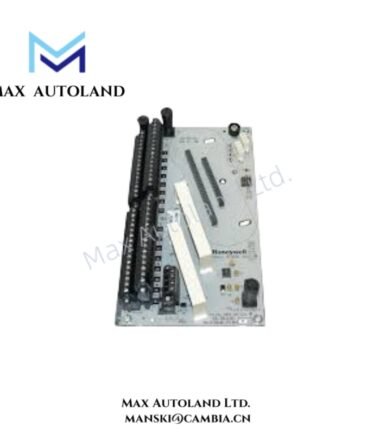
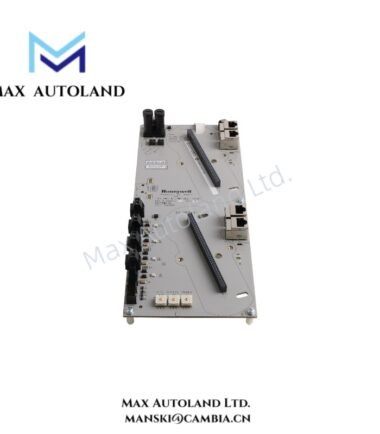
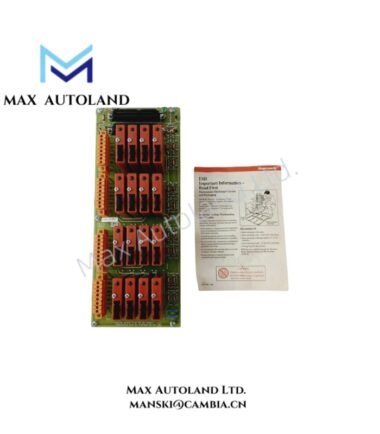
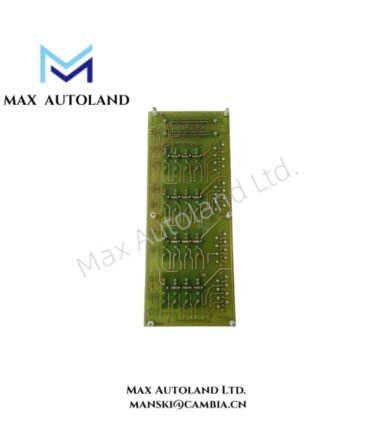
Configured for interface and signal connectivity within Honeywell control system hardware, the Honeywell MU-KLAM06 51304465-400 (MU-KLAM06 Interface / Communication / I/O Cable) provides physical cable interconnection between compatible system modules, I/O files, or controllers.
Hardware Specifications
| Parameter | Specification |
|---|---|
| Model | MU-KLAM06 51304465-400 |
| Brand | Honeywell |
| Product Type | Interface / Communication / I/O Cable |
| Application | Honeywell TDC 3000 / Experion PKS hardware components |
| Function | Interface, communication, and I/O signal connectivity |
| Shielding | Industrial-grade shielding for EMI and RFI reduction |
| System Compatibility | Honeywell industrial control system hardware |
| Installation Environment | Indoor industrial control rooms and control cabinets |
| Condition | Factory-new or certified surplus hardware |
Honeywell DCS Interface and Signal Connectivity
The MU-KLAM06 provides a physical connection path between compatible Honeywell system components. Therefore, installation should preserve the cable’s intended signal routing and shielding arrangement.
For Honeywell DCS installations, the cable should remain separated from high-current power conductors and strong electromagnetic noise sources. In addition, the shield should follow the grounding practice specified by the associated Honeywell hardware documentation.
The provided data identifies the cable as suitable for TDC 3000 and Experion PKS hardware components. However, it does not specify connector pin assignments, conductor count, cable length, voltage rating, or communication protocol. These parameters should therefore be verified against the target system documentation before installation.
Frequently Asked Questions
Q: Is the MU-KLAM06 an active electronic module?
A: No. The provided information identifies MU-KLAM06 as an interface, communication, and I/O cable assembly. It does not contain a specified active power or processing function.
Q: Does the supplied data define the connector pinout?
A: No. The provided specifications do not include connector type, pin assignment, conductor arrangement, or cable length. Verify these details against the applicable Honeywell system documentation.
Q: How should the cable shield be installed?
A: Maintain the specified shielding arrangement and follow the grounding requirements of the connected Honeywell hardware. Avoid routing the cable alongside high-current or high-noise conductors.
Field Installation Guidelines
- Verify the complete part number, 51304465-400, before installation.
- Confirm compatibility with the intended Honeywell TDC 3000 or Experion PKS hardware.
- Inspect connectors, cable insulation, and shielding before connection.
- Route the cable away from high-current power cables and significant electromagnetic interference sources.
- Avoid excessive bending, pulling, twisting, or mechanical stress on the cable assembly.
- Maintain the specified shield termination and grounding arrangement for the connected equipment.
- Secure the cable to prevent vibration-induced movement and connector strain.
- Check connector engagement and cable continuity before placing the associated control circuit into service.
- Do not assign electrical or communication ratings that are not specified by the applicable Honeywell documentation.

Reviews
There are no reviews yet.