
Overview
Hardware Specifications
| Parameter | Specification |
|---|---|
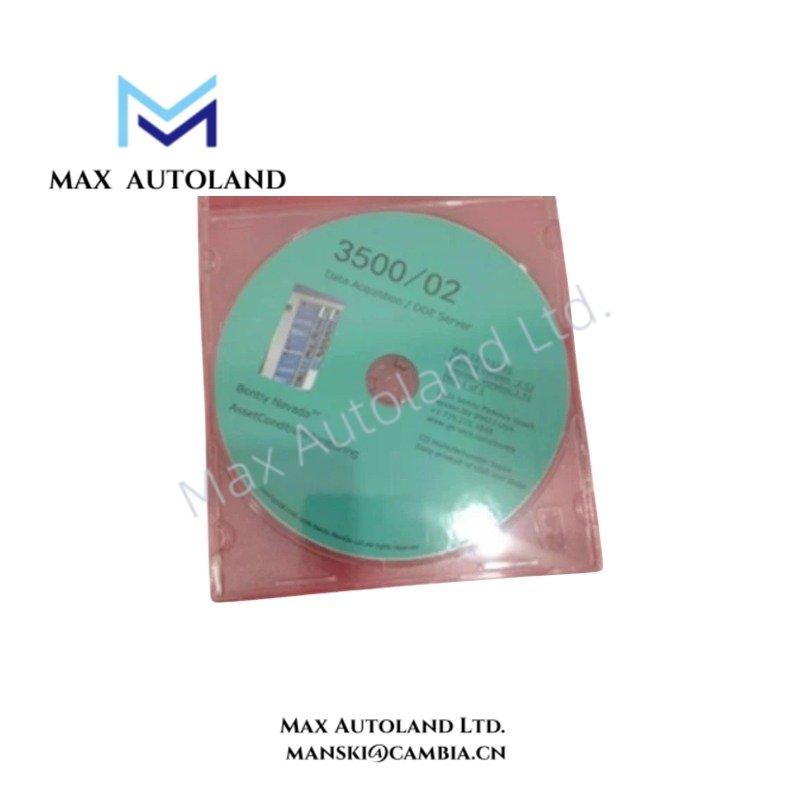
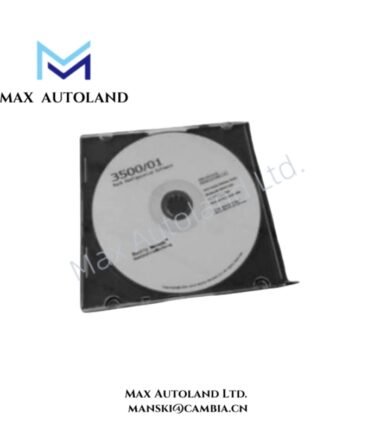
| Model | Bently Nevada 3500/02 (129132-01) |
| Brand | Bently Nevada |
| Origin | USA |
| Operating Temp | Determined by host computer operating environment |
| Power Consumption | Powered by host computer system; no independent rack power consumption |
| Product Type | Rack Configuration Software / Setup and Diagnostic Tool |
| System Compatibility | Bently Nevada 3500 Series Machinery Protection System |
| Software Platform | Windows-based configuration application |
| Communication Interface | RS-232 or Ethernet communication through Rack Interface Module (RIM) or Transient Data Interface (TDI) |
| Installation Media | CD-ROM or digital installation package |
| Main Functions | Rack configuration, module setup, alarm programming, diagnostics, backup and restore |
Rotor Monitoring Configuration and Signal Management
The Bently Nevada 3500/02 software manages configuration data for machinery protection racks, including module placement, channel assignment, and measurement parameters. Therefore, engineers can define sensor input characteristics before commissioning the monitoring rack.
For Bently Nevada TSI applications, the configuration process supports verification of eddy-current probe scaling, gap voltage reference settings, and measurement channel behavior. The software allows technicians to review configured values related to rotor dynamics analysis, including vibration channels, displacement measurements, and alarm thresholds.
The tool also supports configuration validation for signal processing functions. Consequently, engineers can check channel assignments, relay actions, and event records to maintain correct monitoring logic.
Frequently Asked Questions
Q: Can the Bently Nevada 3500/02 configure different 3500 rack module combinations?
A: Yes. The software provides rack topology configuration functions for assigning module positions and defining channel parameters within supported 3500 Series racks.
Q: Does the 3500/02 software directly power or control 3500 monitoring modules?
A: No. The software communicates with the rack through supported interfaces such as RIM or TDI. The rack modules execute monitoring functions independently.
Q: Can configuration files be transferred between multiple 3500 racks?
A: Yes. The software supports configuration backup and restore functions for replication of rack setup files between compatible systems.
Field Installation Guidelines
- Install the configuration software on a compatible Windows computer before connecting to the 3500 rack.
- Verify communication wiring between the engineering computer and the Rack Interface Module or Transient Data Interface.
- Use shielded communication cables and maintain proper grounding practices to reduce electrical interference.
- Confirm rack slot assignments and module identities before downloading configuration parameters.
- Validate eddy-current probe settings, input scaling, and gap voltage values before placing the machinery protection system into service.
- Store backup configuration files in a controlled engineering database for future maintenance activities.




Reviews
There are no reviews yet.