
Overview
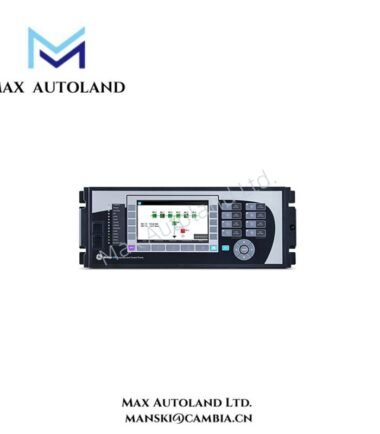
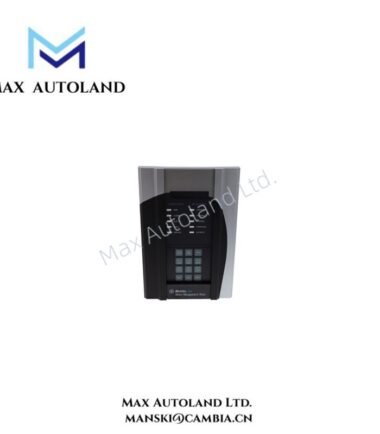
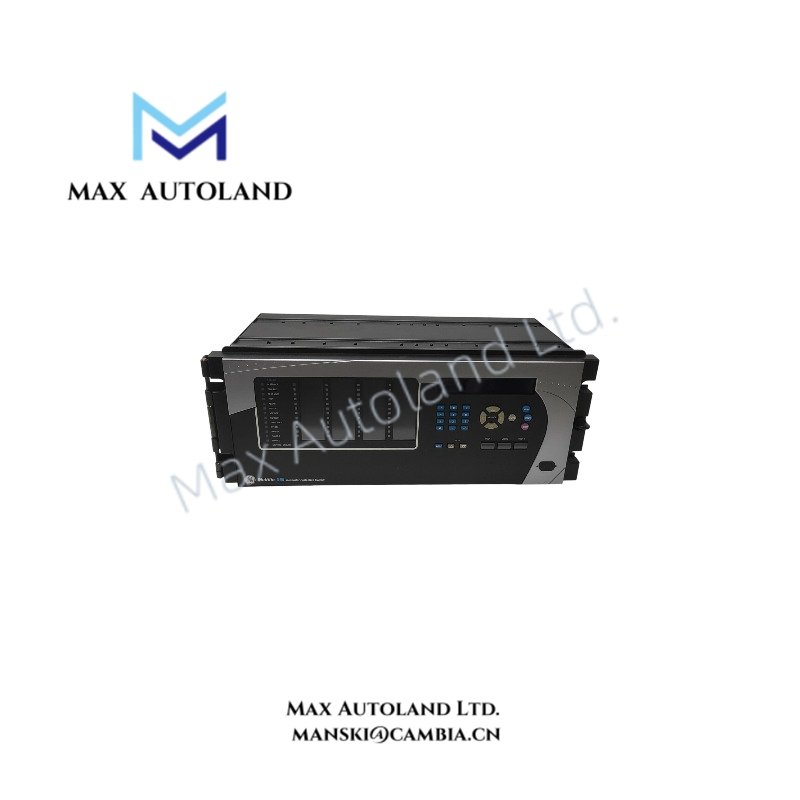
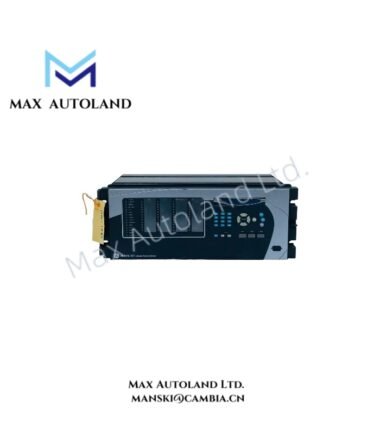
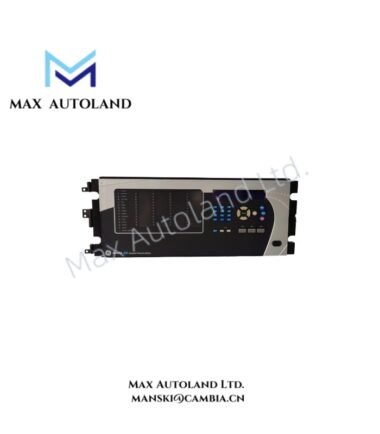
The GE Multilin G60-E00-HCH-F8L-H6T-M8N-P6C-U6C-W6C, also cataloged as the G60 Generator Protection System, provides direct protection, control, and monitoring functions for AC generator electrical signals within the GE Universal Relay (UR) platform.
Hardware Specifications
| Parameter | Specification |
|---|---|
| Model | G60-E00-HCH-F8L-H6T-M8N-P6C-U6C-W6C |
| Brand | GE Multilin |
| Origin | USA |
| Product Type | Generator Protection Systems |
| System Platform | Universal Relay (UR) Family |
| Application | Generator, generator-transformer unit, and synchronous motor protection |
| Protection Functions | 87G stator differential, 100% stator earth fault, 40 loss of excitation, 32 reverse power, 24 V/Hz overexcitation, 27/59 voltage, 81 frequency protection |
| CPU Module | UR series processor with digital signal processing |
| Analog Inputs | CT and VT measurement inputs, configurable 1 A / 5 A CT inputs |
| Voltage Inputs | 60 V AC to 125 V AC phase-to-neutral nominal range |
| Digital Inputs | Opto-isolated inputs with configurable voltage thresholds |
| Relay Outputs | Form-C trip/control contacts |
| Communication Ports | RS232, USB, RS485, Ethernet RJ45/fiber options |
| Communication Protocols | IEC 61850 Ed. 1/2, Modbus RTU, Modbus TCP/IP, DNP 3.0, IEC 60870-5-104 |
| Time Synchronization | IEEE 1588 PTP and SNTP supported |
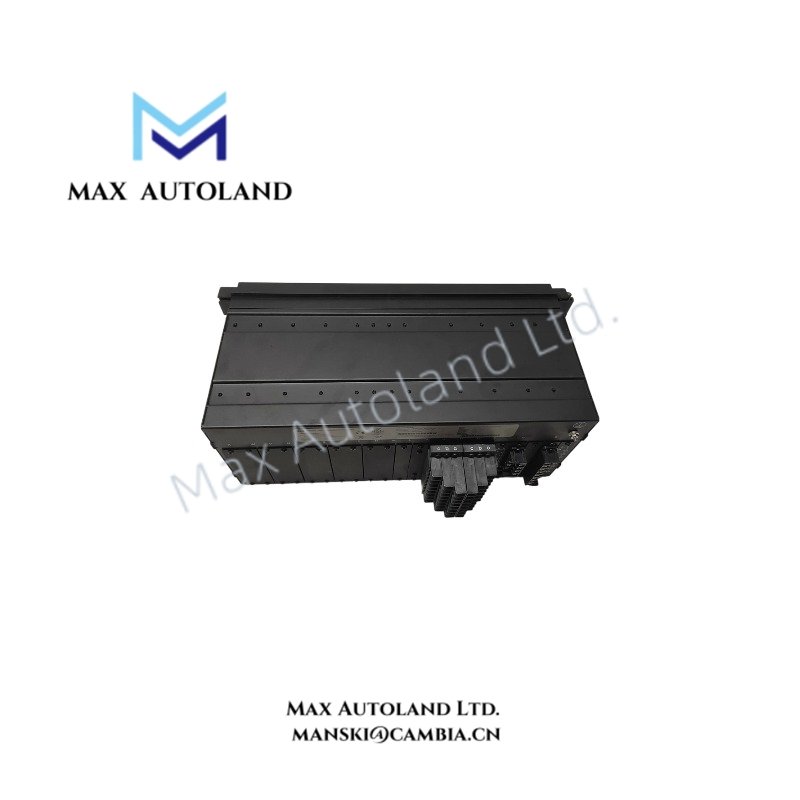
| Enclosure | 19 inch rack-mount, 4U draw-out chassis |
| Dimensions | 19 inch rack-mount chassis, 4U height |
| Operating Temp | -40 deg C to +60 deg C |
| Power Consumption | 15 W to 30 W typical, below 45 W maximum depending on module configuration |
GE Multilin UR Platform Industrial Control Features
The G60 uses a modular UR hardware architecture to process generator current, voltage, frequency, and power measurements. Therefore, the relay executes protection calculations through digital signal processing and applies programmable FlexLogic equations for trip logic, interlocking, and automation sequences.
The unit supports deterministic communication networks through Ethernet and serial interfaces. In addition, the firmware architecture provides compatibility with IEC 61850, Modbus, and DNP communication environments for substation integration.
The G60 also supports backplane bus communication within the UR chassis, allowing installed modules to exchange measured values, control signals, and diagnostic information. Furthermore, the modular design allows I/O density scaling through configurable CT/VT, digital input, relay output, and communication modules.
Frequently Asked Questions
Q: Does the G60 support hot-swappable module replacement during operation?
A: The UR draw-out chassis supports module removal procedures, but protection engineers must follow approved maintenance practices and verify system isolation before replacing hardware modules.
Q: What CT and VT input signals does the G60 process?
A: The relay processes generator current and voltage signals through configurable CT and VT inputs. CT channels support 1 A or 5 A nominal inputs, while voltage channels support generator measurement ranges defined by the selected hardware configuration.
Q: Which communication protocols can the G60 exchange with substation systems?
A: The G60 supports IEC 61850, Modbus RTU, Modbus TCP/IP, DNP 3.0, and IEC 60870-5-104 communication protocols through installed communication interfaces.
Field Installation Guidelines
- Install the G60 in a suitable 19 inch rack or panel enclosure with sufficient clearance for wiring access and heat dissipation.
- Connect CT secondary wiring with correct polarity and maintain proper separation between measurement circuits and high-energy conductors.
- Ground cable shields according to site electrical standards to reduce electromagnetic interference on low-level measurement signals.
- Route communication cables separately from high-voltage power wiring to minimize induced noise.
- Verify VT input ratings before energizing the relay to prevent incorrect voltage measurement conditions.
- Confirm digital input voltage thresholds match the connected control circuits before commissioning.
- Use EnerVista UR Setup software through the service communication port for configuration, firmware management, and diagnostic review.