
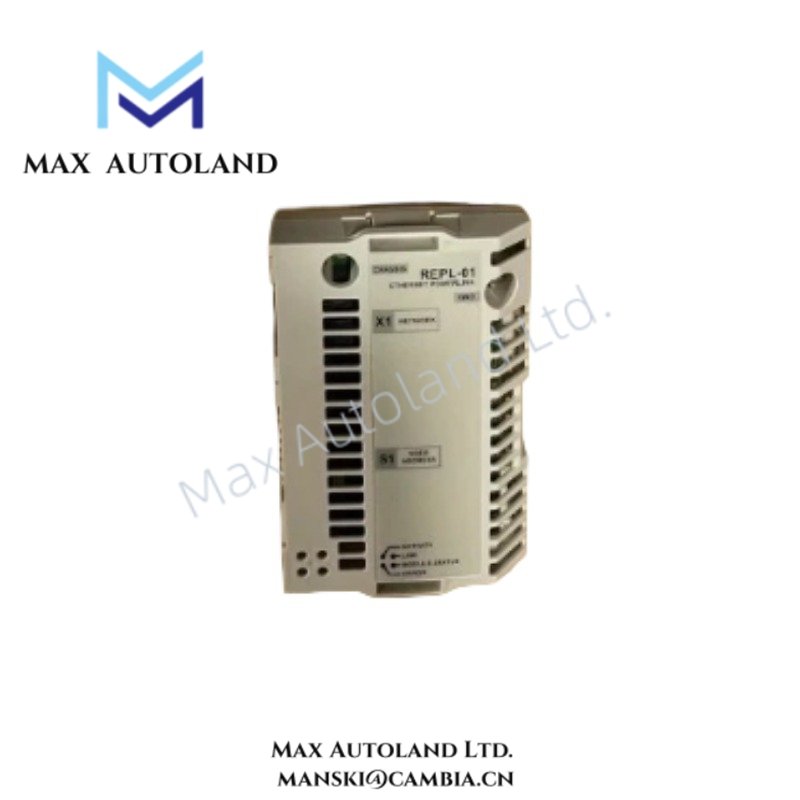
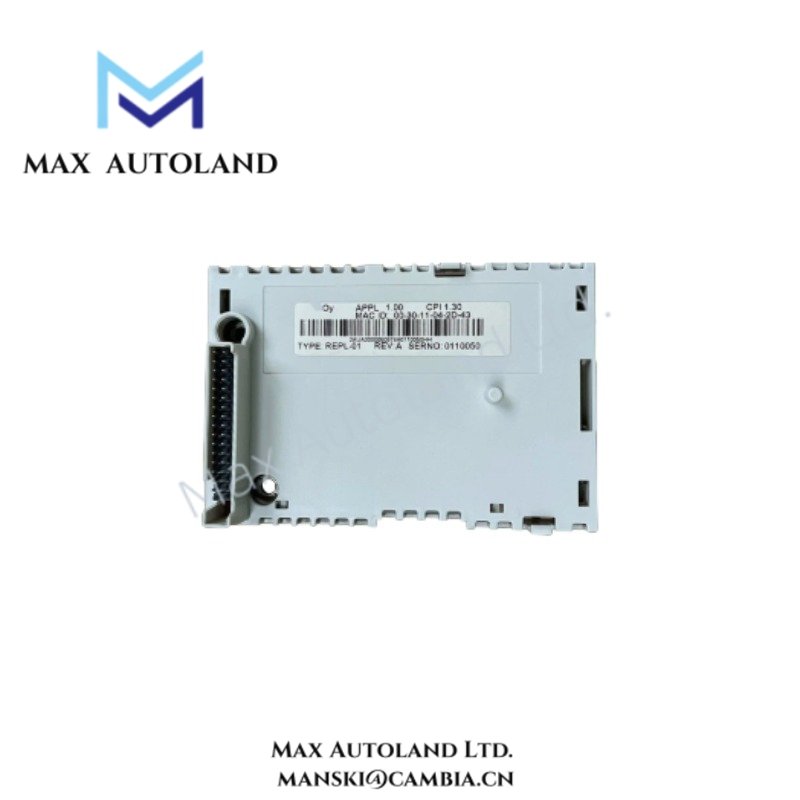
Overview
Hardware Specifications
| Parameter | Specification |
|---|---|
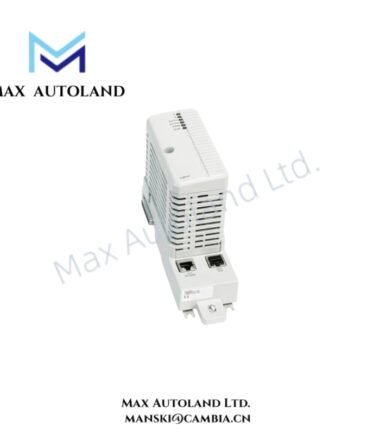
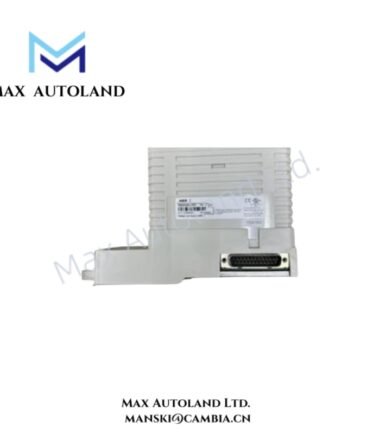
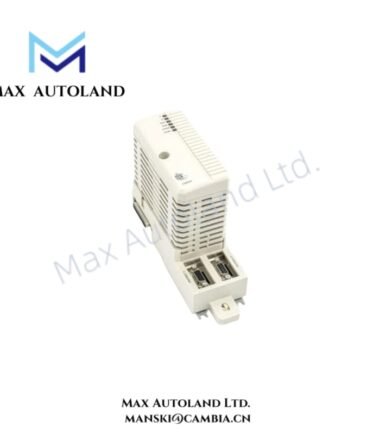
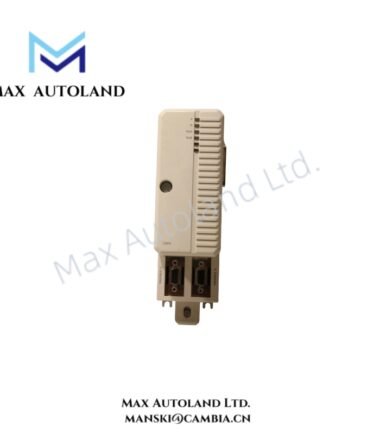
| Model | ABB REPL-01 |
| Brand | ABB |
| Product Type | Ethernet POWERLINK Adapter Module |
| Communication Protocol | Ethernet POWERLINK |
| Compatible Drives | ABB industrial drives, including compatible ACS800 series applications |
| Supported Profiles | CANopen Device Profile DS 301 and DSP 402; ABB Drives Communication Profile |
| Network Interface | RJ45 Ethernet ports |
| Network Topology | Daisy-chain or Ethernet switch topology |
| Device Description | XML Device Description Files (.XDD) |
| Node Addressing | Node ID configured through module or drive parameters, depending on system implementation |
| Diagnostics | Integrated LED status and network indicators |
ABB Drive Network Interface Characteristics
The REPL-01 provides a dedicated Ethernet POWERLINK interface for cyclic communication between an ABB drive and the network controller. Therefore, the drive can exchange command, status, monitoring, and process data through the configured POWERLINK network.
The communication layer supports CANopen-based device profiles, including DS 301 and DSP 402. In addition, the ABB Drives Communication Profile provides drive-specific data handling within compatible ABB automation architectures.
The RJ45 interfaces permit physical network connection through suitable Ethernet cabling. Depending on the network design, the ports can support daisy-chain arrangements or connection through an external Ethernet switch.
For engineering integration, the XML Device Description File (.XDD) defines the module and communication characteristics required by compatible PLC or network configuration software. Node addressing must match the POWERLINK network configuration.
Frequently Asked Questions (FAQ)
Q: Which communication protocol does the REPL-01 use?
A: The module uses Ethernet POWERLINK and supports CANopen Device Profile DS 301, DSP 402, and the ABB Drives Communication Profile.
Q: How is the REPL-01 integrated into PLC engineering software?
A: Integration uses the applicable XML Device Description File (.XDD), which provides device information for compatible POWERLINK configuration software.
Q: What physical network interfaces are provided?
A: The supplied data identifies RJ45 Ethernet ports for network connection, including daisy-chain or switch-based network configurations.
Field Installation Guidelines
- Install the module in the designated communication interface position of the compatible ABB drive.
- Confirm that the selected drive supports the REPL-01 communication interface before installation.
- Use suitable industrial Ethernet cabling and maintain proper cable routing away from high-current motor and power conductors where practical.
- Connect the RJ45 network interfaces according to the selected POWERLINK topology.
- Verify network node addressing before placing the drive into operational communication.
- Load the applicable .XDD device description into the PLC or POWERLINK engineering environment.
- Check LED indicators after energization to confirm module and network status.
- Apply appropriate cable shielding and grounding practices according to the drive system installation documentation.
- Do not modify drive communication parameters while the system is operating unless the control architecture explicitly permits online parameter changes.
- Verify command, status, and diagnostic data exchange before enabling normal drive operation.
ABB Top Products
Customers Also Viewed
Contact: Manski Wong +86 18030205725 manski@cambia.cn
Reviews
There are no reviews yet.