
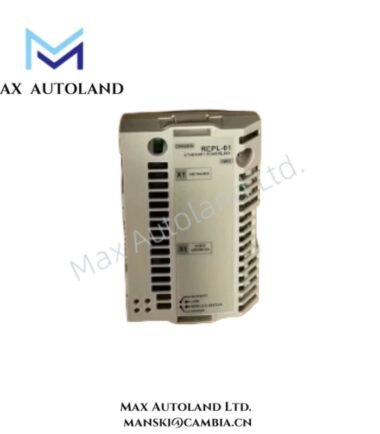
Overview
Hardware Specifications
| Parameter | Specification |
|---|---|
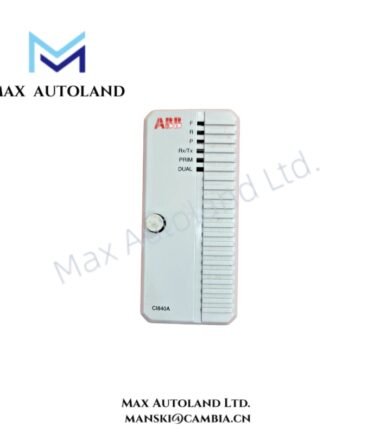
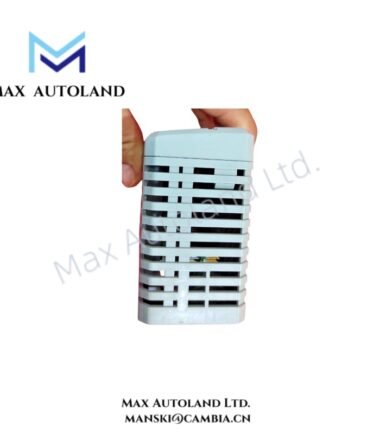
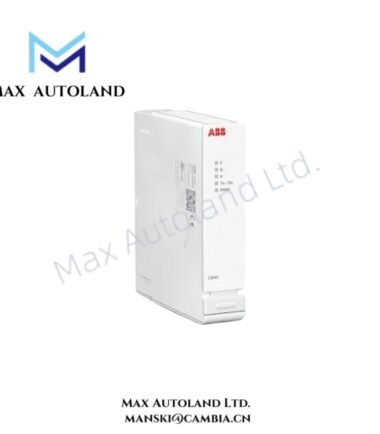
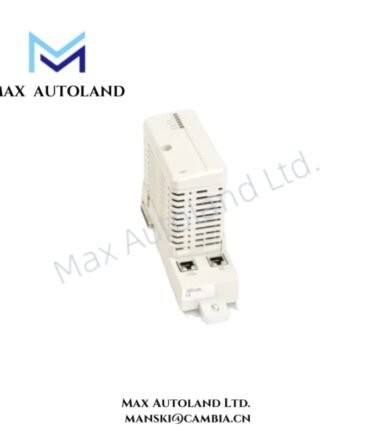
| Model | RETA-01-KIT / RETA-01 |
| Brand | ABB |
| Product Type | Ethernet Adapter Module Kit |
| Supported Protocols | EtherNet/IP; Modbus TCP server |
| Network Interface | 10/100 Mbps Ethernet |
| Ethernet Connector | RJ45 |
| Power Supply | Supplied directly by the host ABB drive |
| Installation | Internal installation in the drive option slot |
| Compatibility | ABB ACS350, ACS550, ACS800 and other compatible drives |
| Operating Temp | -10 deg C to +50 deg C |
| Network Function | Drive monitoring, control, parameter access and data communication |
ABB Drive Network Communication
The RETA-01 provides an Ethernet communication interface for compatible ABB drives. The module supports both EtherNet/IP and Modbus TCP, while the selected protocol operates through the drive communication configuration.
EtherNet/IP provides integration with industrial Ethernet control architectures. Alternatively, Modbus TCP allows the module to operate as a Modbus TCP server for Ethernet-based supervisory and control systems.
The 10/100 Mbps Ethernet interface uses an RJ45 connection. Therefore, installation should maintain suitable separation from high-current motor and power wiring to reduce electromagnetic interference.
The module receives its operating power directly from the host drive. Consequently, technicians should verify drive option-slot compatibility before installation or replacement.
Frequently Asked Questions
Q: Which Ethernet protocols does the ABB RETA-01-KIT support?
A: The module supports EtherNet/IP and Modbus TCP. Modbus TCP operates with the RETA-01 as a server.
Q: Does the RETA-01 require a separate external power supply?
A: No separate power supply is specified. The module receives power directly from the compatible ABB drive.
Q: How does the RETA-01 connect to the Ethernet network?
A: The module uses a 10/100 Mbps Ethernet interface with an RJ45 connector.
Field Installation Guidelines
- Confirm that the ABB drive supports the RETA-01 option before installation.
- Isolate the drive from its power source and follow the applicable drive safety procedure.
- Install the module in the designated internal option slot.
- Secure the module and verify connector seating before energizing the drive.
- Route the Ethernet cable separately from motor and high-voltage power conductors where practical.
- Connect the RJ45 Ethernet cable and verify the network connection.
- Configure the required communication protocol through the drive parameter interface.
- Verify network addressing and communication parameters according to the selected protocol.
- Check drive communication status before placing the networked control system into service.
- Do not modify unspecified electrical or mechanical characteristics during field installation.
ABB Top Products
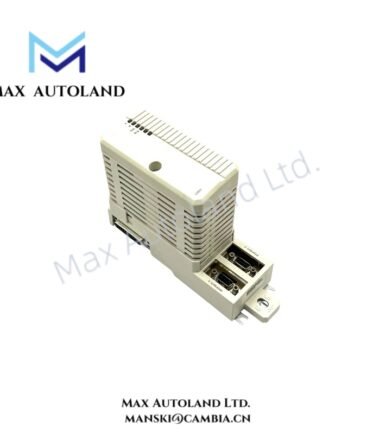
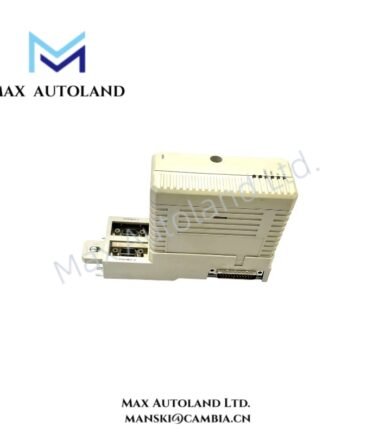
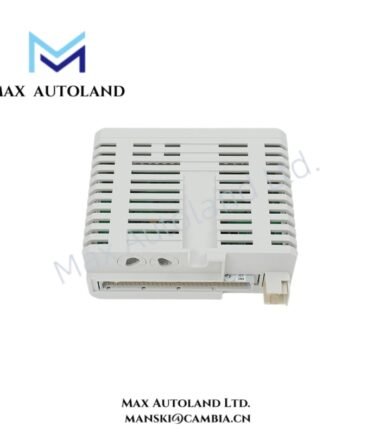
Customers Also Viewed
Contact: Manski Wong +86 18030205725 manski@cambia.cn
Reviews
There are no reviews yet.