

Overview
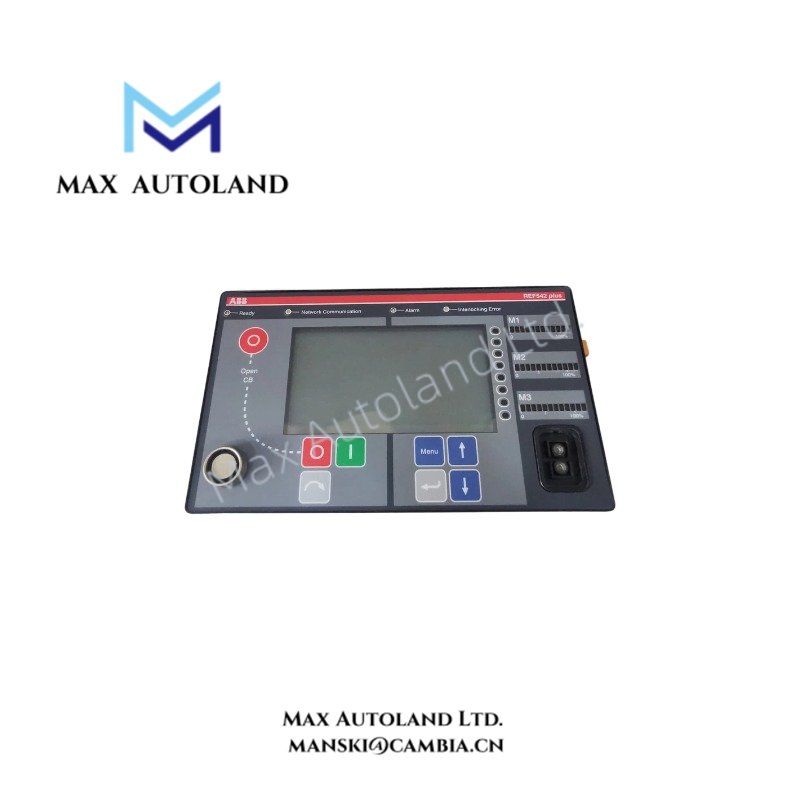
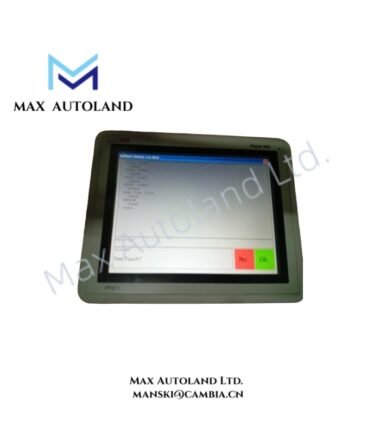
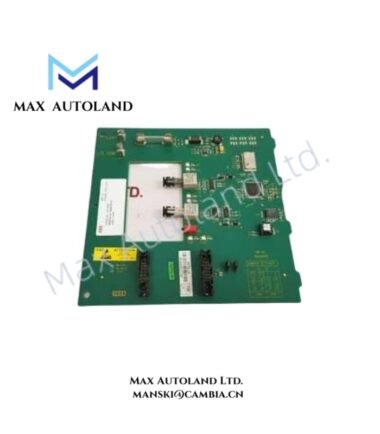
The ABB 1VCF750090R801, associated with the REF542plus Operator Interface Panel, provides the local human-machine interface for displaying protection status, electrical measurements, and operator commands on compatible REF542plus switchgear control units. It supports local interaction with the protection and control system. Compatibility with specific REF542plus hardware revisions must be verified against the equipment documentation.
Hardware Specifications
| Parameter | Specification |
|---|---|
| Model | REF542plus |
| Part Number | 1VCF750090R801 |
| Brand | ABB |
| Product Type | Operator Interface Panel |
| Product Series | REF542plus |
| Operating Temp | -20 to +70 deg C (provided specification; verification required) |
| Storage Temp | -20 to +70 deg C (provided specification; verification required) |
| Auxiliary Power Supply | 48 to 110 VDC (provided specification; verification required) |
| Power Consumption | Not specified |
| Primary Function | Local operator interface |
| Application | Protection status display, measurements, and switchgear control |
Local HMI Communication and Control
The operator interface presents information supplied by the REF542plus protection and control unit. Depending on the installed configuration, the interface may support status indication, measurement display, parameter access, and operator commands.
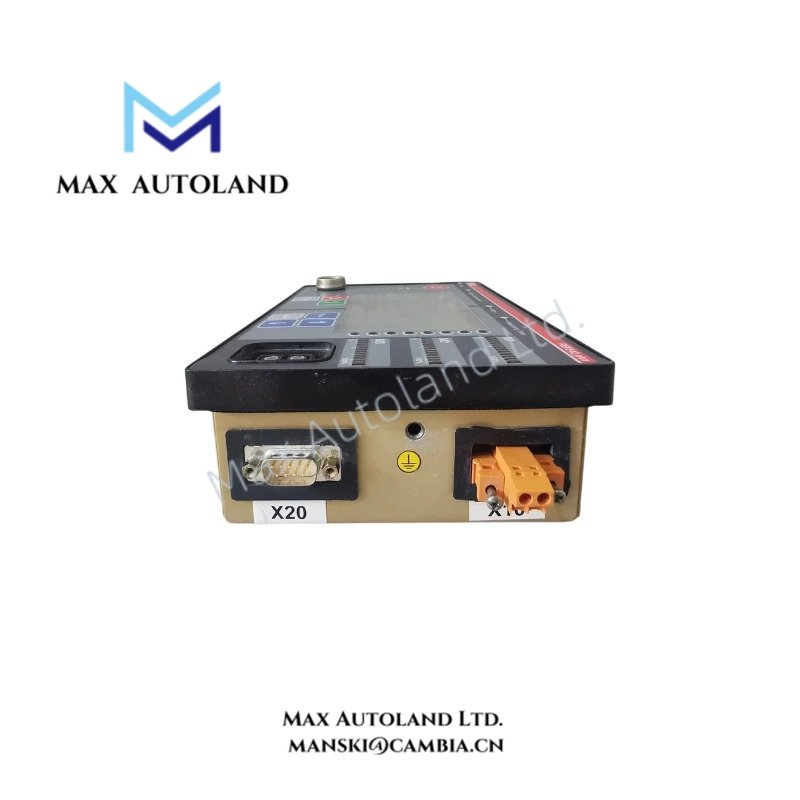
The panel must match the main unit’s hardware revision and supported interface configuration. The supplied information does not establish the communication interface, connector pinout, or protocol details for part number 1VCF750090R801.
Frequently Asked Questions
Q: Can this panel be used with every REF542plus unit?
A: Compatibility should be confirmed against the main unit’s hardware revision, panel interface, and manufacturer documentation. The part number alone does not establish universal compatibility.
Q: What power supply does the panel require?
A: The supplied data specifies 48 to 110 VDC. Verify the permissible input range and terminal assignments against the applicable ABB documentation before energizing the panel.
Q: Does the panel support hot swapping?
A: Hot-swap capability is not established by the available information. Isolate power and follow the manufacturer’s replacement procedure unless the applicable documentation explicitly permits energized replacement.
Field Installation Guidelines
- Verify the complete part number and hardware revision before installation.
- Confirm the approved mounting arrangement and mechanical dimensions using the manufacturer’s drawings.
- Check the power supply rating, polarity, and terminal assignments before connecting the auxiliary supply.
- Inspect connectors and interface cables for damage. Ensure all connections are seated correctly.
- Route power wiring separately from sensitive signal and communication wiring where practical.
- Apply cable shielding and grounding according to the manufacturer’s installation instructions.
- Do not assume hot-swap support or apply power outside the verified input range.
- After installation, confirm display operation, status indication, measurement values, and permitted operator commands against the main protection and control unit.
ABB Top Products
Customers Also Viewed
Contact: Manski Wong +86 18030205725 manski@cambia.cn



Reviews
There are no reviews yet.