
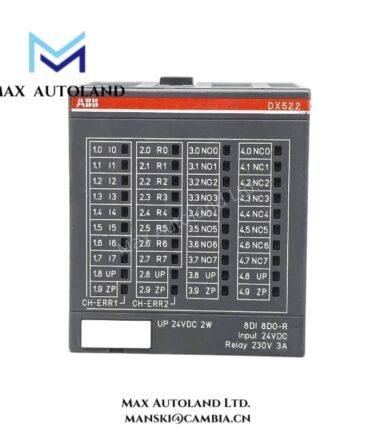
Overview
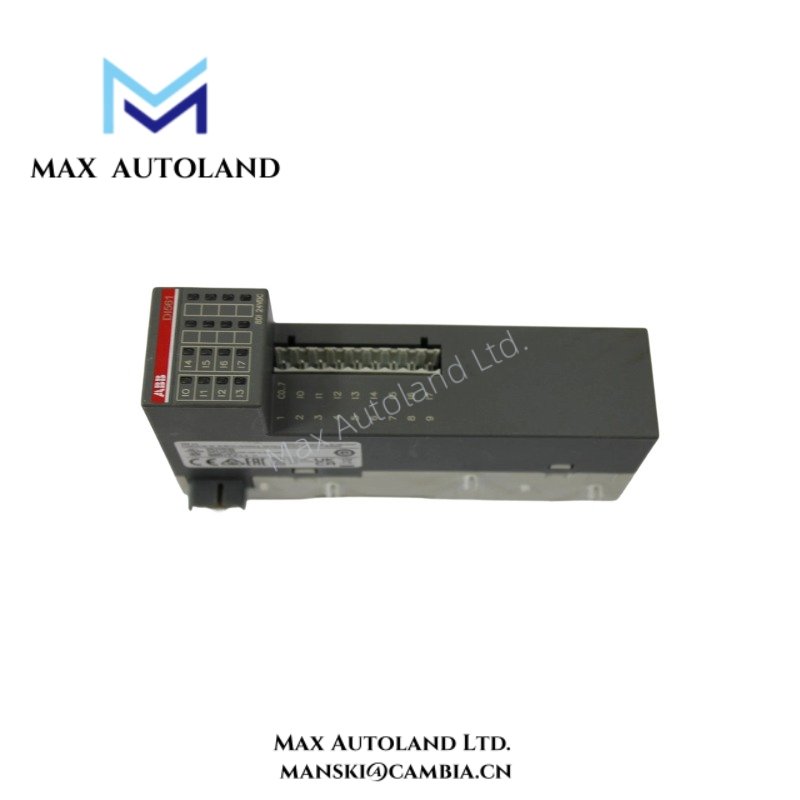
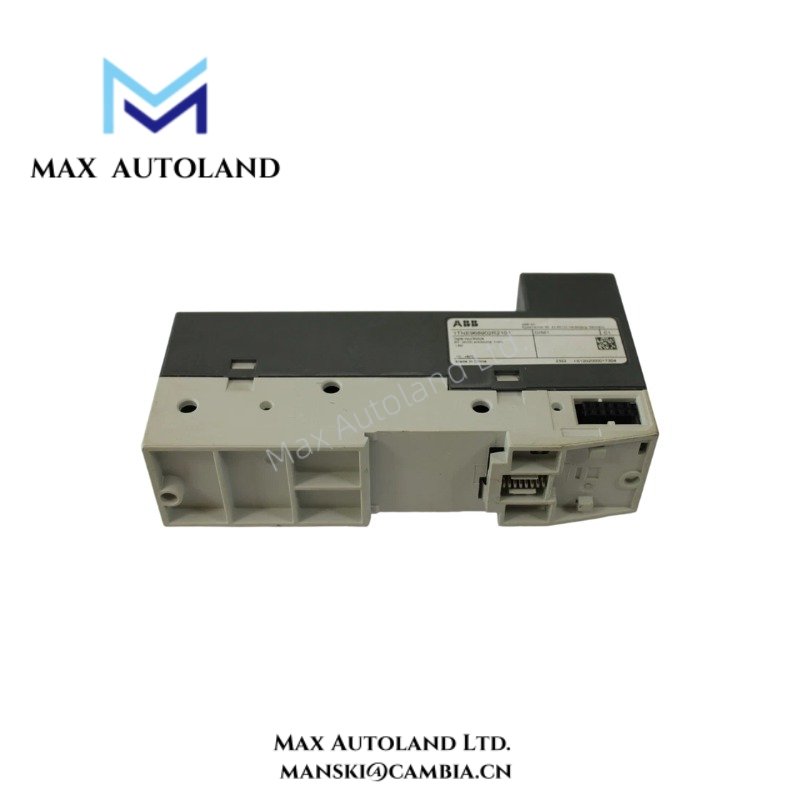
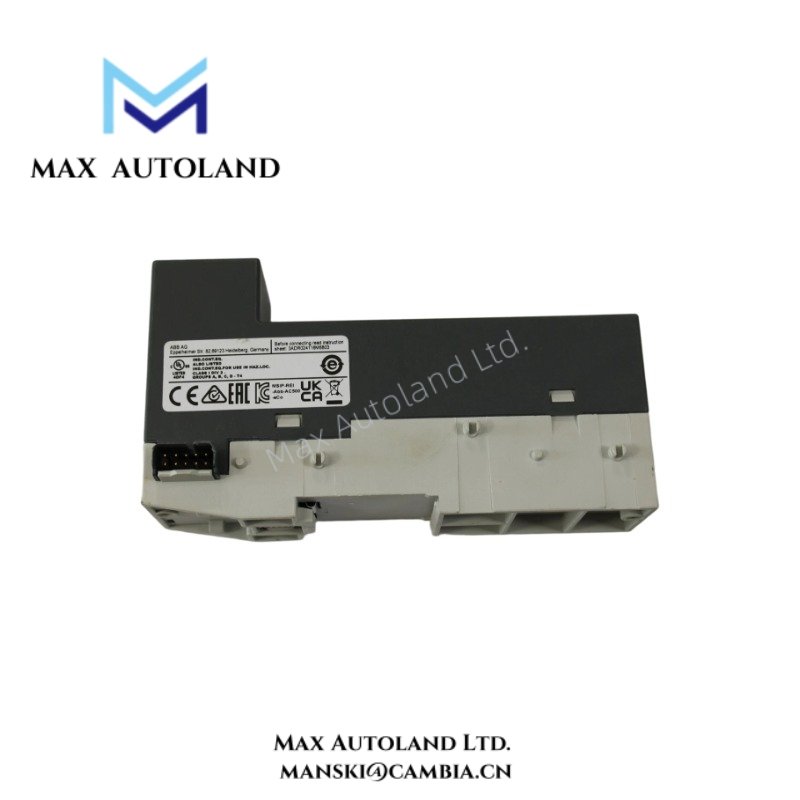
Configured for 24 VDC discrete signal acquisition in AC500 distributed I/O stations, the ABB DI561 1TNE968902R2101 (DI561 Digital Input Module) provides direct electrical execution of field input state conversion and transfers binary process data into the AC500 backplane communication system for cyclic controller evaluation.
Hardware Specifications
| Parameter | Specification |
|---|---|
| Model | DI561 |
| Brand | ABB |
| Origin | Switzerland |
| Product Series | Advant AC500 |
| Product Type | Digital Input Module |
| Input Channels | Not explicitly specified in available documentation |
| Input Voltage | 24 VDC |
| Signal Type | Digital input (DC) |
| Communication | AC500 backplane bus |
| Mounting Method | DIN rail mounting |
| Protection Rating | IP20 |
| Weight | Not specified in available documentation |
| Dimensions | Not specified in available documentation |
| Operating Temp | Not specified in available documentation |
| Power Consumption | Not specified in available documentation |
Backplane Bus Communication and I/O Density Scaling
The DI561 executes input state acquisition and transfers channel data through the AC500 backplane bus during each controller scan cycle. As a result, the controller receives synchronized digital input states without requiring external network interfaces at the module level. Furthermore, the architecture supports deterministic internal data exchange within the station backplane, which improves I/O density scaling across distributed cabinet configurations. In addition, the module maintains compatibility with AC500 system communication timing and supports structured integration into modular I/O assemblies.
Frequently Asked Questions
Q: Does the DI561 require an external communication module for controller integration?
A: No. The module communicates through the AC500 backplane bus once installed in a compatible I/O station.
Q: Can the DI561 directly interface with 24 VDC field sensors and switches?
A: Yes. The module processes standard 24 VDC digital input signals. However, engineers must verify wiring configuration and electrical compatibility before commissioning.
Q: Does the module support hot-swap operation during system runtime?
A: Hot-swap behavior depends on the AC500 station configuration. Maintenance personnel should follow ABB system-level installation and removal procedures.
Field Installation Guidelines
- First, install the module into a compatible AC500 I/O rack and confirm correct seating.
- Next, verify terminal labeling before connecting field wiring to prevent channel misalignment.
- Route digital input wiring separately from power cables, motor feeders, and inverter output lines.
- Additionally, maintain proper grounding and shield termination according to industrial cabinet standards.
- During wiring, ensure all conductors are securely fastened to avoid contact resistance issues.
- After installation, perform continuity checks on all input circuits before energizing the system.
- Then, apply power and observe controller diagnostics for input state validation.
- Finally, verify channel response behavior during commissioning tests.
ABB Top Products
Customers Also Viewed
Contact: Manski Wong +86 18030205725 manski@cambia.cn



Reviews
There are no reviews yet.