
Overview
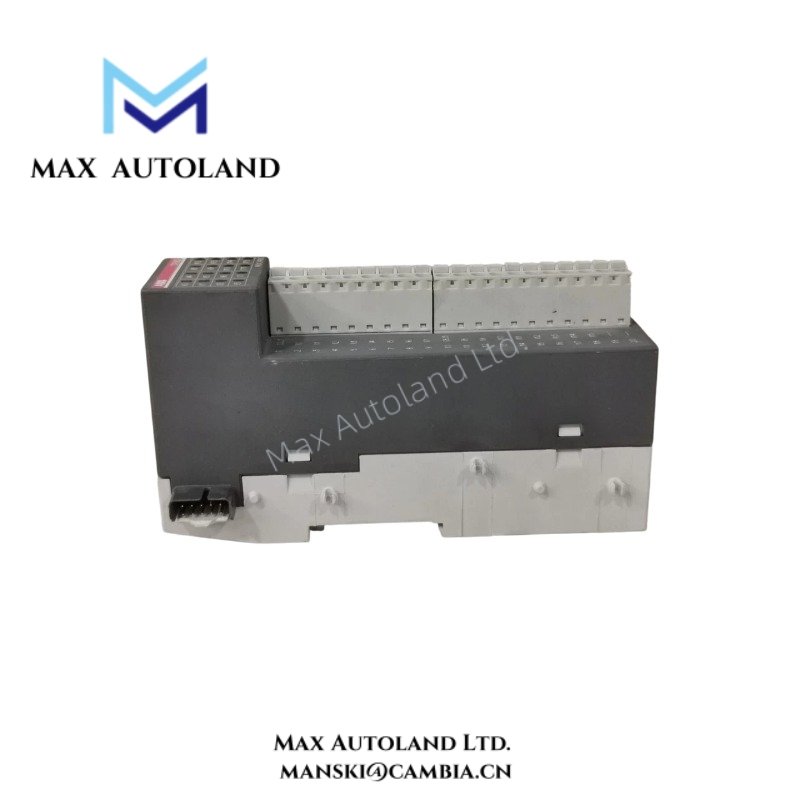
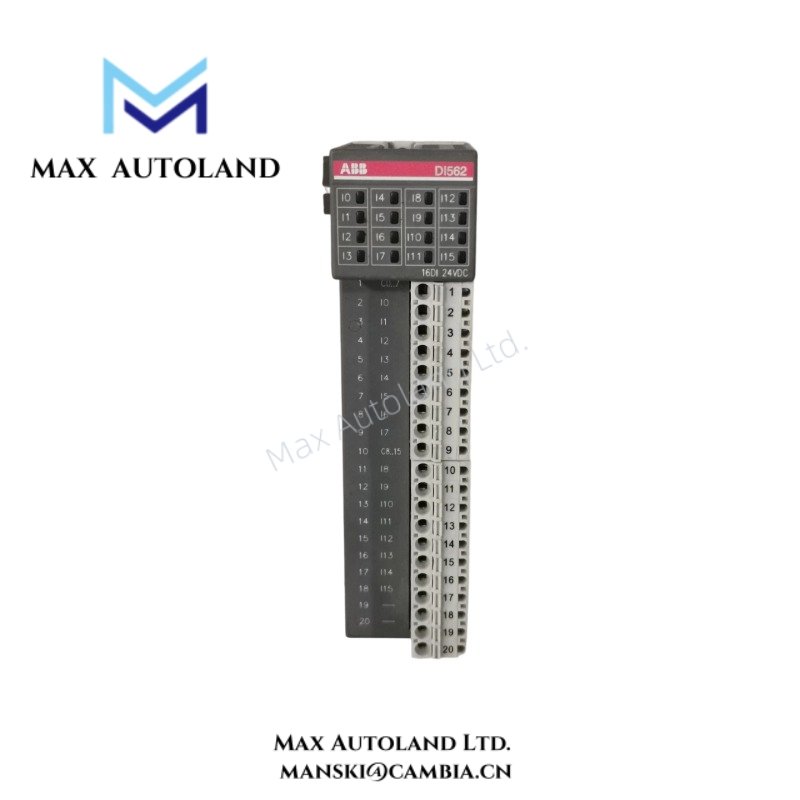
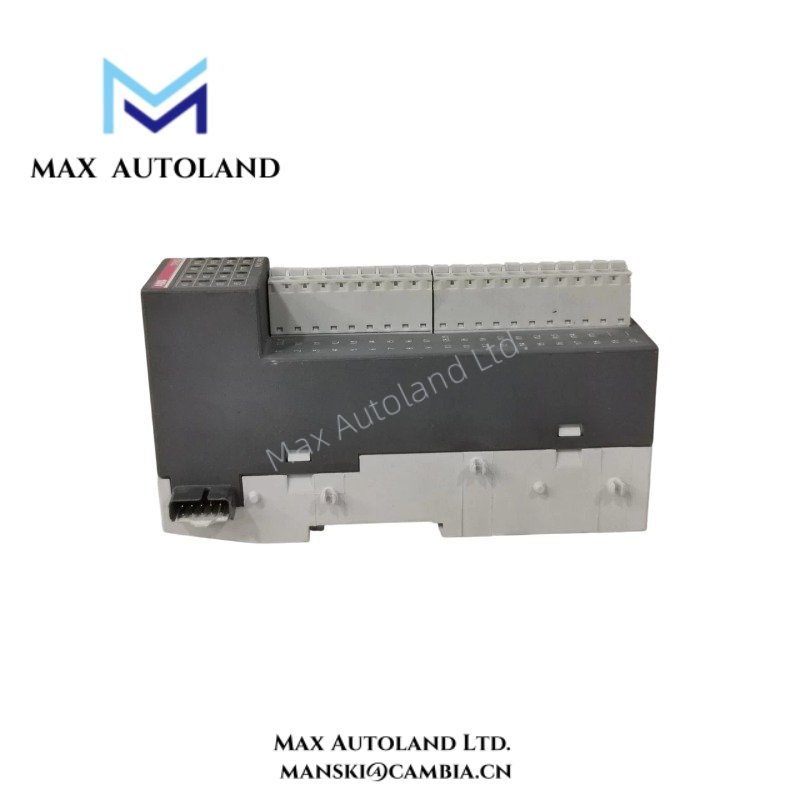
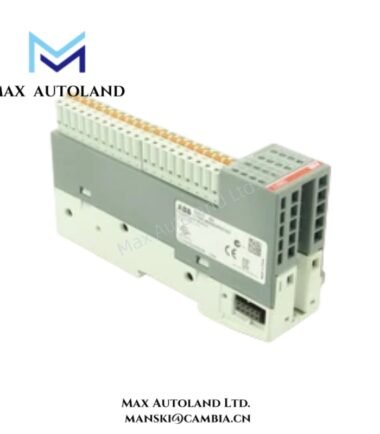
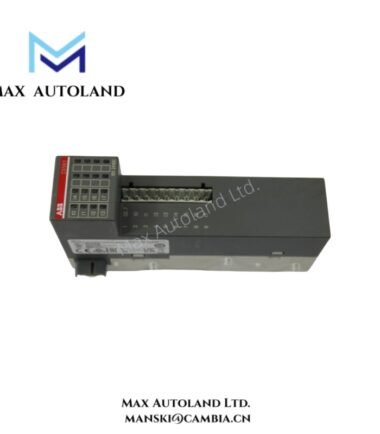
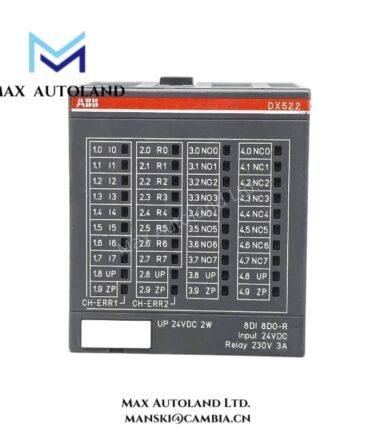
The ABB DI562 1TNE968902R2102 serves as the primary DI562 Digital Input Module utilized to execute 24 VDC discrete signal acquisition across AC500 distributed I/O platforms. The module receives field-level digital status signals and transfers process data through the AC500 backplane communication system for controller execution and cyclic I/O processing.
Hardware Specifications
| Parameter | Specification |
|---|---|
| Model | DI562 |
| Brand | ABB |
| Origin | Switzerland |
| Product Series | Advant AC500 |
| Product Type | Digital Input Module |
| Input Channels | 32 digital inputs |
| Input Voltage | 24 VDC |
| Signal Type | DC digital input |
| Input Configuration | Sink/Source compatible according to system wiring |
| Communication | AC500 backplane bus |
| Mounting Method | DIN rail mounting |
| Protection Rating | IP20 |
| Weight | Not explicitly specified in the referenced documentation |
| Dimensions | Not explicitly specified in the referenced documentation |
| Operating Temp | Not explicitly specified in the referenced documentation |
| Power Consumption | Not explicitly specified in the referenced documentation |
I/O Density Scaling Architecture
The DI562 expands digital input capacity within AC500 I/O stations by providing 32 discrete input channels in a compact module footprint. As a result, system designers can increase cabinet I/O density without adding additional interface hardware. Furthermore, the module transfers input status data through the AC500 backplane bus during each controller scan cycle. Consequently, the controller receives updated field-state information through the native system communication path. In addition, the architecture eliminates the need for a dedicated network interface at the module level and simplifies distributed I/O integration.
Frequently Asked Questions
Q: Does the DI562 require a separate communication cable for controller data exchange?
A: No. The DI562 exchanges process data through the AC500 backplane bus after installation in a compatible I/O station. Therefore, users do not need an additional communication connection for standard controller interaction.
Q: Can field devices with 24 VDC outputs connect directly to the module inputs?
A: Yes. The module accepts 24 VDC digital input signals. However, engineers should verify wiring arrangements, signal characteristics, and electrical compatibility before commissioning the installation.
Q: Are firmware updates performed directly on the DI562 module?
A: The AC500 system manages firmware compatibility at the platform level. Therefore, maintenance personnel should follow ABB controller and I/O system procedures when performing firmware-related activities.
Field Installation Guidelines
- First, install the module in a compatible AC500 I/O assembly and verify the correct mounting position.
- Next, check all terminal designations before connecting field wiring.
- Route digital input cables separately from motor feeders, contactor circuits, and variable frequency drive output conductors.
- Additionally, maintain proper grounding and shield termination practices according to plant electrical standards.
- During wiring activities, follow the designated terminal identification scheme to prevent channel assignment errors.
- After completing field connections, inspect conductor terminations and verify mechanical security.
- Then, perform continuity and polarity checks before applying system power.
- Finally, monitor controller diagnostics and confirm correct input status indications during commissioning.
ABB Top Products
Customers Also Viewed
Contact: Manski Wong +86 18030205725 manski@cambia.cn
Reviews
There are no reviews yet.