
Overview
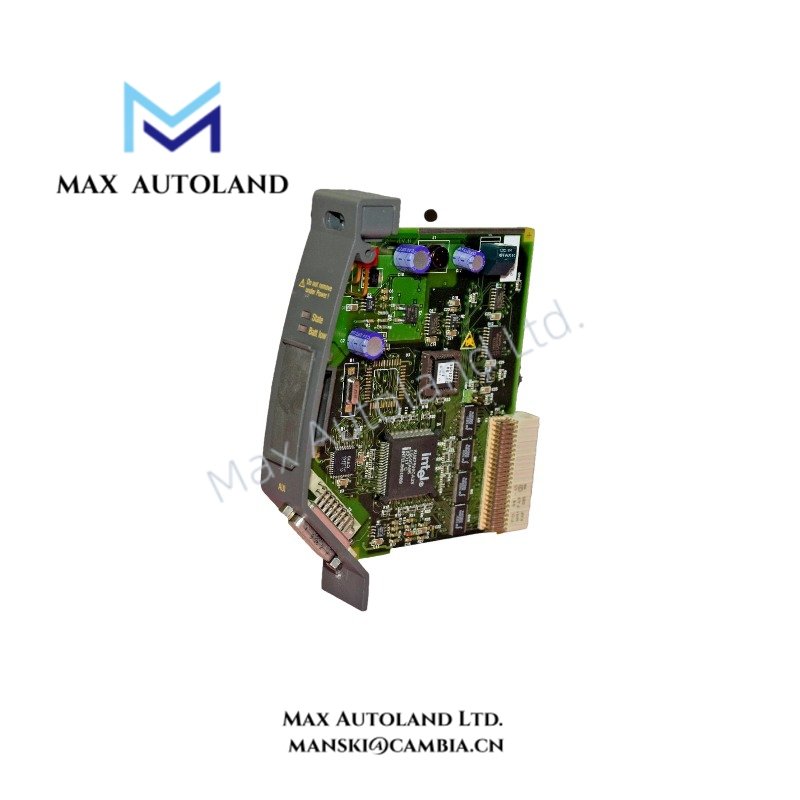
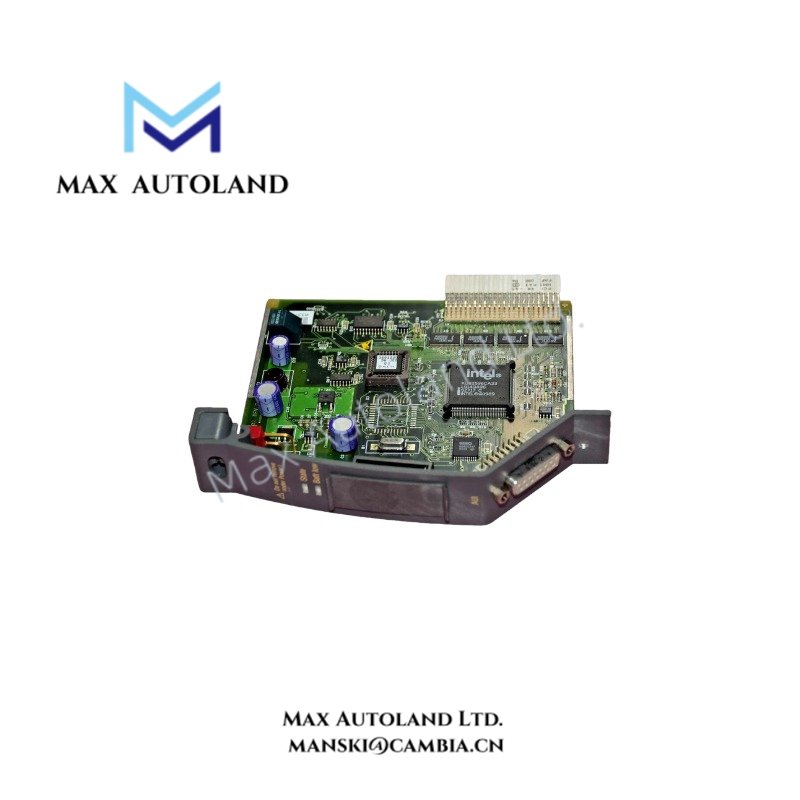
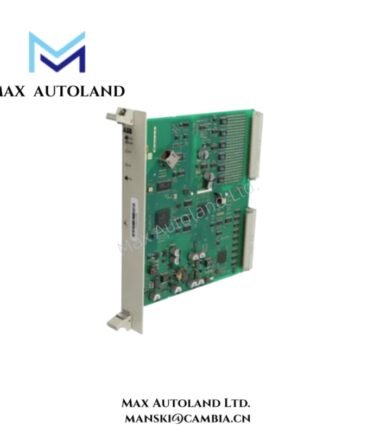
The ABB DFE02, also cataloged as the DFE02 interface module, is an ABB industrial automation component. The supplied information does not establish its specific signal-processing function, communication protocol, or compatible controller platform. Electrical ratings and interface characteristics require confirmation from the applicable ABB documentation.
Hardware Specifications
| Parameter | Specification |
|---|---|
| Model | DFE02 |
| Brand | ABB |
| Product Type | Industrial Automation Interface Module |
Backplane Communication and Compatibility
ABB control modules may use platform-specific backplane interfaces, communication protocols, and firmware dependencies. The DFE02 interface type and supported data-transfer characteristics have not been established from the supplied information.
Before installation, verify the module’s hardware revision, connector arrangement, electrical ratings, and compatibility with the target ABB controller or chassis. Do not assume support for PROFINET, EtherNet/IP, or a specific ABB control platform without manufacturer documentation.
Frequently Asked Questions (FAQ)
Q: Can the ABB DFE02 be installed in a powered rack?
A: Hot-swap capability has not been verified. Isolate the relevant power supply before inserting or removing the module unless the applicable ABB documentation explicitly permits energized replacement.
Q: What backplane current does the DFE02 require?
A: The current consumption is not specified in the supplied information. Check the manufacturer’s electrical specifications and confirm that the power supply and backplane can support the module load.
Q: How can compatibility with an existing ABB controller be confirmed?
A: Check the controller and chassis model, module hardware revision, connector type, firmware requirements, and official ABB compatibility documentation before installation.
Field Installation Guidelines
- Confirm the complete model designation and hardware revision against the equipment documentation.
- Verify the mounting arrangement and connector orientation before fitting the module.
- Isolate power before installation unless energized replacement is explicitly supported.
- Check supply voltage, polarity, grounding, and backplane electrical ratings against the manufacturer’s specifications.
- Route signal and communication cables separately from high-voltage and high-current conductors where applicable.
- Apply cable shielding and grounding according to the interface requirements and the system grounding design.
- Inspect connectors for damage and ensure that the module is properly secured.
- Verify diagnostic indications and controller recognition after power-up, following the approved commissioning procedure.
ABB Top Products
Customers Also Viewed
Contact: Manski Wong +86 18030205725 manski@cambia.cn


Reviews
There are no reviews yet.