
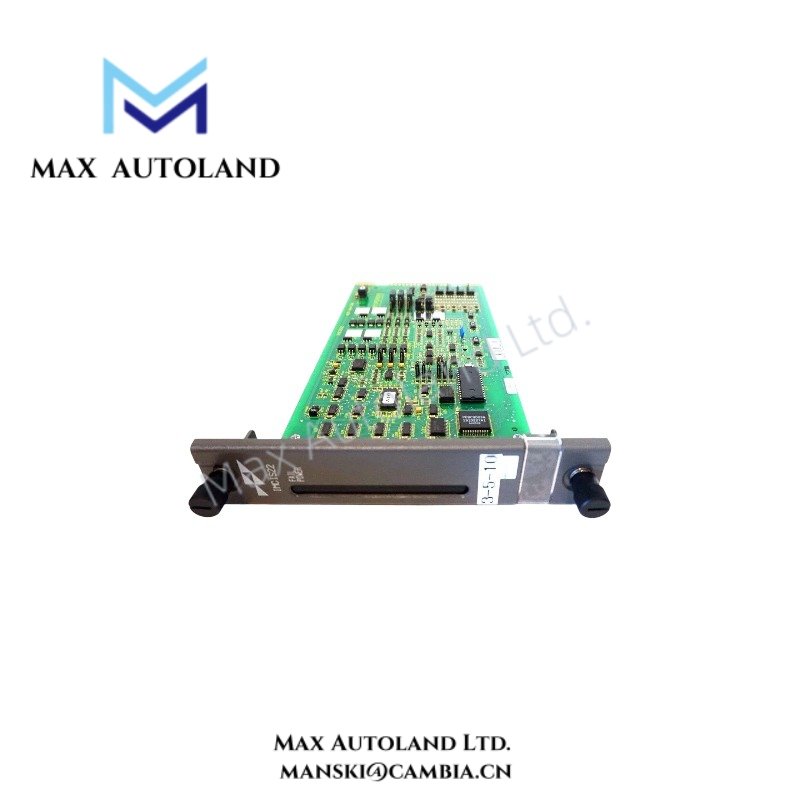
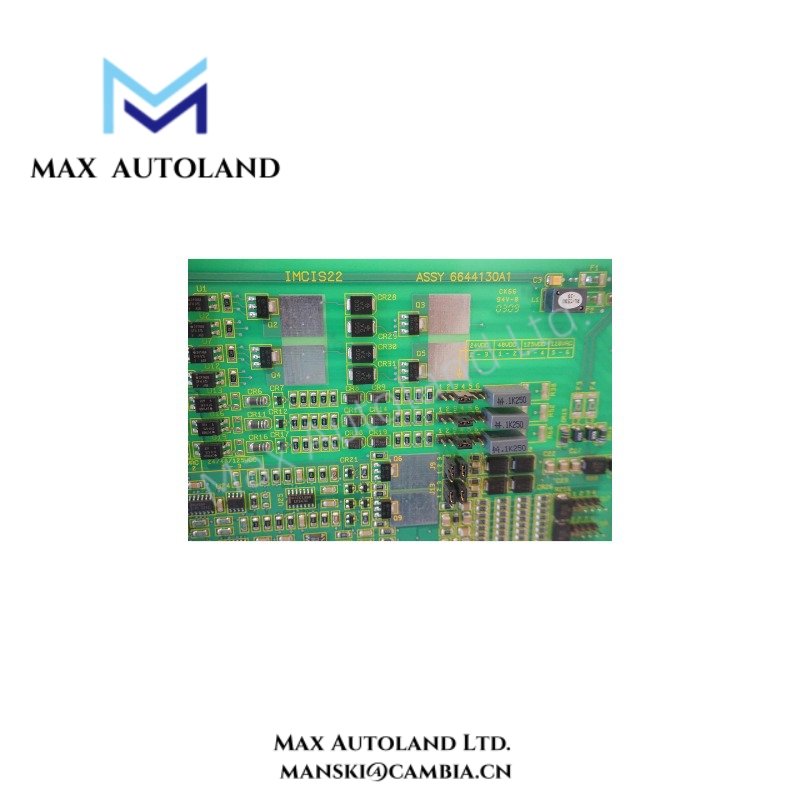
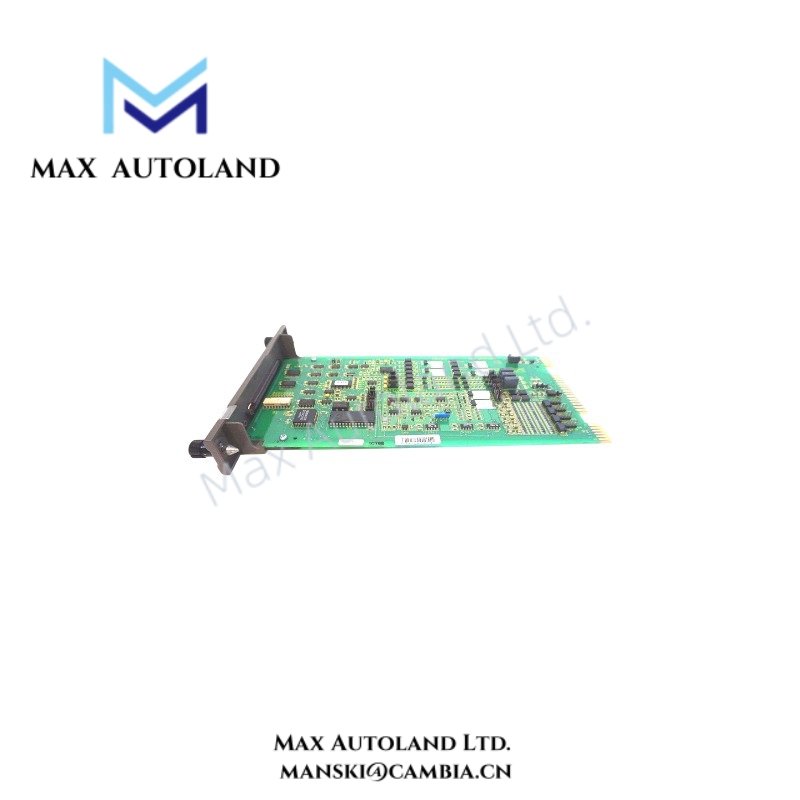

Overview
Hardware Specifications
| Parameter | Specification |
|---|---|
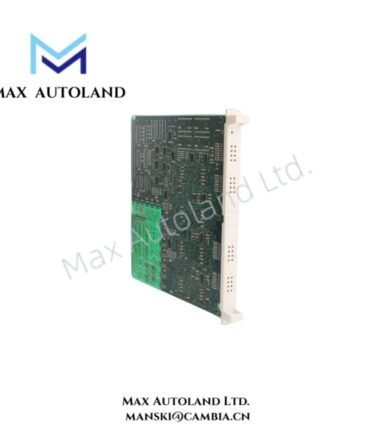
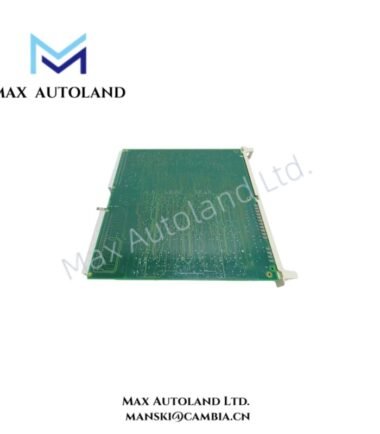
| Model | IMCIS01 |
| Brand | ABB |
| Product Type | Control Communication Module |
| Origin | Sweden |
| Weight | Approximately 2.145 kg |
| Operating Temp | Industrial control environment; exact range not specified |
| Mounting Type | Rack-mounted ABB control chassis module |
| System Platform | ABB Harmony / INFI 90 legacy control systems |
| Communication Function | Rack-level control system data interface |
Backplane Bus Communication and Firmware Compatibility
The ABB IMCIS01 integrates with ABB rack-based control architectures through the internal backplane communication structure. Therefore, the module supports controlled data transfer between connected system components while maintaining defined hardware addressing within the chassis.
Additionally, the module requires firmware compatibility with the installed ABB Harmony / INFI 90 system configuration. Engineering teams should verify controller revision levels, module firmware versions, and chassis communication parameters before replacement or system expansion.
The IMCIS01 supports industrial control system integration where module-to-module communication velocity and I/O architecture configuration depend on the host system design. Consequently, system documentation should define the supported network topology and module allocation.
Frequently Asked Questions
Q: Is the ABB IMCIS01 designed for standalone operation?
A: No. The IMCIS01 is designed as a rack-mounted control system module and requires installation within a compatible ABB chassis environment.
Q: Does the IMCIS01 support hot-swap replacement?
A: Hot-swap operation depends on the specific ABB Harmony / INFI 90 chassis configuration. The system hardware manual must define whether online replacement is permitted.
Q: What information should be checked before installing a replacement IMCIS01 module?
A: Verify module model compatibility, chassis slot assignment, firmware revision, backplane configuration, and system database settings before installation.
Field Installation Guidelines
Install the ABB IMCIS01 only in the designated ABB control rack slot specified by the system configuration.
Before installation:
- Disconnect applicable power sources according to site safety procedures.
- Inspect the module connector pins and chassis backplane contacts for contamination or mechanical damage.
- Confirm correct module orientation before insertion into the rack.
- Secure the module using the chassis retention mechanism after seating.
- Maintain proper cabinet grounding and shielding practices for control system wiring.
- Separate communication wiring from high-voltage power cables to reduce electrical interference.
- Verify system diagnostics after startup to confirm correct module recognition and communication status.
ABB Top Products
Customers Also Viewed
Contact: Manski Wong +86 18030205725 manski@cambia.cn


Reviews
There are no reviews yet.