
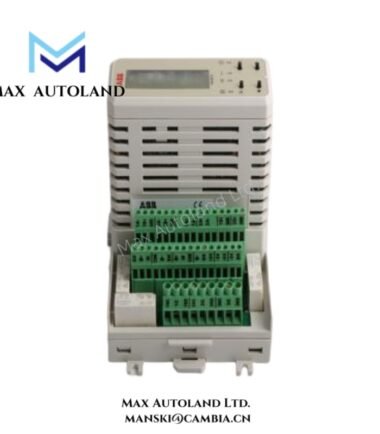
Overview
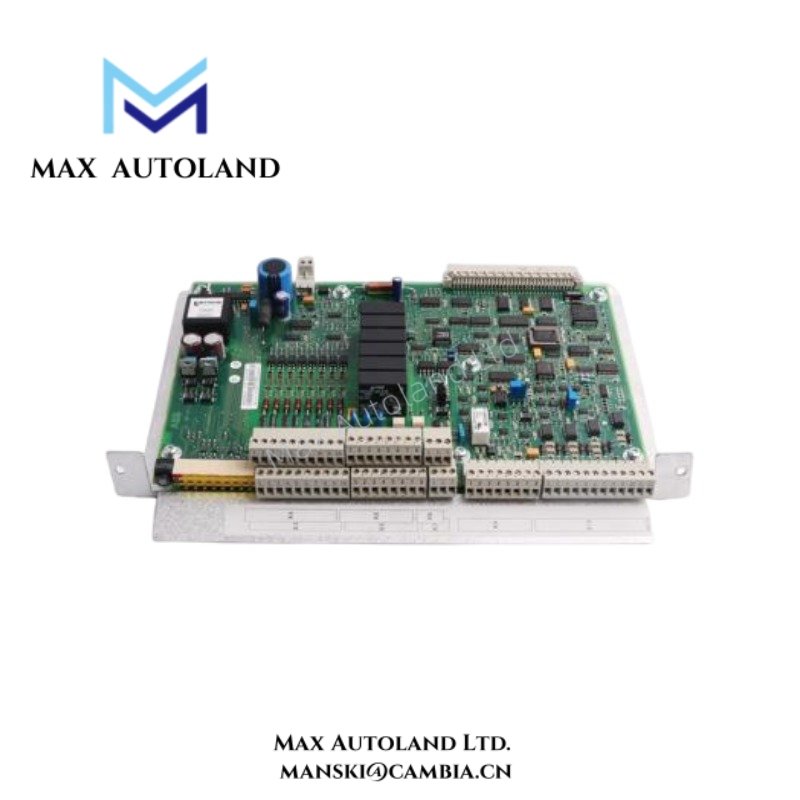
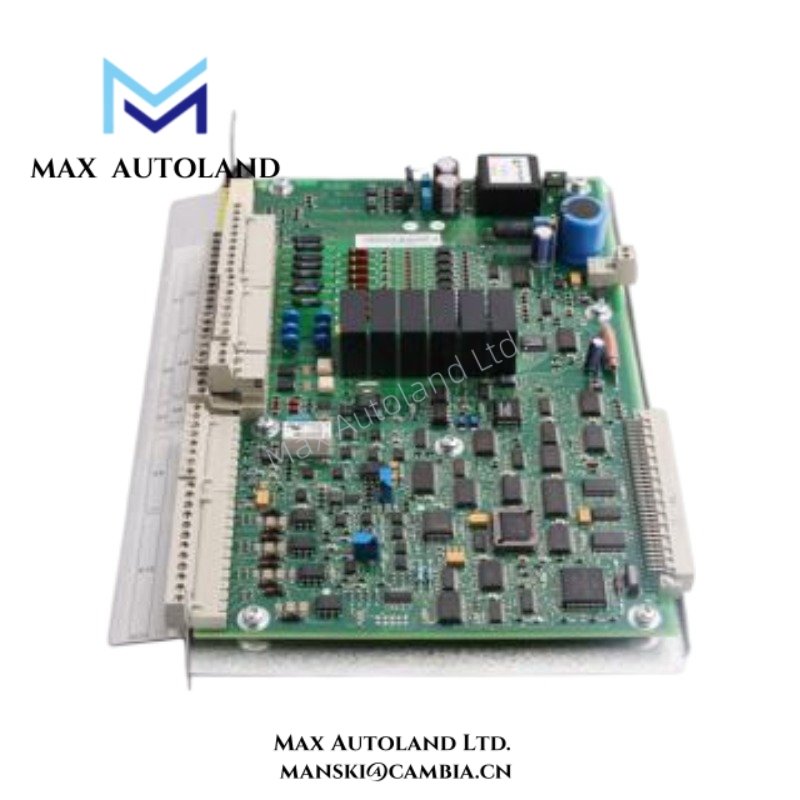
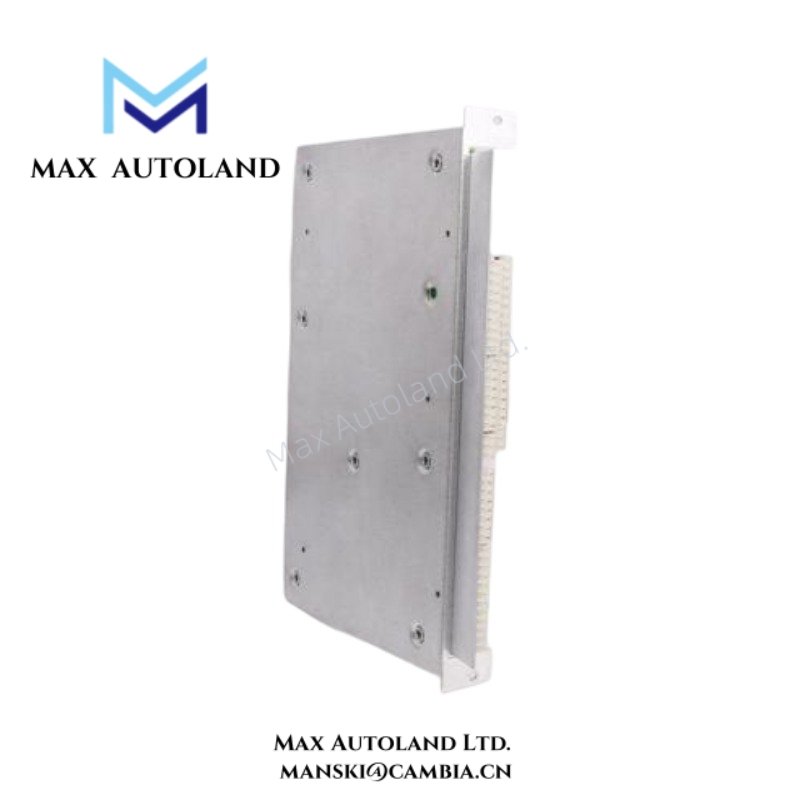
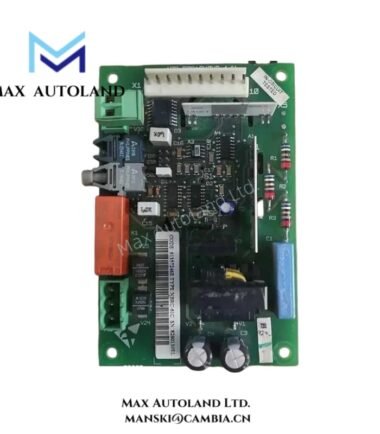
The ABB YPQ110A 3ASD573001A5 serves as the primary YPQ110A Communication Module utilized to execute system data exchange and controller interface communication across ABB drive and automation platforms. The module manages communication traffic between control resources and associated subsystems through dedicated system interfaces.
Suffix Breakdown & Model Matrix
The designation 3ASD573001A5 identifies the ordering variant of the YPQ110A Communication Module. No official suffix decomposition or option matrix is specified in the available documentation.
Hardware Specifications
| Parameter | Specification |
|---|---|
| Model | YPQ110A 3ASD573001A5 |
| Brand | ABB |
| Product Type | Communication Module |
| Primary Function | System Communication and Data Exchange |
| System Integration | ABB Control and Drive Platforms |
| Communication Path | Internal System Interface |
| Installation Method | Rack Mounted |
| Data Handling | Controller and Network Data Transfer |
| Origin | ABB |
| Weight | Not specified |
| Dimensions | Not specified |
| Operating Temp | Not specified |
| Power Consumption | Not specified |
Backplane Bus Communication Integration
The YPQ110A exchanges operational data through the system communication architecture and associated backplane infrastructure. In addition, the module transfers control information between processing resources and connected subsystems through dedicated communication paths. As a result, engineers can expand system capacity by adding compatible communication hardware while maintaining existing control program structures and network topology. Furthermore, the module supports organized data flow across interconnected control elements within the host platform.
Frequently Asked Questions
Q: Is the YPQ110A a standalone communication gateway?
A: No. The YPQ110A operates within a compatible ABB control architecture and works together with the host controller and associated system resources.
Q: Can the module be installed while cabinet power is applied?
A: Hot-swap capability varies by platform. Therefore, maintenance personnel should review the applicable ABB system documentation before removing or inserting the module.
Q: What should be checked after module installation?
A: First, verify mechanical seating and connector engagement. Next, confirm communication status indications and ensure that the installed module matches the configured system architecture.
Field Installation Guidelines
- First, install the module in the slot specified by the system configuration.
- Next, inspect backplane connectors and confirm that they are clean and free from mechanical damage.
- Then, secure the module with the designated retaining hardware.
- In addition, keep communication cables separated from high-current conductors to reduce electrical interference.
- Furthermore, maintain proper cabinet grounding and cable shielding practices according to site standards.
- Before energizing the system, inspect all communication connections and cable terminations.
- Finally, record the module revision and installation position to support future maintenance and troubleshooting activities.
ABB Top Products
Customers Also Viewed
Contact: Manski Wong +86 18030205725 manski@cambia.cn



Reviews
There are no reviews yet.