
Overview
Hardware Specifications
| Parameter | Specification |
|---|---|
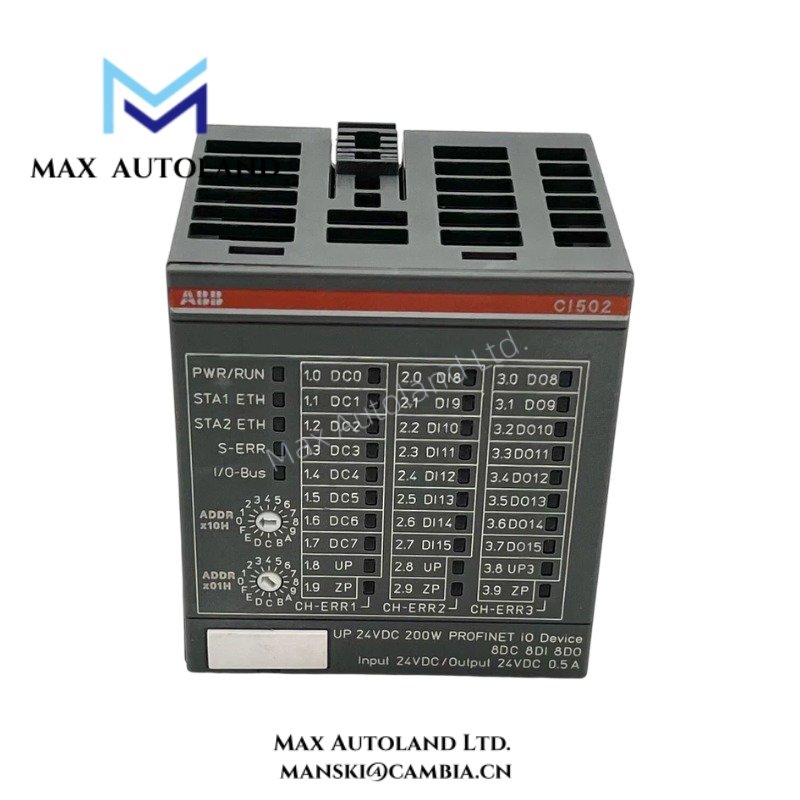
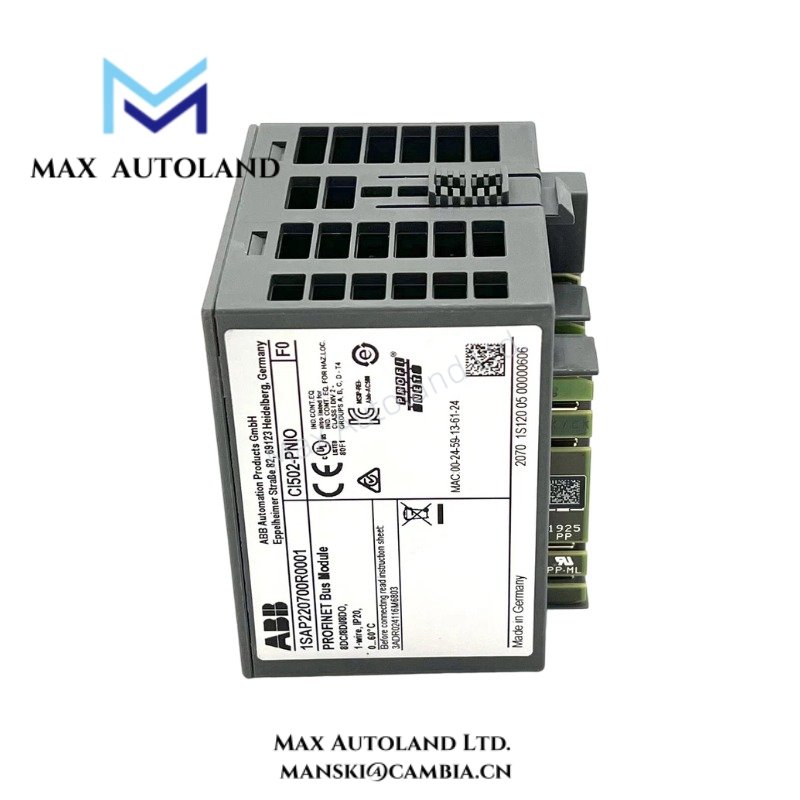
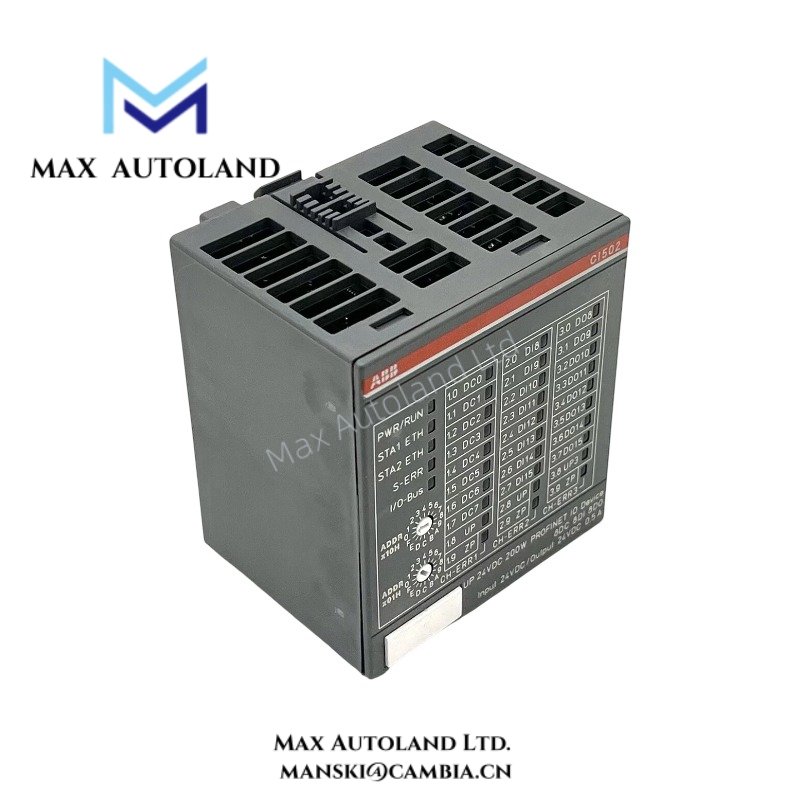
| Model | CI502-PNIO 1SAP220700R0001 |
| Brand | ABB |
| Origin | Switzerland / EU |
| Weight | Not specified in source documentation |
| Dimensions | Standard AC500 module format (exact values not specified) |
| Operating Temp | 0 to 60 deg C (typical industrial control range) |
| Power Consumption | Backplane powered, exact consumption not specified |
| Communication Interface | PROFINET IO (Ethernet-based) |
| Backplane Interface | AC500 system bus |
| Data Exchange Type | Cyclic / Acyclic communication |
PROFINET IO Deterministic Communication Handling
The CI502-PNIO executes PROFINET IO device and controller communication within ABB AC500 architectures. It maps process image data between PLC backplane memory and Ethernet-based field I/O devices using cyclic real-time frames.
The module enforces deterministic update behavior by binding process data exchange to configured network cycle times. It separates acyclic parameter traffic from cyclic process data to maintain predictable scan execution.
In addition, the interface manages station configuration consistency through hardware identification and device model mapping. This prevents mismatched device replacement during runtime synchronization events.
Frequently Asked Questions
Q: Can the CI502-PNIO module be hot-swapped during system operation?
A: The module is designed for rack-based installation. Replacement requires power-down or system-defined maintenance mode depending on backplane configuration and application safety constraints.
Q: Does CI502-PNIO support firmware updates via Ethernet network?
A: Firmware management is handled through ABB engineering tools. Update execution depends on hardware revision alignment and project configuration consistency.
Q: How is PROFINET cycle time affected by module load?
A: Cycle time depends on configured network topology, number of connected IO devices, and controller scan configuration. The module processes cyclic frames according to configured task scheduling.
Field Installation Guidelines
Install the CI502-PNIO module into the designated AC500 backplane slot with secure mechanical locking. Maintain separation between Ethernet cabling and high-noise power conductors to reduce electromagnetic coupling.
Use shielded twisted-pair Ethernet cabling for PROFINET connections and terminate cable shields according to the system grounding philosophy. Ensure single-point grounding at cabinet entry to control common-mode interference.
Before commissioning, verify device name assignment, PROFINET station ID, and network topology consistency. Confirm backplane seating integrity and validate LED status indicators for link and bus communication states.
ABB Top Products
Customers Also Viewed
Contact: Manski Wong +86 18030205725 manski@cambia.cn


Reviews
There are no reviews yet.