
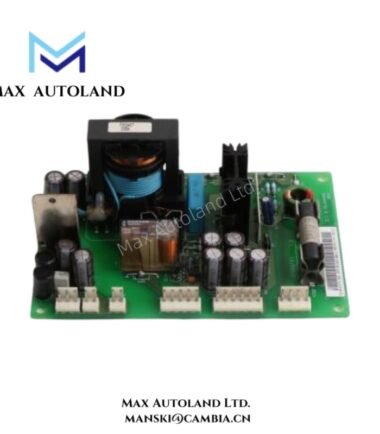
Overview
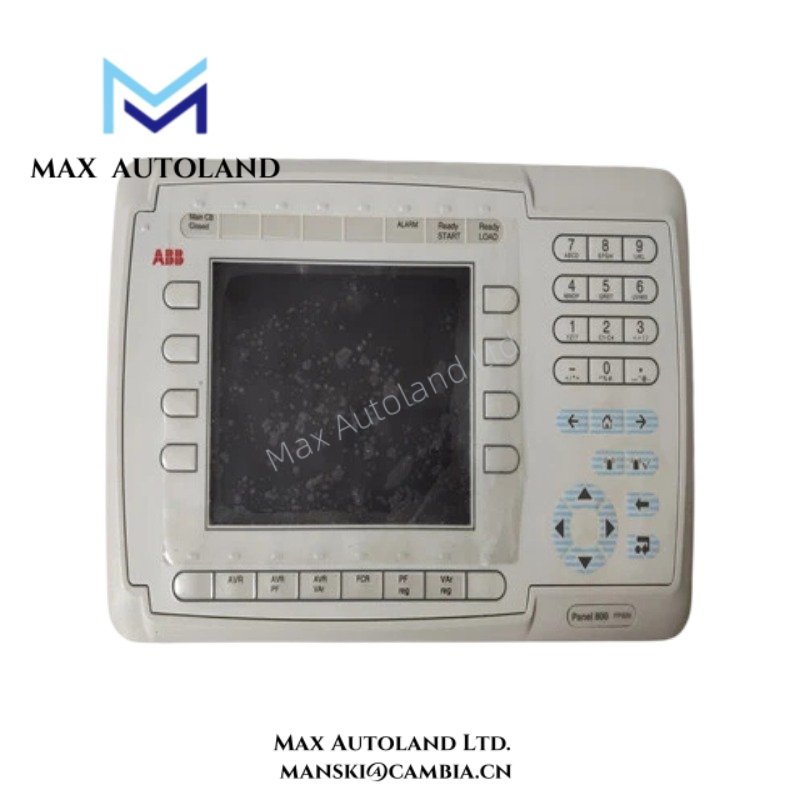
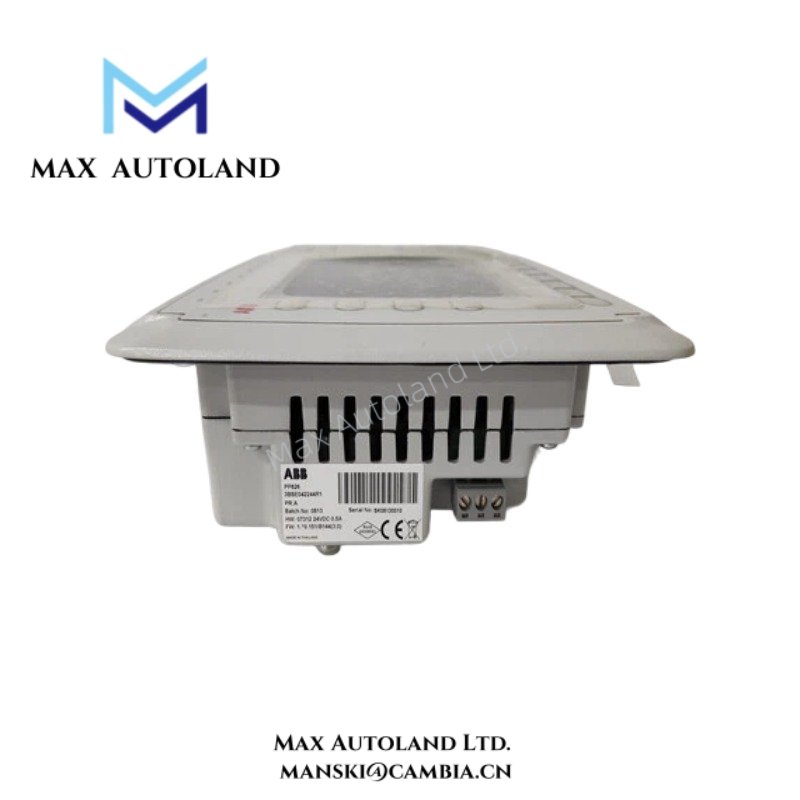
The ABB PP826 3BSE042244R1 serves as the primary PP826 Operator Panel utilized to execute operator visualization, process interaction, and local control functions across ABB Panel 800 platforms. The unit provides a graphical human-machine interface for process monitoring, alarm handling, parameter entry, and operational status display.
Hardware Specifications
| Parameter | Specification |
|---|---|
| Model | PP826 |
| Order Number | 3BSE042244R1 |
| Brand | ABB |
| Product Type | Operator Panel |
| Product Family | Panel 800 |
| Display Type | TFT LCD Touchscreen |
| Display Size | 6.5 in |
| Resolution | 640 x 480 pixels (VGA) |
| User Interface | Touchscreen Operation |
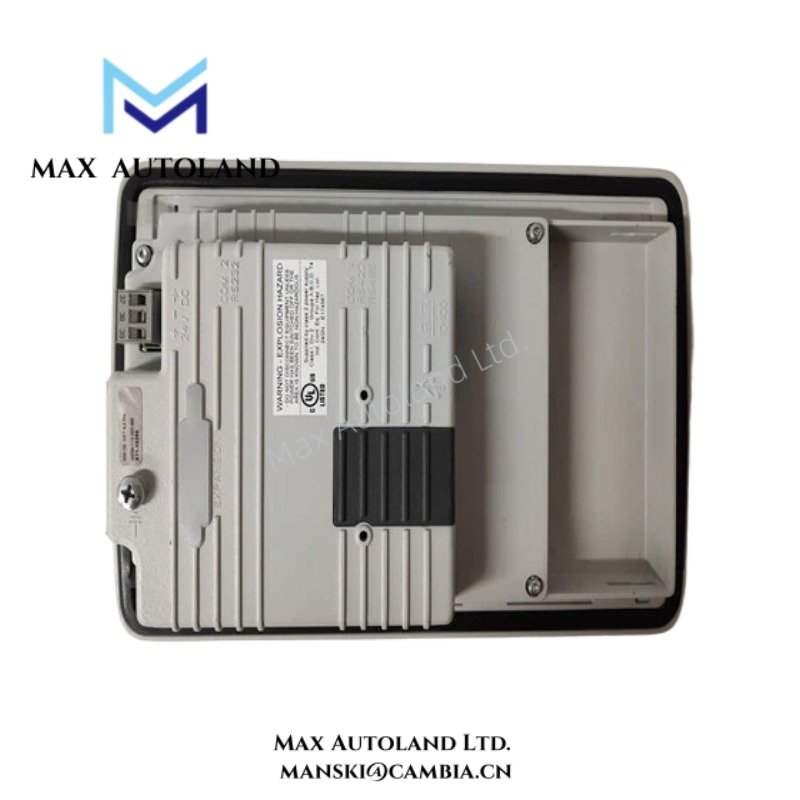
| Communication Interfaces | Ethernet, Serial Communication Ports |
| Mounting | Panel Mount |
| Front Protection | IP65 |
| Rear Protection | IP20 |
| Origin | ABB Manufacturing Network |
| Weight | Not specified |
| Dimensions | Not specified |
| Operating Temp | Not specified |
| Power Consumption | Not specified |
Firmware Flash Compatibility
The PP826 supports application deployment and runtime execution within the ABB Panel 800 environment. Firmware revisions and project files should correspond to the software version used during configuration. Prior to commissioning, compatibility between the operator panel firmware and engineering software should be verified to prevent project transfer or runtime execution discrepancies.
Frequently Asked Questions
Q: Does the PP826 support touchscreen operation?
A: Yes. The panel incorporates a touchscreen interface for navigation, data entry, and operator interaction.
Q: Can firmware be updated in the field?
A: Firmware updates are supported through ABB service and engineering procedures. Compatibility between firmware revision and application project should be verified before updating.
Q: Is the PP826 designed for direct panel mounting?
A: Yes. The unit is designed for cutout-based panel installation with front-side operator access.
Field Installation Guidelines
- Install the panel in a correctly sized cabinet cutout according to ABB mounting instructions.
- Maintain adequate clearance around the enclosure for cable routing and heat dissipation.
- Connect protective earth conductors before applying control power.
- Route communication cables separately from motor and power cables to reduce electromagnetic interference.
- Verify gasket seating to maintain the specified front protection rating.
- Use shielded communication cables where required by the installation environment.
- Confirm touchscreen functionality and communication status during commissioning.
ABB Top Products
Customers Also Viewed
Contact: Manski Wong +86 18030205725 manski@cambia.cn


Reviews
There are no reviews yet.