
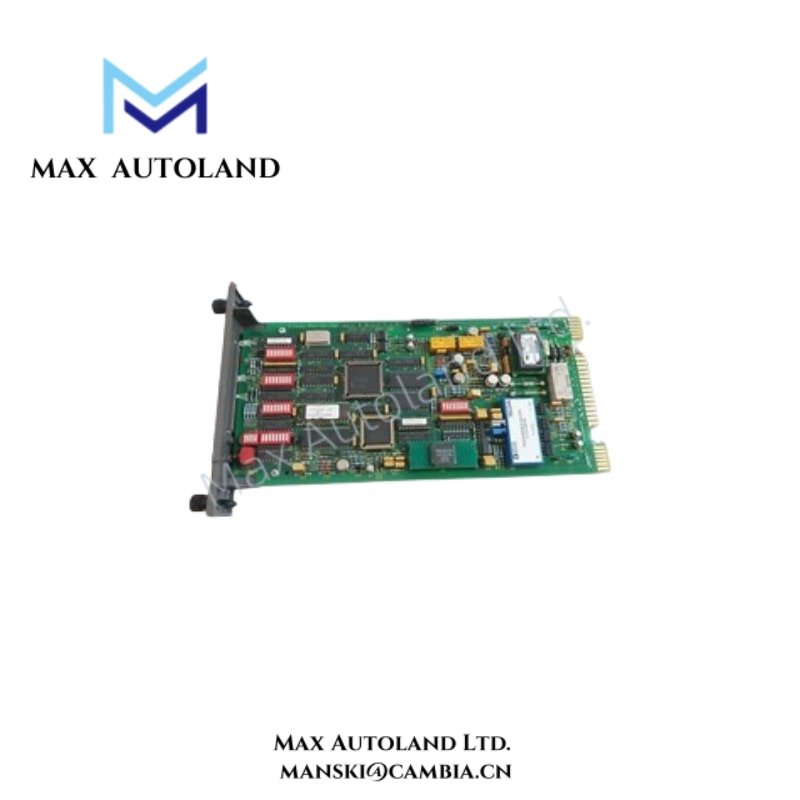
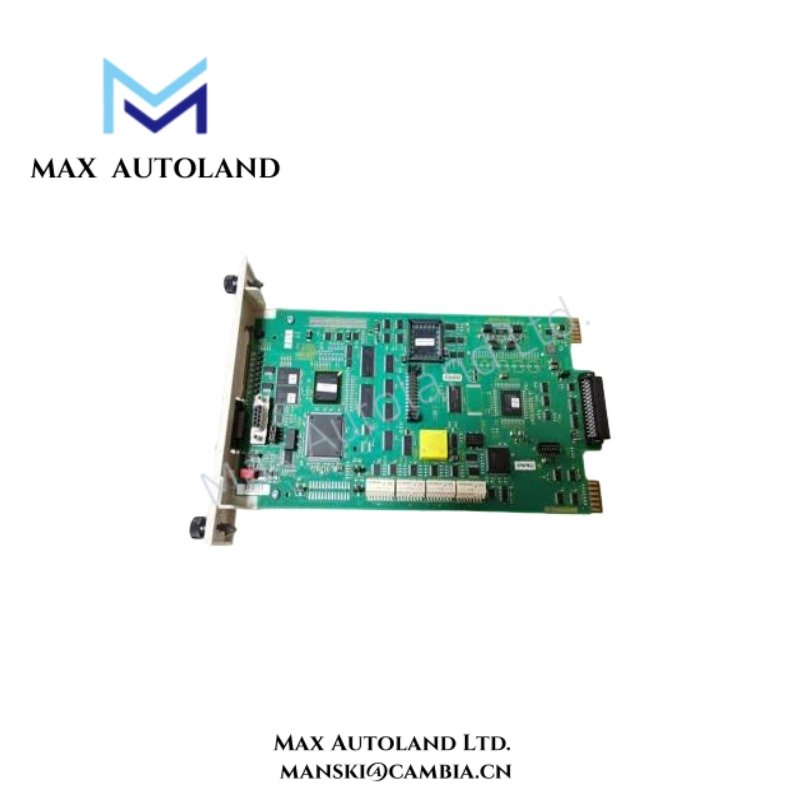

Overview
Hardware Specifications
| Parameter | Specification |
|---|---|
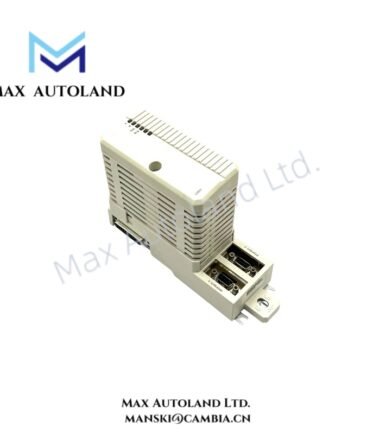
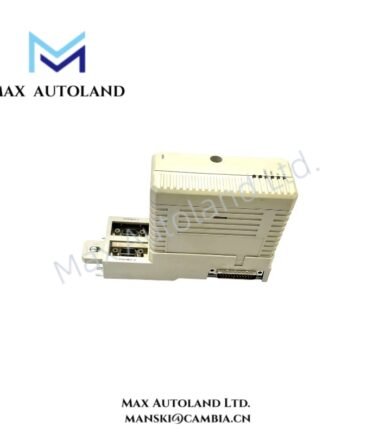
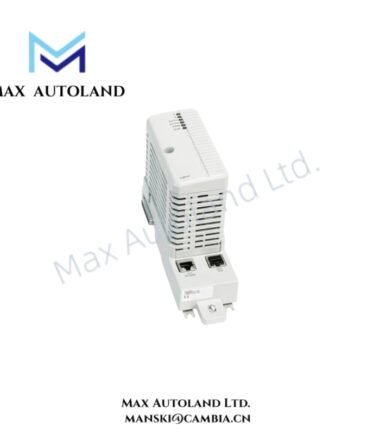
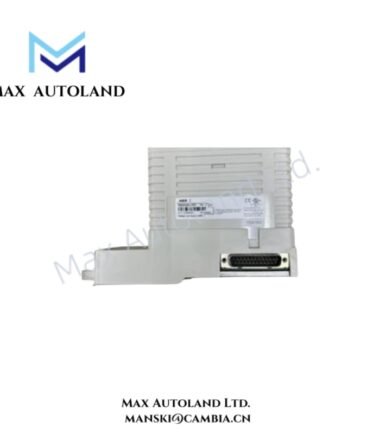
| Model | IMSEM01 |
| Brand | ABB |
| Product Type | Interface Modules |
| Origin | Sweden |
| Operating Temp | 0 deg C to 55 deg C |
| Power Consumption | Backplane powered; value not specified |
| System Platform | ABB Bailey Infi 90 / Net 90 / Symphony compatible systems |
| Mounting Method | Rack or modular slot mounting |
| Communication Interface | ABB control system backplane interface |
| Diagnostics | LED status indication for power and module condition |
| Storage Temperature | -40 deg C to +85 deg C |
| Relative Humidity | 5% to 95% RH, non-condensing |
ABB Backplane Bus Communication and I/O Integration
The ABB IMSEM01 uses the ABB rack backplane architecture for internal power distribution and communication exchange. Therefore, the module integrates with existing Infi 90 / Net 90 hardware structures without requiring external communication wiring.
In addition, the module supports modular I/O density scaling by allowing control cabinets to maintain distributed hardware organization. The backplane connection provides system-level data transfer between installed modules and controller assemblies.
The IMSEM01 follows ABB industrial control hardware design principles, including firmware flash compatibility considerations and hardware revision matching during replacement activities. Consequently, engineering teams should verify system revision requirements before installation.
Frequently Asked Questions
Q: Does the ABB IMSEM01 require an external power supply connection?
A: No external field power connection is required. The module receives operating power through the ABB system rack backplane interface.
Q: Can the IMSEM01 be installed in any ABB control rack slot?
A: No. Installation depends on the compatible Infi 90 / Net 90 rack configuration, slot assignment, and system engineering database settings.
Q: Does the IMSEM01 support direct field signal termination?
A: The module provides system interface functions. Field termination capability depends on the connected ABB I/O architecture and associated termination hardware.
Field Installation Guidelines
- Verify that the ABB rack power supply is isolated before module insertion or removal.
- Confirm the rack slot location matches the approved system configuration.
- Align the backplane connector carefully before applying mechanical pressure.
- Inspect connector pins and module contacts for contamination or physical damage.
- Maintain proper cabinet grounding and cable routing practices.
- Keep signal wiring separated from high-voltage power cables to reduce electrical interference.
- Confirm LED indicators after system startup and check communication status through ABB maintenance tools
ABB Top Products
Customers Also Viewed
Contact: Manski Wong +86 18030205725 manski@cambia.cn
Reviews
There are no reviews yet.