
Overview
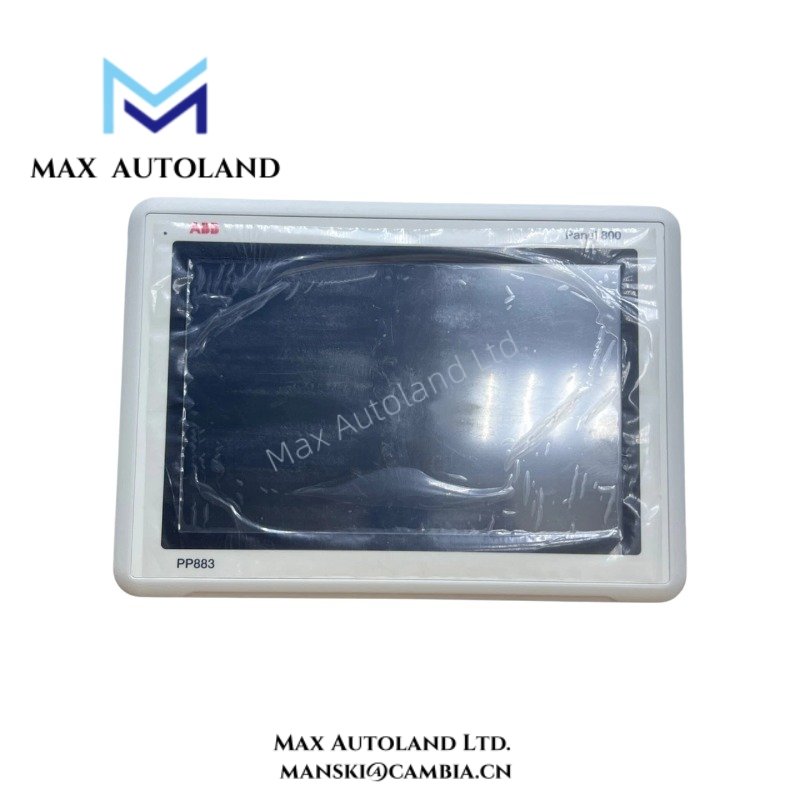
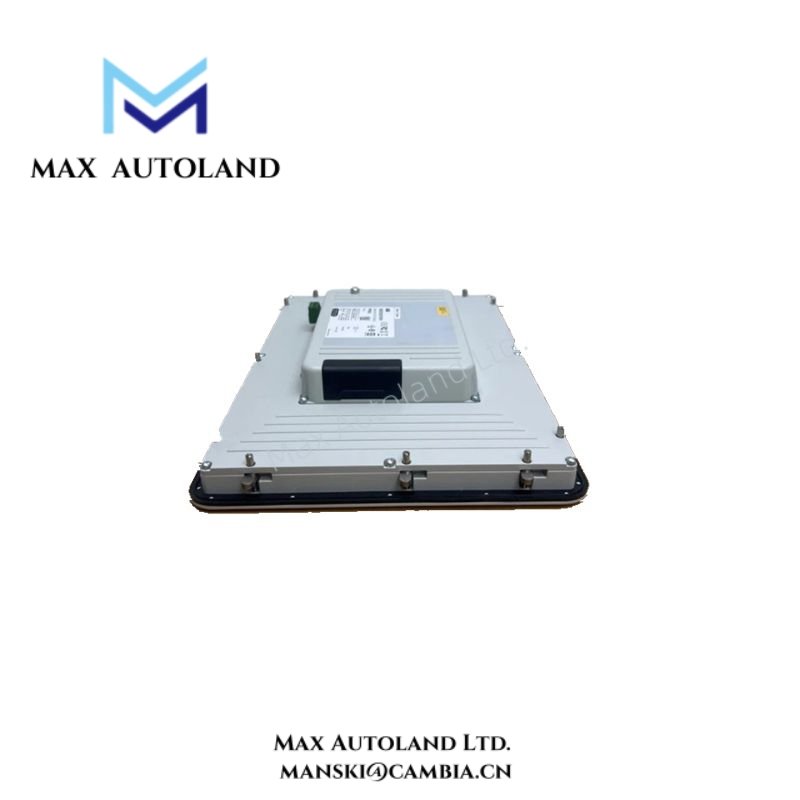
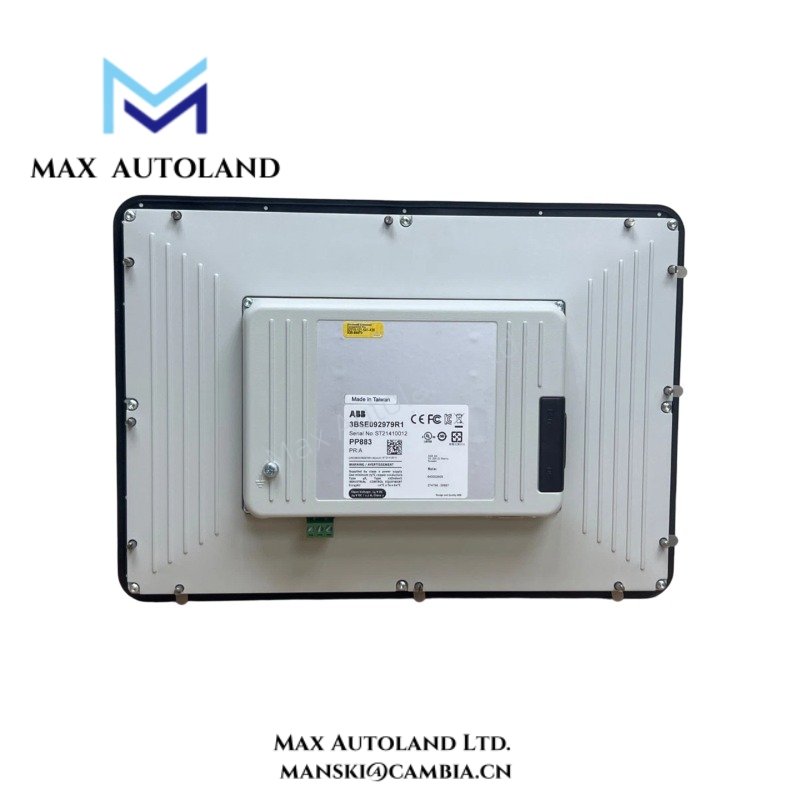
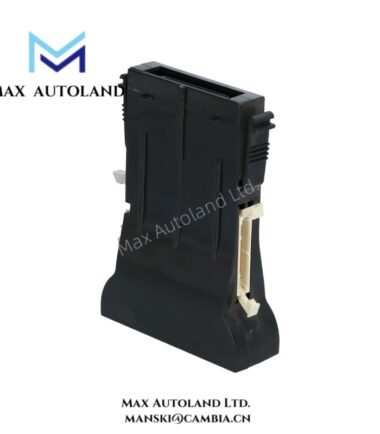
Configured for operator interface visualization and touch-based process interaction in ABB control networks, the ABB PP883 3BSE092979R1 (PP883 Operator Panel) provides direct physical and graphical execution. The unit functions as a human-machine interface for process monitoring, parameter entry, alarm presentation, and controller communication through industrial automation architectures.
Suffix Breakdown & Model Matrix
The supplied documentation identifies PP883 3BSE092979R1 as a fixed catalog configuration. No official suffix decomposition or option matrix is specified in the referenced material.
Hardware Specifications
| Parameter | Specification |
|---|---|
| Model | PP883 3BSE092979R1 |
| Brand | ABB |
| Product Type | Operator Panel |
| Display Type | TFT color touch display |
| Function | Human-Machine Interface (HMI) |
| User Input | Touchscreen interface |
| Communication | Industrial controller communication interface |
| Mounting Method | Panel mounting |
| Firmware Support | ABB HMI firmware environment |
| Origin | Sweden |
| Weight | Not specified in available documentation |
| Dimensions | Not specified in available documentation |
| Operating Temp | Refer to manufacturer documentation |
| Power Consumption | Refer to manufacturer documentation |
Firmware Flash Compatibility
The PP883 integrates with ABB automation platforms that require graphical operator interaction. Engineers download firmware and project applications through ABB engineering software and store them directly within the panel environment. Therefore, maintenance personnel should verify compatibility among project files, runtime versions, and installed firmware before performing software updates or restoration procedures.
In addition, the panel exchanges operational data with controllers through configured communication channels. To maintain stable project execution, engineering teams should keep software versions consistent across engineering workstations, operator panels, and connected controllers. As a result, they can avoid project conversion issues and runtime mismatches during commissioning or maintenance activities.
Frequently Asked Questions
Q: Does the PP883 support online project updates?
A: Project transfer capability depends on the engineering software configuration and the selected communication method. Therefore, users should verify runtime compatibility before loading updated applications.
Q: Can the operator panel be replaced without modifying controller hardware?
A: Yes. Technicians can replace the panel at the HMI level while retaining the existing controller hardware. However, they should keep communication parameters, project files, and interface settings consistent with the original installation.
Q: Are firmware upgrades required when loading new HMI projects?
A: Not always. Users only need a firmware upgrade when the new application requires a runtime version that is not currently installed on the panel.
Field Installation Guidelines
- First, install the panel in a correctly sized enclosure cutout according to ABB mounting instructions.
- Next, maintain adequate separation between communication cables and high-voltage power conductors.
- In addition, connect cable shields according to plant grounding practices to minimize electrical noise.
- Before energizing the unit, verify the power supply voltage and polarity.
- Furthermore, maintain sufficient enclosure ventilation and keep communication connectors accessible for service operations.
- Finally, perform a complete communication test with all connected controllers before placing the system into operation.
ABB Top Products
Customers Also Viewed
Contact: Manski Wong +86 18030205725 manski@cambia.cn




Reviews
There are no reviews yet.