
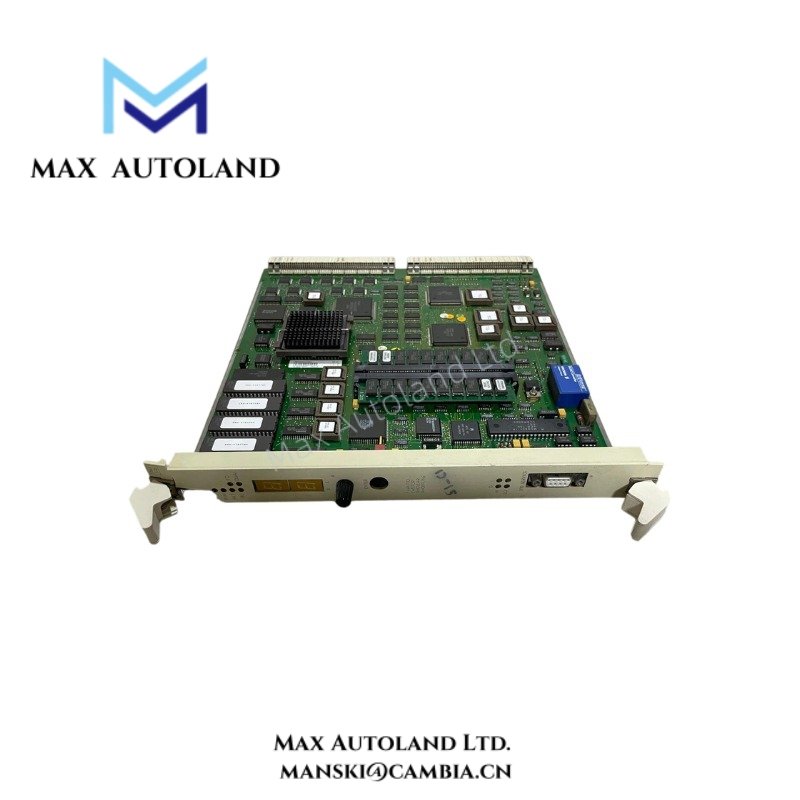
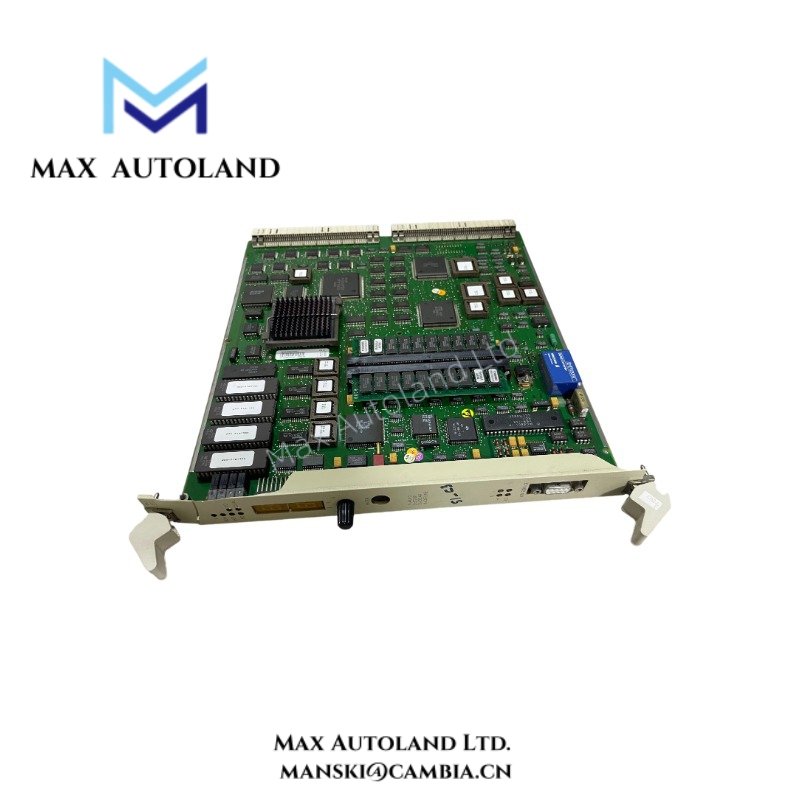
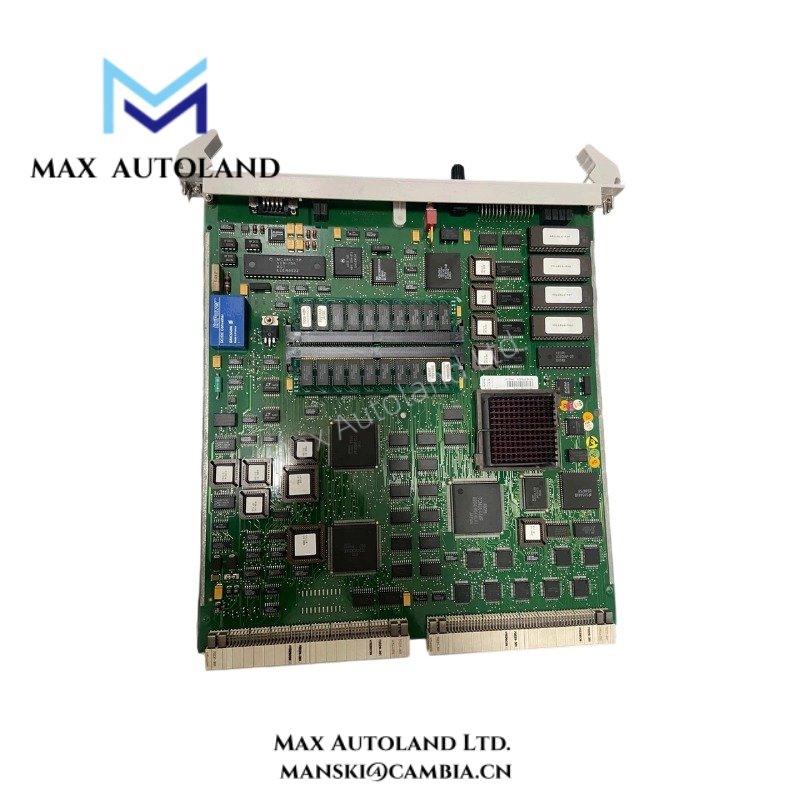
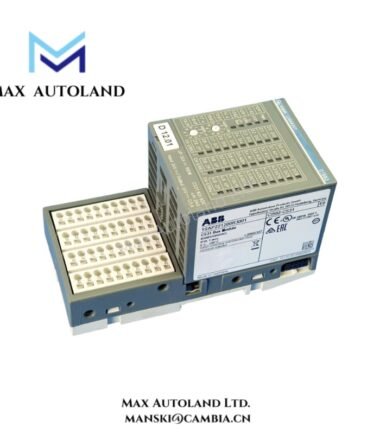
Overview
Hardware Specifications
| Parameter | Specification |
|---|---|
| Model | PM510 3BSE000270R1 |
| Brand | ABB |
| Origin | ABB |
| Weight | Refer to manufacturer documentation |
| Dimensions | Refer to manufacturer documentation |
| Operating Temp | Refer to manufacturer documentation |
| Power Consumption | Refer to manufacturer documentation |
| Product Type | Processor Module |
| Platform Compatibility | ABB Advant OCS / ABB 800xA |
| Primary Function | CPU processing, controller execution, system coordination |
| Installation Type | Rack or controller subsystem integration |
| Communication Role | Internal controller and backplane data handling |
Firmware Flash Compatibility and Controller Integration
Within ABB controller platforms, processor modules depend on firmware alignment between CPU hardware, engineering configuration, and associated communication or I/O resources. Firmware flash compatibility must be verified before controller replacement, recovery procedures, or software revision migration.
Controller startup behavior, module identification, and configuration loading may vary when firmware revisions differ across installed hardware assemblies. Validation of hardware definition files and platform release compatibility is recommended before commissioning.
Frequently Asked Questions
Q: Does the PM510 support hot-swap replacement during active controller operation?
A: Hot-swap behavior depends on the controller architecture and active system configuration. Module removal or insertion should follow ABB maintenance procedures and controller state verification requirements.
Q: Can a PM510 processor be installed with a different firmware revision than the original unit?
A: Firmware substitution requires compatibility verification against the controller software environment, configuration database, and associated hardware revisions.
Q: Does processor replacement affect backplane communication initialization?
A: Yes. After replacement, controller diagnostics, module recognition status, and internal communication initialization should be checked before returning the system to operational service.
Field Installation Guidelines
Isolate cabinet supply power and confirm controller shutdown status before handling the processor module. Apply ESD protection during unpacking, transport, and installation.
Install the module using the designated slot orientation and connector alignment defined for the controller chassis. Do not apply mechanical force to engage backplane connectors.
Maintain separation between communication wiring and high-current power conductors. Apply shield termination and protective grounding practices according to cabinet grounding design to limit conducted electrical interference.
After installation, verify module detection, firmware identification, and controller diagnostic status through the applicable engineering workstation or maintenance interface.
ABB Top Products
Customers Also Viewed
Contact: Manski Wong +86 18030205725 manski@cambia.cn


Reviews
There are no reviews yet.