

Overview
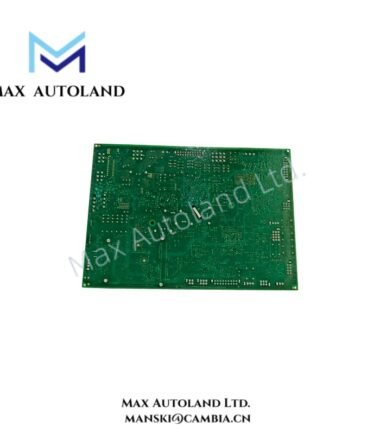
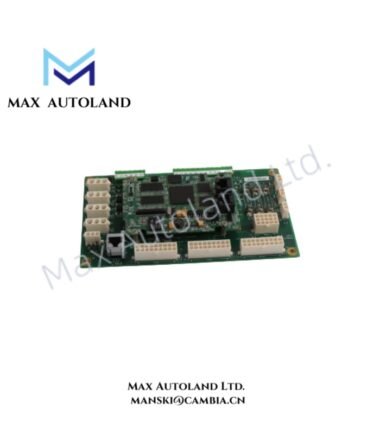
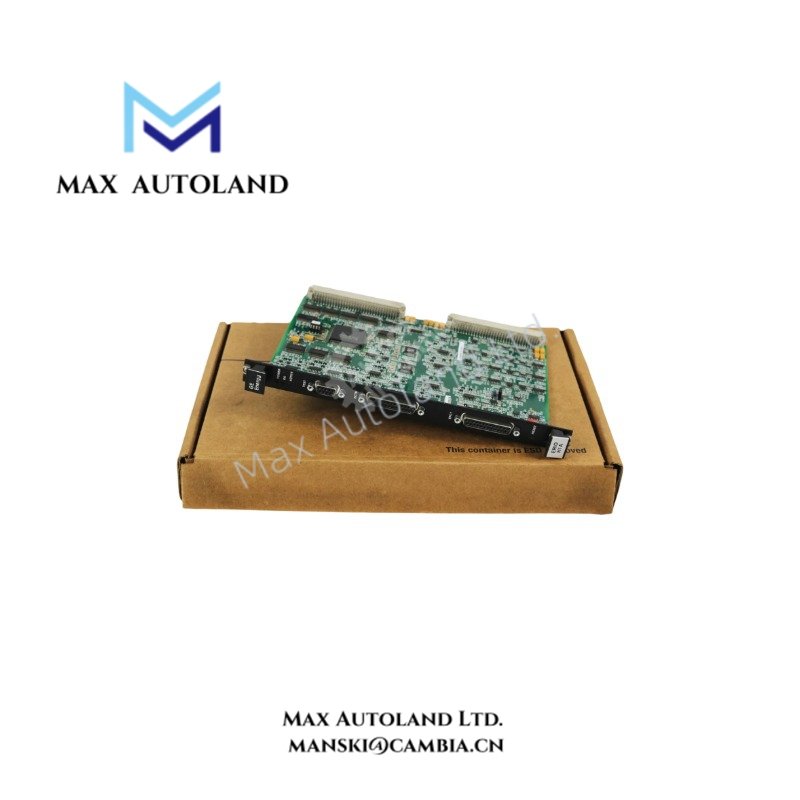
The GE IS200ERIOH1ACB, also cataloged as the IS200ERIOH1A Exciter Regulator Main I/O Board, provides customer I/O interfacing and data exchange within the GE EX2100 excitation control architecture. The board uses dual CPU sockets and an FPGA-based data acquisition path to process connected control signals.
Hardware Specifications
| Parameter | Specification |
|---|---|
| Model | IS200ERIOH1ACB |
| Base Model | IS200ERIOH1A |
| Brand | General Electric (GE) |
| Series | EX2100 Excitation Control System / Mark VI Speedtronic |
| Board Type | Exciter Regulator Main I/O Board |
| CPU Architecture | Dual CPU sockets |
| FPGA | Integrated FPGA for data acquisition and dynamic memory storage |
| Backplane Connectors | P1 and P2 |
| Front Panel | Toggle switch |
| Status Indicators | POWER, OK, ACTIVE LEDs |
| System Configuration | Simplex and redundant configurations |
| Dimensions | 29.6 cm x 13.2 cm |
| Form Factor | Double-width front panel, two rack slots |
| Operating Temp | 0 deg C to 60 deg C |
| PCB Protection | Conformal coating |
Industrial Control Backplane and Redundancy
The IS200ERIOH1ACB exchanges I/O data between customer connections and the exciter regulator control architecture. The FPGA manages data acquisition and dynamic memory functions, while the dual CPU socket arrangement supports the board’s processing architecture.
In a redundant configuration, the ACTIVE LED identifies the board currently operating as the active master. The POWER LED indicates supplied operating power, while the OK LED indicates normal board status without a detected fault.
The board connects to the rack backplane through the P1 and P2 connectors. Therefore, correct connector engagement and rack positioning directly affect I/O communication with the surrounding control hardware.
Frequently Asked Questions (FAQ)
Q: Does the IS200ERIOH1ACB support redundant operation?
A: Yes. The supplied specifications identify both Simplex and redundant system configurations. In redundant operation, the ACTIVE LED identifies the active master board.
Q: What backplane connections does the board use?
A: The board has two rear-edge backplane connectors identified as P1 and P2.
Q: What do the three front-panel LEDs indicate?
A: POWER indicates operating power, OK indicates normal board status, and ACTIVE identifies the active master in a redundant configuration.
Field Installation Guidelines
Install the IS200ERIOH1ACB in the designated two-slot rack position and verify the board orientation before engaging the backplane connectors.
Inspect the P1 and P2 connectors for contamination, mechanical damage, or bent contacts before installation. Seat the board evenly to avoid connector misalignment.
For redundant configurations, install the corresponding boards according to the system rack arrangement. After energization, verify the POWER and OK indicators. In a redundant arrangement, also verify the ACTIVE indication on the designated master board.
Keep I/O wiring separated from high-current switching conductors where the cabinet layout permits. Use the specified cable routing and grounding arrangement for the EX2100 or Mark VI installation.
The board uses a conformal-coated PCB, but the coating does not replace enclosure and environmental controls. Keep the rack protected from conductive dust, excessive moisture, and contamination.
Before commissioning, verify rack position, P1/P2 connector engagement, I/O wiring, toggle-switch position, and LED status. Then confirm correct I/O data exchange with the associated regulator control hardware.