

Overview
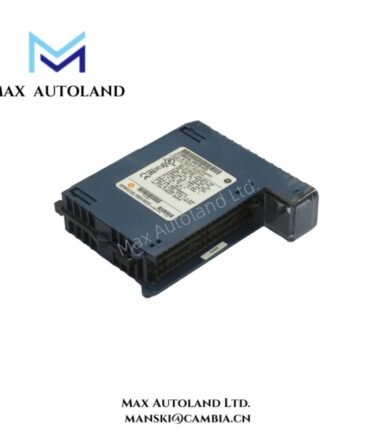
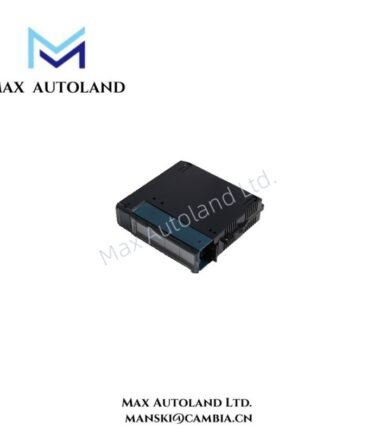
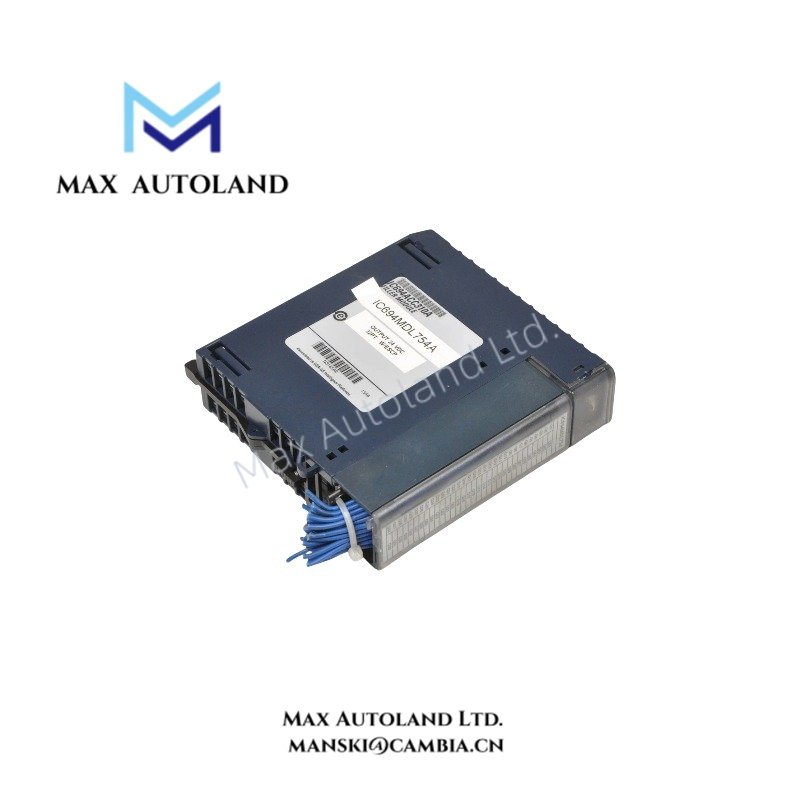
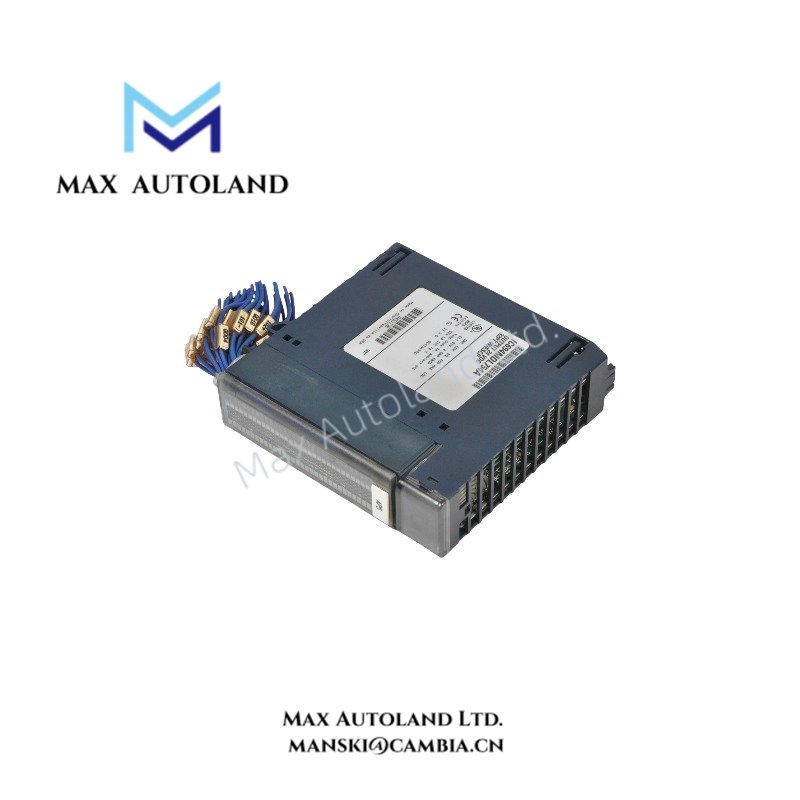
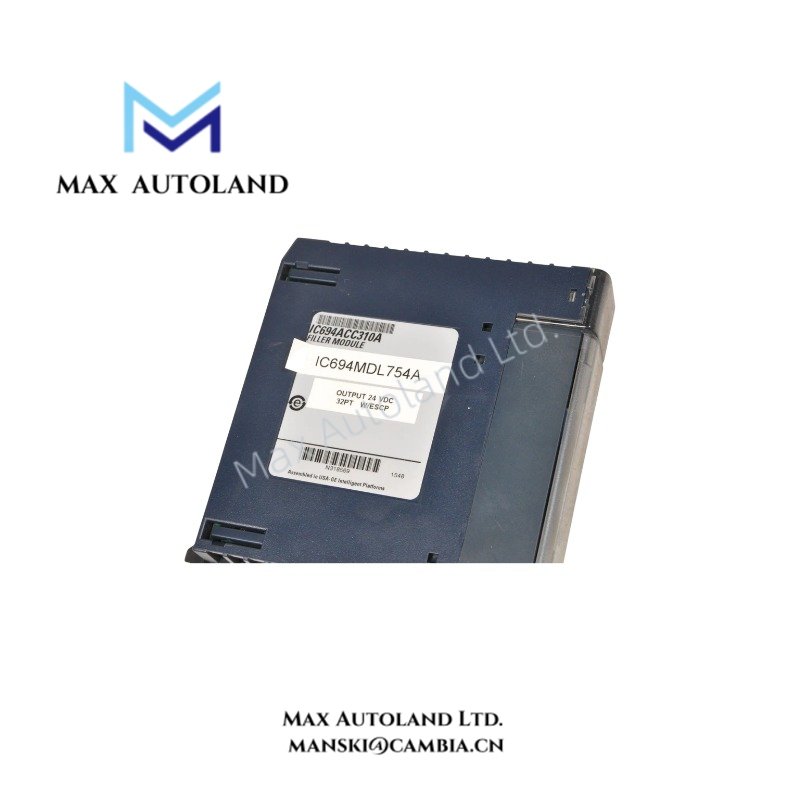
The GE Fanuc Emerson IC694ACC310, also cataloged as the IC694ACC310 blank slot filler module, occupies a vacant position within PACSystem RX3i rack assemblies. It provides a physical cover for an unused module slot and contains no electronic components. The unit therefore does not perform I/O processing, backplane communication, or signal conditioning.
Hardware Specifications
| Parameter | Specification |
|---|---|
| Model | IC694ACC310 |
| Brand | GE Fanuc Emerson |
| Series | PACSystem RX3i |
| Product Type | Blank Slot Filler Module |
| Product Description | Slot cover |
| Compatibility | GE RX3i PACSystem |
| Compatible Controller | All RX3i CPUs |
| Compatible Rack | Main rack, Expansion / Remote racks |
| Compatible Standard Baseplates | 7, 12, and 16-slot baseplates |
| Compatible Expansion Baseplates | 5 and 10-slot baseplates |
| Number of Slots Covered | Single slot |
| Weight | 0.56 lbs (0.26 kg) |
| Removal and Insertion Under Power | Allowed |
| Number of Module Installations | Unlimited |
| Vibration Prevention | Supported |
| Water Damage Prevention | Supported |
| Scalable Systems | Supported |
RX3i Rack Slot Protection
The IC694ACC310 uses a physical module housing to cover an unused RX3i slot. Because the unit contains no electronic circuitry, it does not exchange data with the RX3i CPU or participate in the backplane bus.
The filler occupies one module position and maintains the physical enclosure of the rack assembly. It can be installed on compatible main, expansion, and remote rack configurations. The supplied specifications also identify support for removal and insertion under power.
Frequently Asked Questions
Q: Does the IC694ACC310 communicate with the RX3i backplane?
A: No. The supplied data identifies the unit as a blank slot filler without electronic components. It does not provide I/O or communication functions.
Q: How many rack slots does one IC694ACC310 cover?
A: One module slot.
Q: Can the IC694ACC310 be removed or inserted while the system remains powered?
A: The supplied specification lists removal and insertion under power as allowed. Follow the applicable RX3i rack installation procedure when performing the operation.
Field Installation Guidelines
Install the IC694ACC310 directly into the vacant RX3i module position and secure it using the rack’s normal module retention method. Confirm that the filler is mechanically seated before operating the rack.
Keep the filler aligned with the baseplate slot during insertion or removal. Do not connect field wiring to the unit because it does not provide electrical I/O terminals.
When installing or removing the unit under power, follow the applicable RX3i system procedures and maintain normal electrical safety practices. Keep the rack enclosure closed or protected against contamination after installation.
The supplied data does not specify dimensions, operating temperature, or other environmental limits. Use the applicable RX3i hardware documentation for installation conditions not stated here