Overview
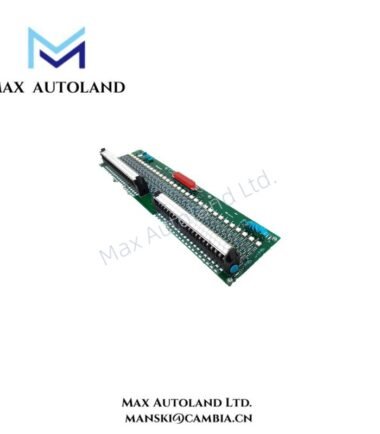
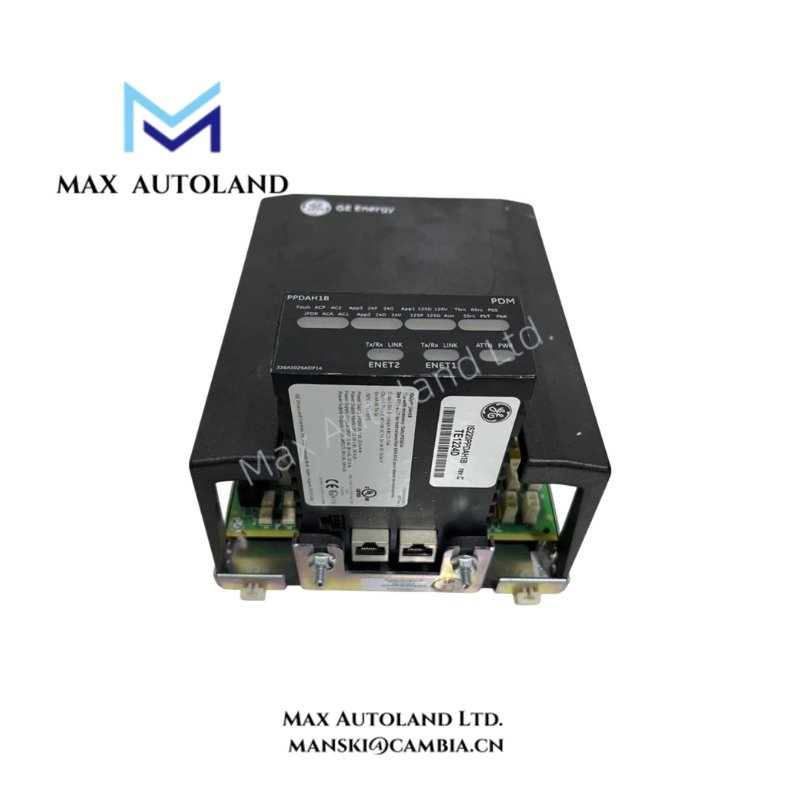
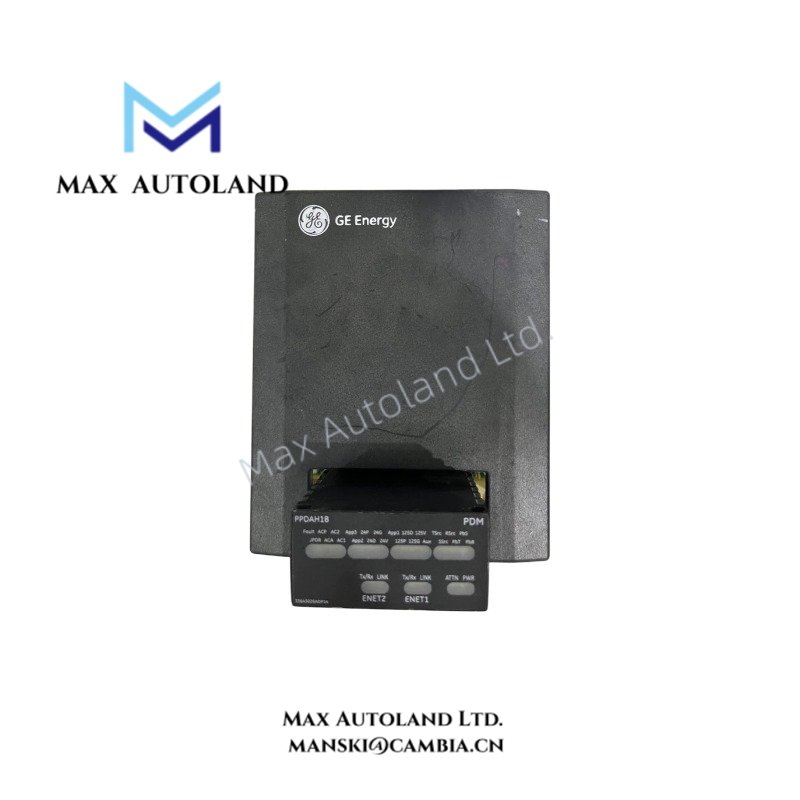
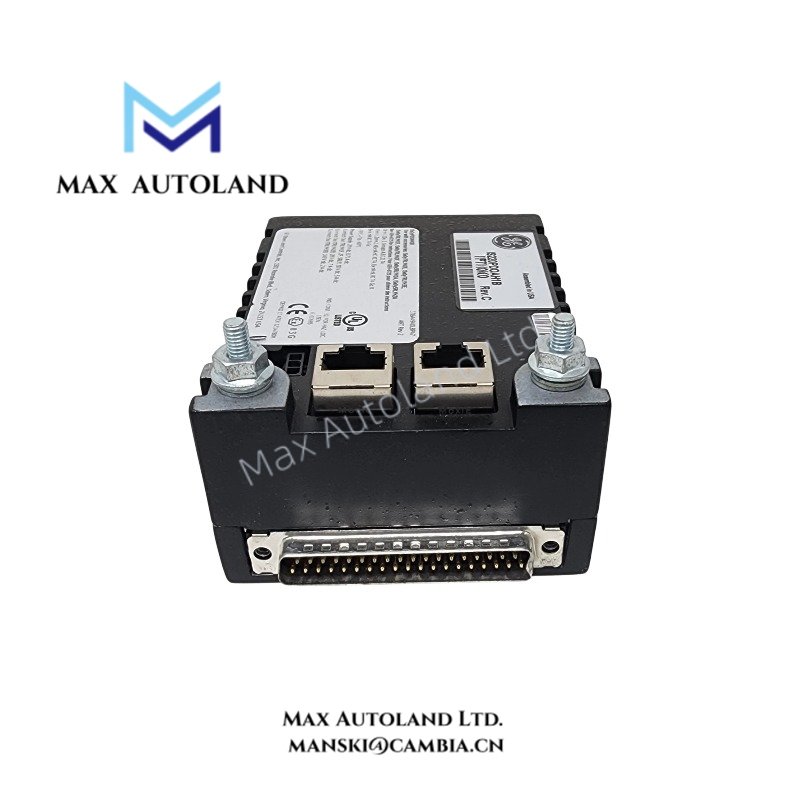
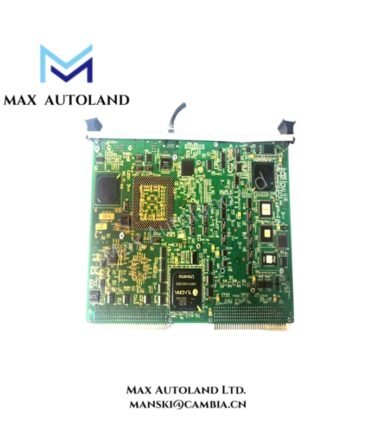
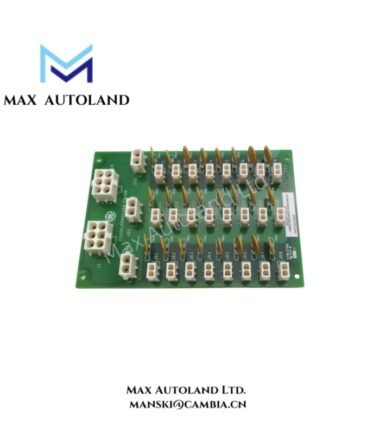
The GE IS220PPDAH1B, also cataloged as the IS220PPDAH1B Power Distribution System Feedback I/O Module, acquires voltage, branch-current, and fuse-status feedback from compatible power distribution boards within the Mark VIe control system. It conditions feedback signals from up to six connected boards or feedback groups and transmits the resulting data to controllers through a dual Ethernet IONet interface.
Hardware Specifications
| Parameter | Specification |
|---|---|
| Model | IS220PPDAH1B |
| Brand | General Electric (GE) |
| Series | Mark VIe Control System |
| Product Type | Power Distribution System Feedback I/O Module |
| Input Power Supply | Nominal 28 VDC |
| Input Voltage Sensing | Dual 28 VDC |
| Current Feedback | Multi-channel branch current feedback and fuse health monitoring |
| Input Converter Resolution | 16-bit analog-to-digital converter |
| Communication Interface | Dual RJ-45 Ethernet ports |
| Ethernet Speed | 10/100 Mbps |
| Network Interface | IONet |
| Feedback Capacity | Up to six power distribution boards or feedback groups |
| Terminal Board Connection | 28-pin connector, as specified in the supplied data |
| Compatible Distribution Boards | JPDS, JPDM, JPDG, or JPDC |
| Diagnostic Functions | Voltage rail supervision |
| Processor | Onboard high-speed microprocessor |
| Power Consumption | 5.2 W typical / 7.2 W maximum |
| Operating Temperature | -30 deg C to +65 deg C |
| Storage Temperature | -40 deg C to +85 deg C |
| Relative Humidity | 5% to 95%, non-condensing |
| Conformal Coating | Acrylic PCB protective coating |
| Mounting | Direct terminal board plug-in with latching fasteners |
| Technology | Surface-mount electronics |
| Dimensions | 82.6 mm x 41.9 mm x 121 mm |
| Weight | Approximately 0.45 kg |
| Origin | United States |
Mark VIe Power Distribution Feedback and IONet Communication
The IS220PPDAH1B processes feedback signals from compatible Mark VIe power distribution boards. Each connected board supplies a feedback group, allowing the module to monitor distribution status across multiple power branches.
The module uses electronic identification to recognize connected distribution boards and populate its IONet output with the corresponding feedback data. This mechanism supports configuration of the feedback interface according to the connected hardware.
The dual Ethernet ports provide controller communication paths. The module can operate through either port, while dual connections support the configured network arrangement. In redundant controller systems, the installation documentation specifies the appropriate IONet connections for the controller architecture.
The feedback interface also supports branch-current monitoring, fuse-status indication, and voltage rail supervision. These functions provide electrical status information to the Mark VIe controller for power distribution monitoring and diagnostics.
Frequently Asked Questions (FAQ)
Q: How many power distribution boards can one IS220PPDAH1B monitor?
A: The supplied functional description specifies a maximum of six power distribution boards or six feedback groups. Each connected board contributes one feedback group.
Q: Does the IS220PPDAH1B support dual Ethernet connections?
A: Yes. The module has two RJ-45 Ethernet ports for IONet communication. It can operate through either port, and the connection arrangement depends on the system configuration.
Q: Can the IS220PPDAH1B be plugged into an energized distribution board?
A: The supplied installation description identifies a side power connector with soft-start capability to control inrush current during power application. However, this does not establish unrestricted hot-swap support. Follow the applicable GE installation instructions and site isolation procedures before inserting or removing the module.
Field Installation Guidelines
- Verify board compatibility. Confirm that the host distribution board is a supported JPDS, JPDM, JPDG, or JPDC variant configured for the Mark VIe system.
- Inspect the connectors. Check the I/O pack connector and terminal board interface for contamination, damaged contacts, or mechanical interference before installation.
- Install the I/O pack. Plug the module into the designated terminal board connectors. Align the assembly carefully to avoid applying right-angle mechanical force to the electrical connector.
- Secure the assembly. Engage the threaded studs with the mounting brackets specified for the terminal board. Adjust the bracket position as necessary to maintain connector alignment.
- Connect IONet cables. Install one or two Ethernet cables according to the system configuration. For dual connections, follow the controller and network port assignments in the applicable system documentation.
- Connect additional feedback boards. Use the specified ribbon-cable connections to daisy-chain compatible distribution boards. Verify connector orientation and pin alignment before applying power.
- Check power and diagnostics. Confirm the nominal 28 VDC supply, inspect the reported voltage and fuse feedback, and verify that the controller receives the expected IONet data.
- Validate the completed installation. Check module identification, connected feedback groups, Ethernet communication, and reported power distribution status through the system diagnostic tools.
- Follow site electrical procedures. Apply the manufacturer’s requirements for isolation, grounding, cable routing, and energized work. Do not infer hot-swap authorization solely from the module’s soft-start feature.