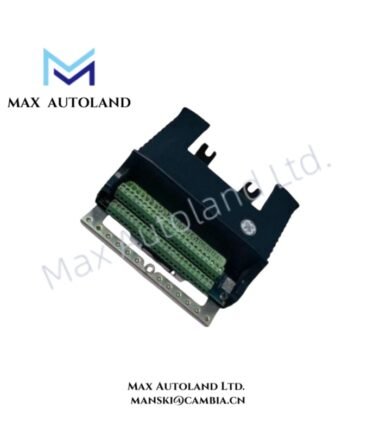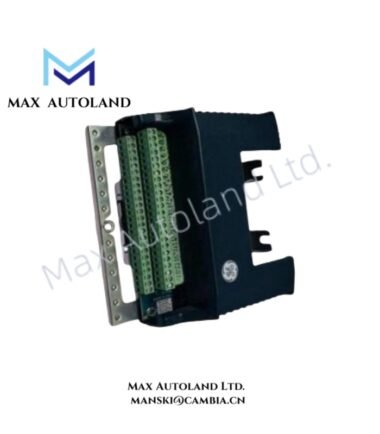

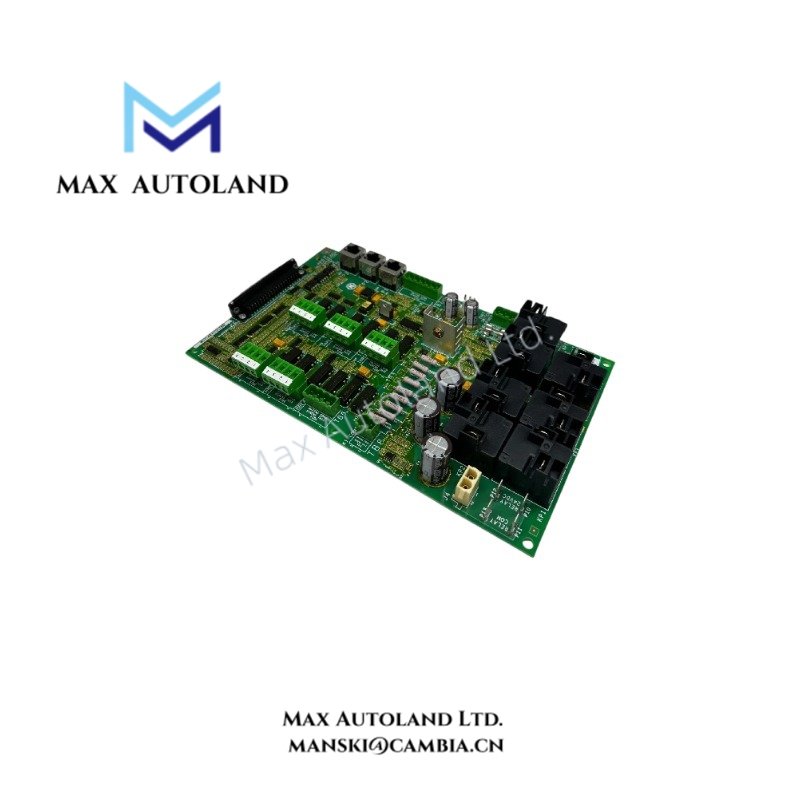
Overview
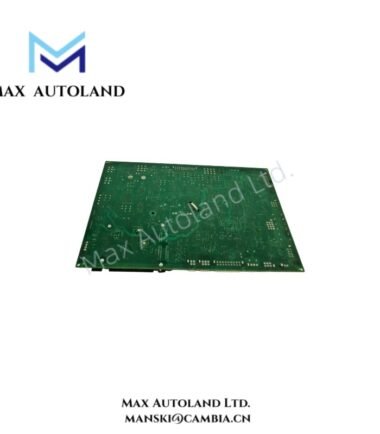
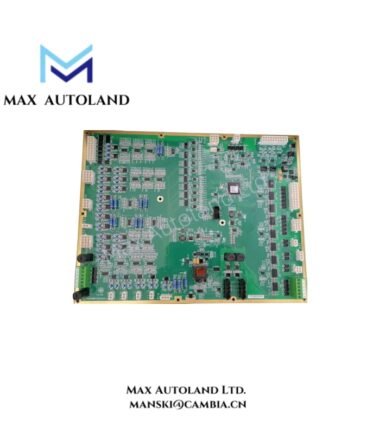
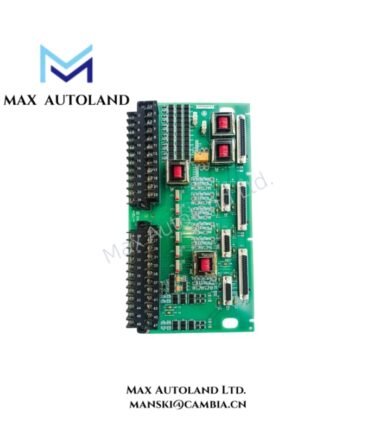
The GE IS210AEAAH3B, associated in the supplied information with the IS210AEAAH3B printed circuit board, is identified as a hardware component for the GE Mark VIe control platform. The supplied data does not confirm its specific I/O function, signal channels, or network interface. Therefore, terminal compatibility and electrical operating limits require verification against the applicable GE hardware documentation.
Hardware Specifications
| Parameter | Specification |
|---|---|
| Model | IS210AEAAH3B |
| Associated Ordering Variant | IS210AEAAH3BKE (unverified) |
| Brand | General Electric (GE) |
| Series | Mark VIe (reported; exact compatibility requires verification) |
| Product Type | Printed Circuit Board |
| Weight | 0.62 kg |
| Dimensions | 2 cm x 21 cm x 26.5 cm (estimated shipping dimensions) |
Industrial Control Hardware and Network Compatibility
The GE Mark VIe platform uses distributed control hardware and Ethernet-based I/O networks. However, the exact role of the IS210AEAAH3B must be confirmed before assigning specific communication or signal-processing functions to this board.
For hardware identification, verify the complete model number, board revision, connector arrangement, and any assembly or component labels. Do not assume that dual Ethernet ports, redundant IONet operation, or direct compatibility with TBQC terminal boards apply to this specific model without supporting documentation.
Frequently Asked Questions (FAQ)
Q: Can the IS210AEAAH3B be installed directly on a Mark VIe terminal board?
A: Direct mounting compatibility has not been confirmed. Check the applicable GE hardware manual and terminal board compatibility list before installation.
Q: What are the power consumption and operating temperature limits?
A: These values are not established by the supplied specifications. Obtain the electrical ratings and environmental limits from the documentation for the exact board revision.
Q: Does the IS210AEAAH3B support redundant IONet communication?
A: Redundant network support has not been verified for this model. Confirm the network interface and redundancy requirements using the applicable GE system documentation.
Field Installation Guidelines
- Verify hardware identity: Compare the board label, full model number, revision, and connector layout with the approved equipment documentation.
- Isolate power: Follow the plant’s lockout and isolation procedures before removing or installing control hardware.
- Check compatibility: Confirm the designated rack or terminal board, connector assignment, and mounting arrangement before fitting the board.
- Control electrostatic discharge: Use appropriate ESD protection and handle the printed circuit board by its edges.
- Inspect connections: Check connectors and mating surfaces for damage, contamination, or bent contacts before installation.
- Verify wiring and grounding: Follow the manufacturer’s instructions for cable routing, shielding, grounding, and separation of signal and power conductors.
- Perform commissioning checks: Apply power only after confirming the installation. Check hardware diagnostics and system configuration against the approved commissioning procedure.