

Overview
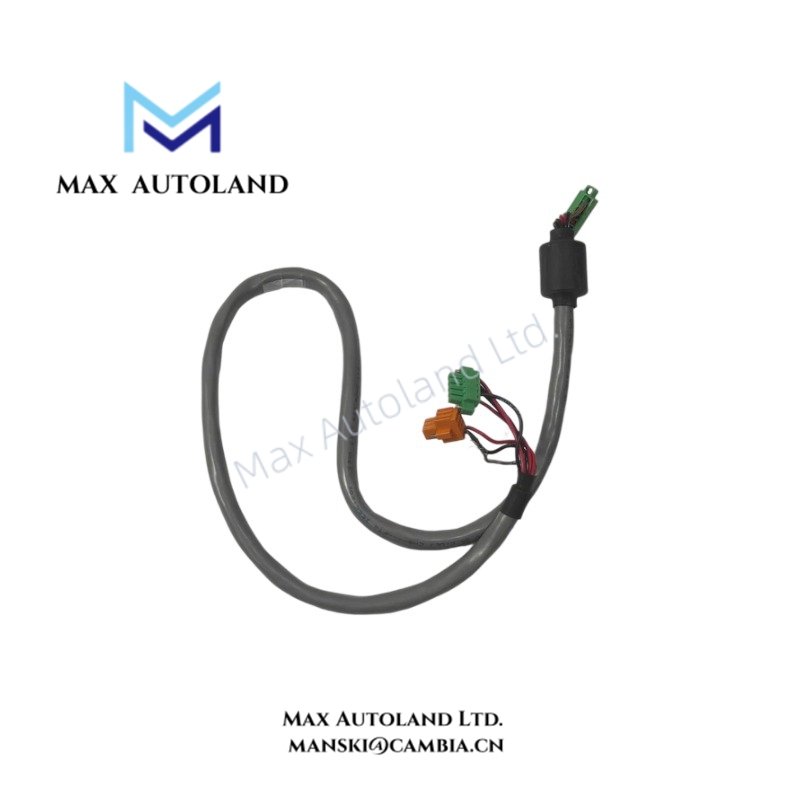
Configured for direct CPU-to-energy-pack connection in the RX3i PACSystems platform, the GE Fanuc Emerson IC695CBL002 (IC695CBL002 Energy Pack replacement cable) provides a 1 meter physical connection through keyed 7-pin connectors. The cable uses straight-through end-to-end wiring and supports the specified 24 VDC, 125 VDC, and 120/240 V system configurations.
Hardware Specifications
| Parameter | Specification |
|---|---|
| Model | IC695CBL002 |
| Brand | GE Fanuc Emerson |
| Product Line | RX3i PACSystems |
| Product Type | Energy Pack replacement cable |
| Compatibility | PACSystems RX3i |
| Connection | CPU unit to Energy Pack |
| Connector | 7-pin, keyed |
| Wiring | Straight-through end-to-end |
| Length | 1 meter (36 inches) |
| Termination Resistor | Yes |
| Voltage Range | 24 VDC, 125 VDC, or 120/240 V |
| Energy Pack Compliance | EU RoHS Directive 2011/65/EU |
| Operating Temp | 0 to 60 deg C (32 to 140 deg F) |
| Weight | 0.56 lb (0.26 kg) |
PACSystems RX3i Cable Connection Characteristics
The IC695CBL002 provides the physical cable path between an RX3i CPU unit and its compatible Energy Pack. The keyed 7-pin connector controls connector orientation during installation.
The cable uses straight-through wiring from end to end. Therefore, installation should preserve the intended connector-to-connector routing between the CPU and Energy Pack.
The specified Energy Pack installation uses DIN-rail mounting. The cable should remain clear of sharp edges, excessive bending, and mechanical interference around the mounted equipment.
Frequently Asked Questions
Q: What connector does the IC695CBL002 use?
A: The cable uses a 7-pin keyed connector for the specified CPU-to-Energy Pack connection.
Q: What is the cable length?
A: The specified length is 1 meter (36 inches).
Q: Is the IC695CBL002 an I/O module?
A: No. It is a replacement cable for the physical connection between an RX3i CPU unit and an Energy Pack.
Field Installation Guidelines
- Confirm that the CPU and compatible Energy Pack match the intended RX3i configuration before connecting the cable.
- Mount the Energy Pack on its designated DIN rail location before routing the cable.
- Align the keyed 7-pin connector with the corresponding socket. Do not force the connector if the keying does not align.
- Route the cable without placing mechanical tension on either connector.
- Keep the cable away from sharp metal edges, moving mechanisms, and sources of mechanical abrasion.
- Maintain separation from high-current power wiring where practical to reduce the possibility of electrical interference.
- Inspect both connector ends after installation and verify that the cable remains fully seated.