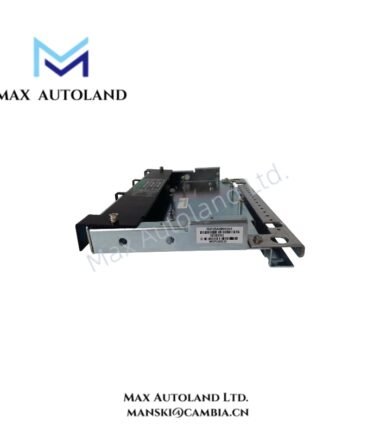
Overview
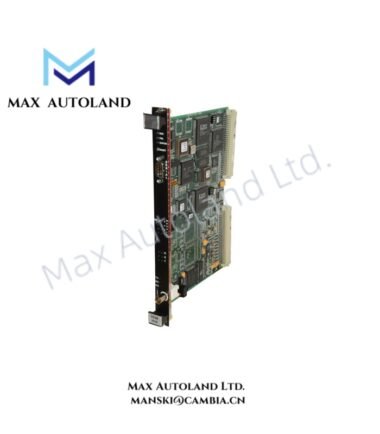
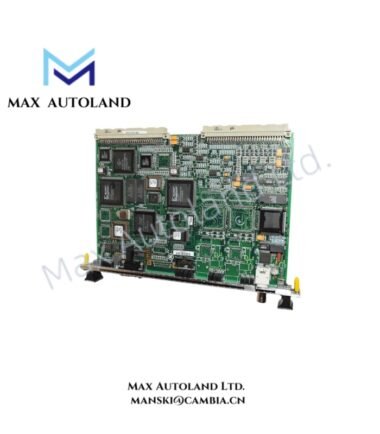
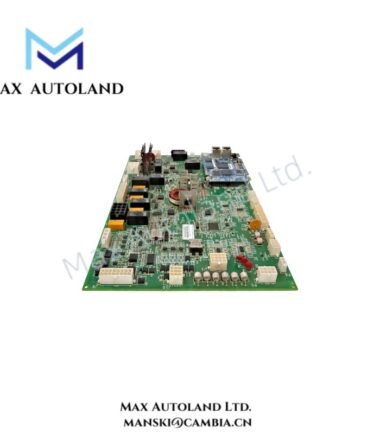
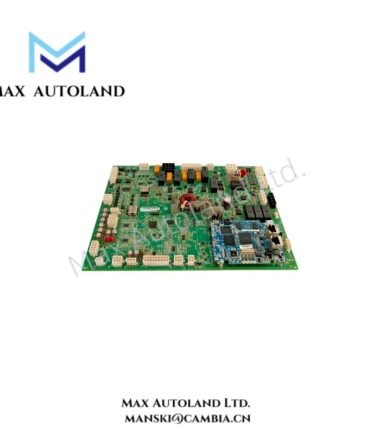
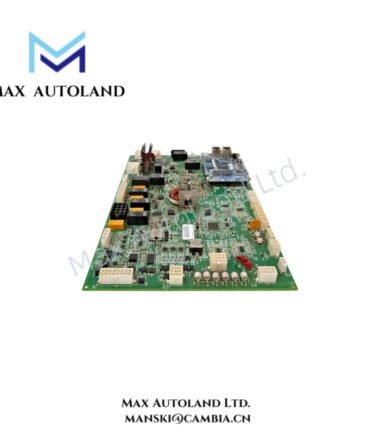
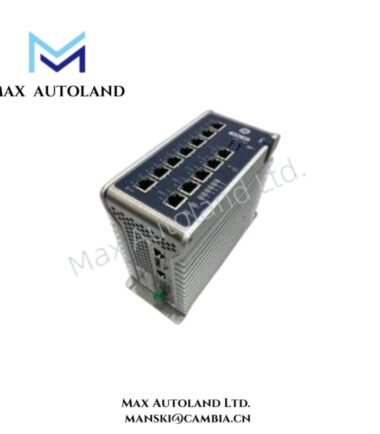
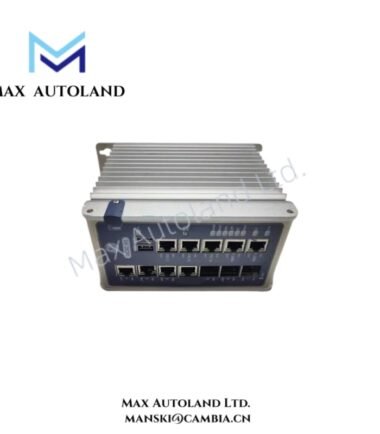
The GE IS420ESWAH2A, also cataloged as the IS420ESWAH2A Industrial Ethernet Switch, operates as a dedicated hardware component for Ethernet data communication within the Mark VIe control network. The unmanaged switch provides eight 10/100BASE-TX copper ports and two 100BASE-FX fiber ports, supporting automatic speed and duplex negotiation for connected industrial devices.
Hardware Specifications
| Parameter | Specification |
|---|---|
| Model | IS420ESWAH2A |
| Brand | General Electric (GE) |
| Series | Mark VIe |
| Product Type | Industrial Ethernet Switch |
| Function | Ethernet data communication and network distribution |
| Management Type | Unmanaged |
| Copper Ports | 8 x 10/100BASE-TX |
| Fiber Ports | 2 x 100BASE-FX |
| Fiber Connector Type | LC-type |
| Ethernet Standards | IEEE 802.3, IEEE 802.3u, IEEE 802.3x |
| Duplex Mode | Half-duplex and full-duplex auto-negotiation |
| Port Detection | HP-MDIX auto-sensing |
| Input Voltage | 24/28 VDC |
| Operating Voltage Range | Typically 20-30 VDC |
| Power Consumption | Approximately 4.5 W to 6.5 W |
| Power Connector | Phoenix Contact terminal block |
| Operating Temp | -40 deg C to +70 deg C |
| Cooling | Natural convection |
| Enclosure Protection | IP20 |
| Mounting | DIN rail |
| Status Indication | LEDs for power, link activity, and port speed |
| Compatible Mounting Clip | 259B2451BVP1 for parallel mounting |
| Compatible Mounting Clip | 259B2451BVP2 for perpendicular mounting |
| Origin | USA |
Industrial Ethernet Network Integration
The IS420ESWAH2A supports industrial Ethernet communication within GE Mark VIe control architectures. Its copper and fiber interfaces allow different physical network media to connect through the same switch.
In addition, automatic half-duplex and full-duplex negotiation configures each compatible Ethernet connection according to the connected device. HP-MDIX auto-sensing also detects cable configuration without requiring manual crossover cable selection.
The switch contributes to I/O density scaling at the system level by providing multiple network connection points within a compact DIN-rail installation. However, as an unmanaged device, it does not provide user-configurable network management functions through the switch itself.
Frequently Asked Questions
Q: Does the IS420ESWAH2A support managed Ethernet switch configuration?
A: No. The IS420ESWAH2A is identified as an unmanaged Ethernet switch. Therefore, network configuration and port management functions are not provided through a managed switch interface.
Q: What Ethernet interfaces are available on the IS420ESWAH2A?
A: The switch provides eight 10/100BASE-TX copper ports and two 100BASE-FX fiber ports with LC-type connectors.
Q: Can the switch be installed in different DIN-rail orientations?
A: Yes. Clip 259B2451BVP1 supports parallel positioning relative to the DIN rail, while clip 259B2451BVP2 supports perpendicular positioning.
Field Installation Guidelines
Install the IS420ESWAH2A on a compatible DIN rail using the specified mounting clip for the required orientation. Confirm that the rail and clip provide secure mechanical retention before connecting network or power wiring.
Connect the DC power supply according to the terminal identification and verify supply polarity before energizing the unit. Keep power wiring separated from high-energy switching conductors where practical.
Route copper Ethernet cables to avoid unnecessary exposure to high electromagnetic interference sources. Use properly terminated industrial Ethernet cables and maintain appropriate cable separation from power circuits.
For fiber connections, inspect LC connectors before installation and protect connector end faces from contamination. Avoid excessive bending or mechanical stress on fiber cables.
After installation, verify the LED indicators for power status, Ethernet link activity, and port speed. Confirm communication with connected Mark VIe network equipment before placing the system into normal operation.