
Overview
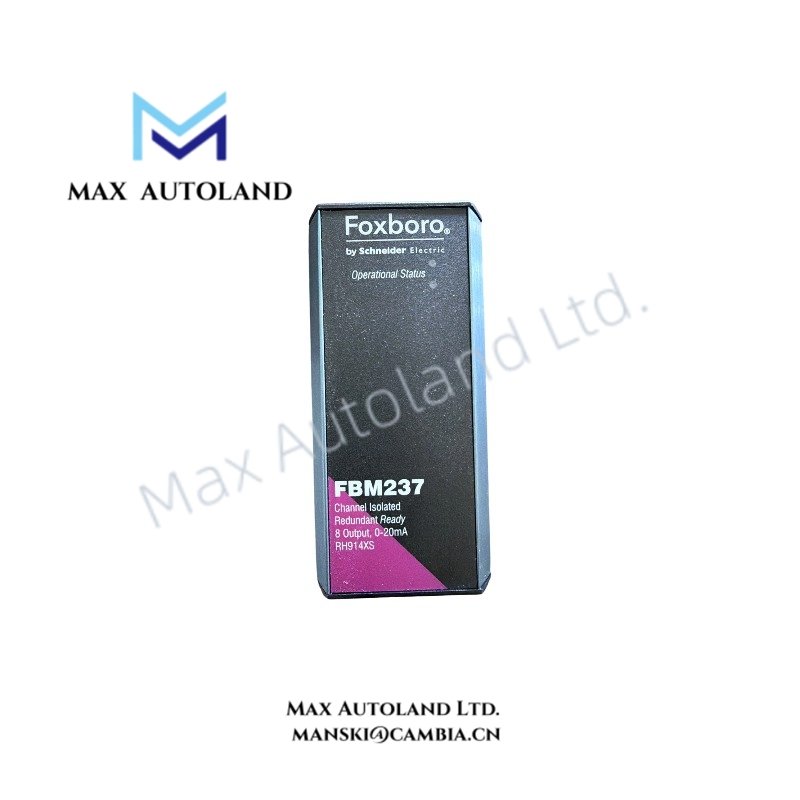
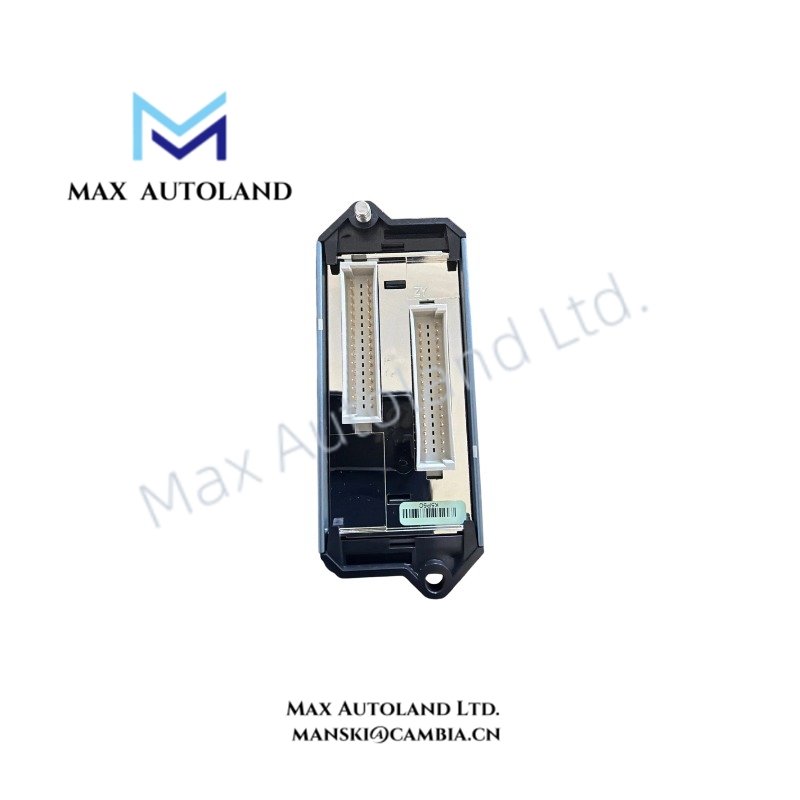
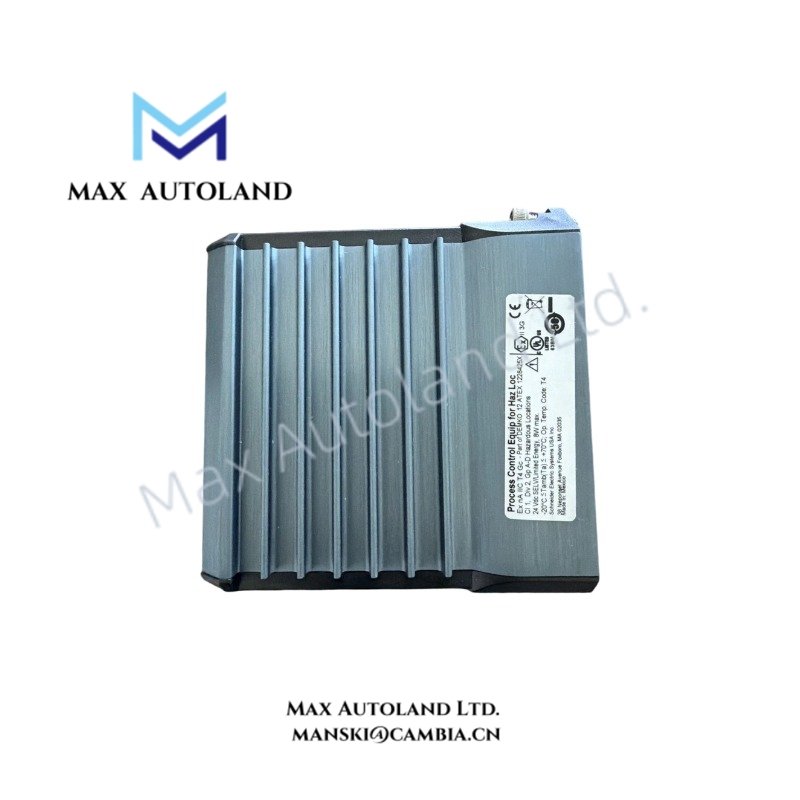
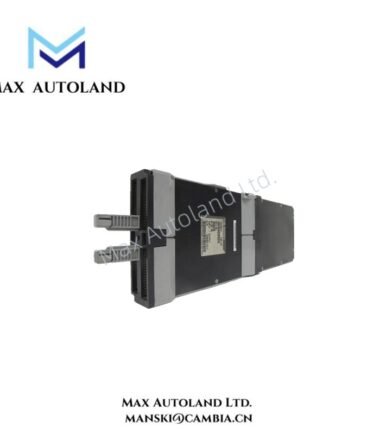
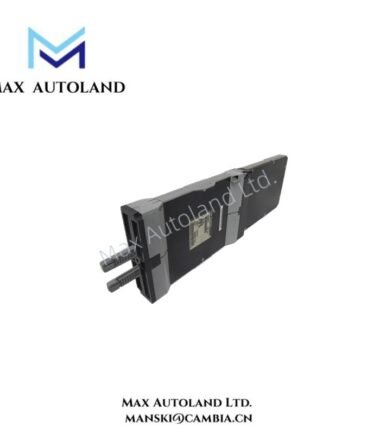
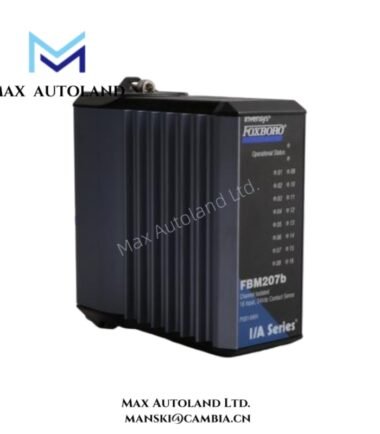
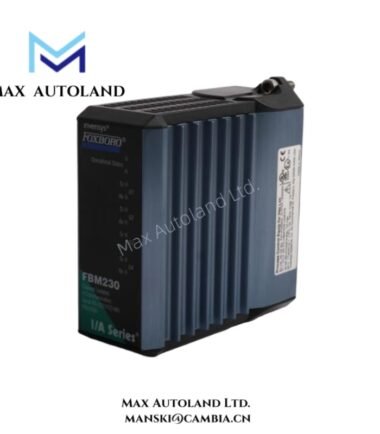
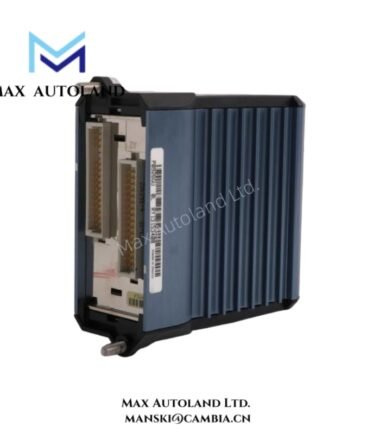
Configured for serial field device integration in the EcoStruxure Foxboro DCS, the Foxboro P0926GU / P0260GU (FBM230 Field Device System Integrator Module) provides direct communication between single-ported field devices and the control database through four configurable serial interfaces.
Hardware Specifications
| Parameter | Specification |
|---|---|
| Model | FBM230 |
| Brand | Schneider Electric / Foxboro |
| Origin | USA |
| Module Type | Field Device System Integrator Module with 4 Serial Ports |
| Part Number | P0926GU / P0260GU |
| Communication Ports | 4 independent serial channels |
| Serial Interface Standards | RS-232, RS-422, RS-485 software selectable |
| Device Capacity | Up to 64 RS-485 devices or 4 RS-232 / RS-422 devices |
| Protocol Support | Downloadable I/O drivers from protocol library, including Modbus and customized drivers |
| DCI Block Capacity | Up to 2,000 Distributed Control Interface block connections |
| Fieldbus Interface | Redundant 2 Mbps Module Fieldbus |
| Host Controller Compatibility | FCP270, FCP280, FCM100E, FCM100ET |
| Input Voltage | 24 VDC (+5%, -10%) redundant power input |
| Power Consumption | Maximum 7 W |
| Heat Dissipation | Maximum 7 W |
| Operating Temp | -20 deg C to +70 deg C |
| Storage Temp | -40 deg C to +70 deg C |
| Relative Humidity | 5% to 95% non-condensing |
| Contamination Protection | ISA Standard S71.04 Class G3 |
| Dimensions | 102 mm H x 45 mm W x 104 mm D; 114 mm H including mounting lugs |
| Weight | Approximately 284 g |
DCS Serial Communication and Protocol Integration
The FBM230 provides four independently configurable serial communication channels for connecting field devices to the Foxboro control system database. Each port supports RS-232, RS-422, or RS-485 electrical standards through software configuration.
The module supports downloadable device drivers from the Foxboro protocol library. Therefore, it can exchange data with Modbus devices and third-party serial instruments without dedicated hardware conversion modules.
The FBM230 communicates with FCP270, FCP280, and FCM100 series controllers through a redundant 2 Mbps Module Fieldbus. Additionally, the module supports up to 2,000 DCI block connections for high-volume process data integration.
Channel Isolation and Process Interface Characteristics
The Foxboro FBM230 operates as a DCS communication interface rather than an analog measurement module. It transfers serial device data into the control database through defined communication blocks.
The module supports RS-485 multi-device networks, allowing connection with up to 64 field devices on a single serial network. Meanwhile, RS-232 and RS-422 connections support direct point-to-point device communication.
Because Foxboro systems frequently integrate HART and field communication devices, system architectures may combine FBM230 serial integration with other Foxboro I/O modules supporting 4-20 mA HART loop protocol, FOUNDATION Fieldbus, or Profibus PA connectivity.
Frequently Asked Questions
Q: Does the FBM230 provide analog signal conversion for 4-20 mA instruments?
A: No. The FBM230 is a serial communication interface module. It does not perform analog input or output conversion. It exchanges data through RS-232, RS-422, and RS-485 communication channels.
Q: How many serial devices can the FBM230 communicate with?
A: The module can communicate with up to 64 RS-485 devices or up to 4 direct RS-232 / RS-422 devices, depending on network configuration and protocol requirements.
Q: Can the FBM230 operate with redundant power and fieldbus connections?
A: Yes. The module supports redundant 24 VDC power input and communicates with Foxboro controllers through a redundant 2 Mbps Module Fieldbus connection.
Field Installation Guidelines
- Install the FBM230 in the designated Foxboro DCS fieldbus mounting assembly according to system hardware documentation.
- Verify the redundant 24 VDC power wiring polarity before applying power to the module.
- Use shielded communication cables for RS-232, RS-422, and RS-485 connections to reduce electrical interference.
- Connect cable shields according to site grounding standards and avoid creating unintended ground loops.
- Separate serial communication wiring from high-current power cables and variable frequency drive wiring.
- Confirm RS-485 network termination and biasing requirements before connecting multiple field devices.
- Verify the selected serial protocol and downloaded communication driver before commissioning the connected device network.
- Check module status indicators and controller communication diagnostics after installation.


Reviews
There are no reviews yet.