
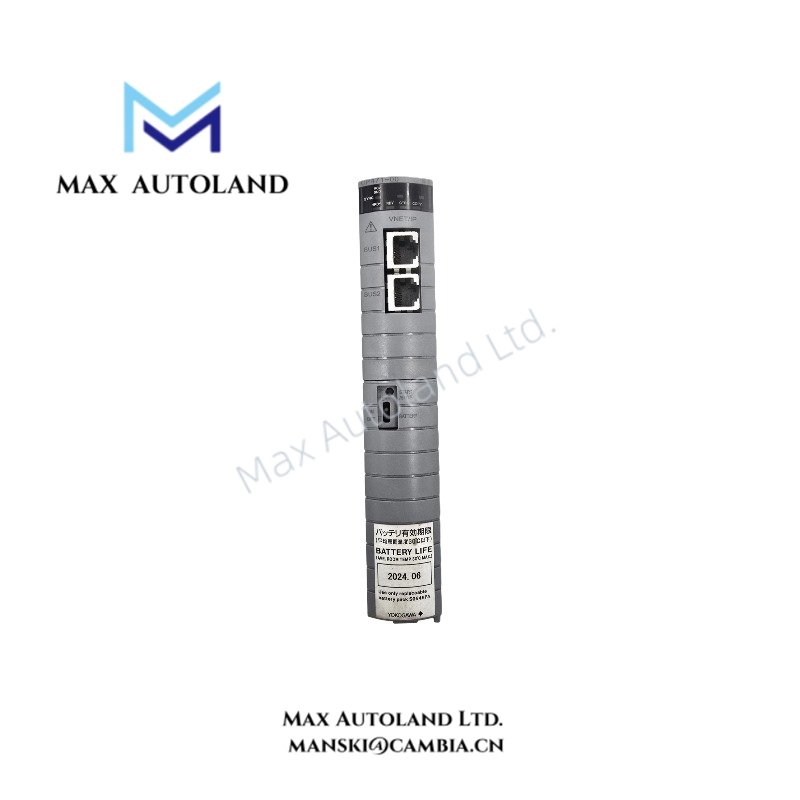
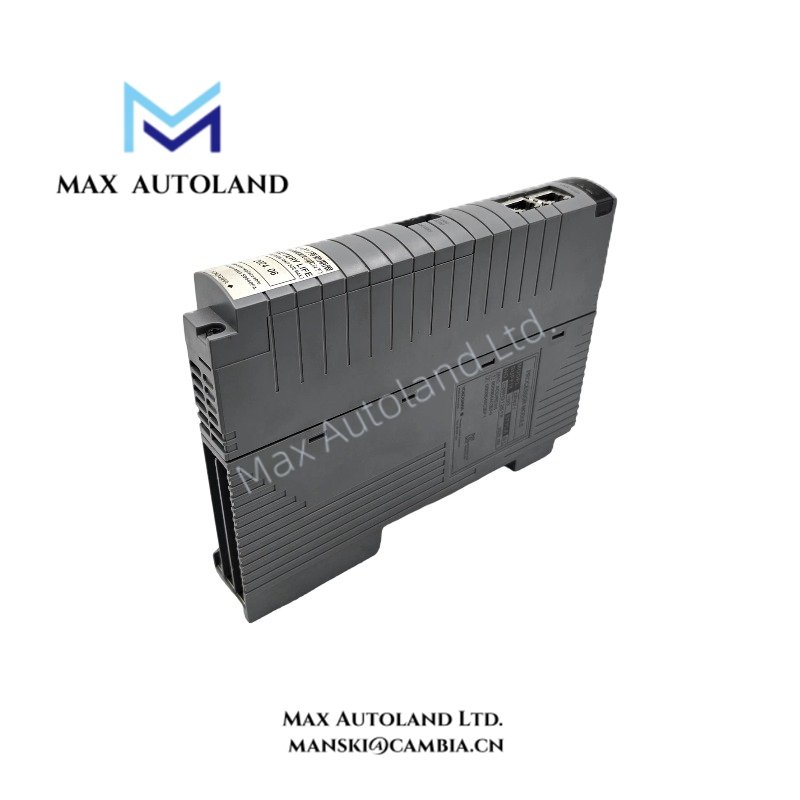
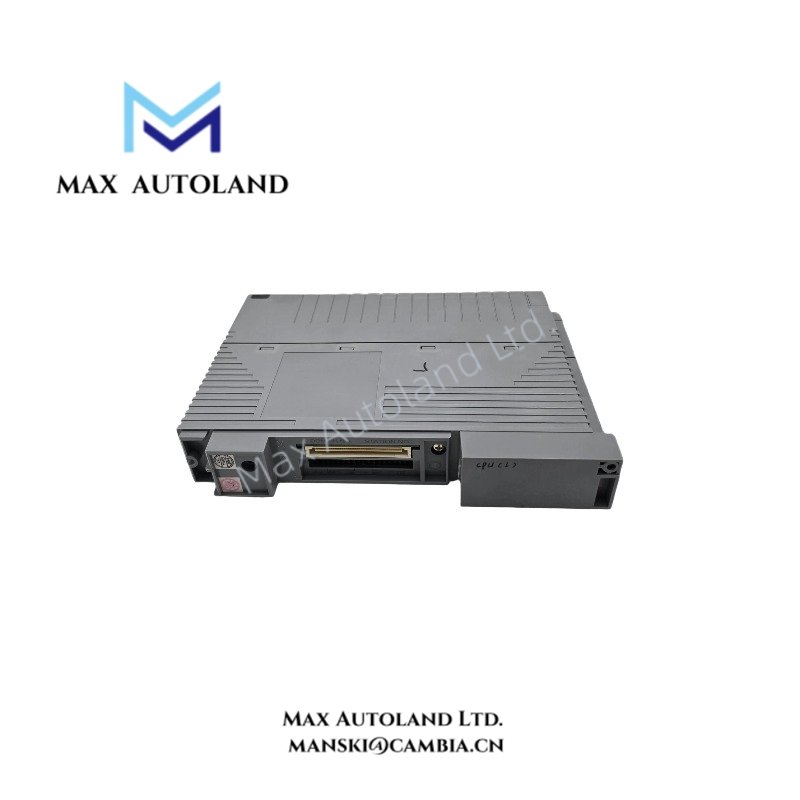
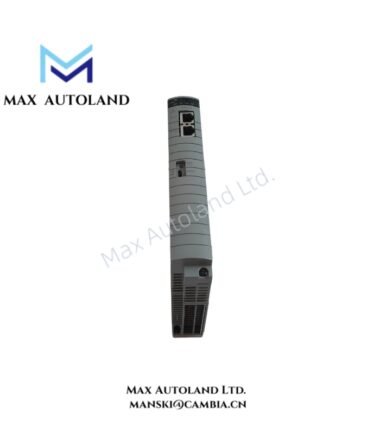
Overview
Suffix Breakdown & Model Matrix
The supplied documentation identifies the following CP471 suffix options. However, it does not establish the complete ordering-code structure for the specific CP471-50 designation.
| Parameter | Specification |
|---|---|
| Base Model | CP471 |
| Explosion Protection Code -0 | Without explosion protection |
| Explosion Protection Code -1 | With explosion protection |
| Environmental Option 0 | Basic type |
| Environmental Option 1 | ISA Standard G3 option |
| Full Model | CP471-50 |
| Ordering Code Verification | Confirm the complete suffix structure against the manufacturer documentation |
The suffix options above are listed as supplied. Do not interpret the final digits of CP471-50 as a specific combination of these options without the applicable ordering-code documentation.
Hardware Specifications
| Parameter | Specification |
|---|---|
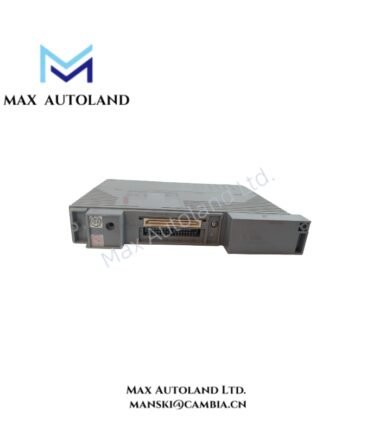
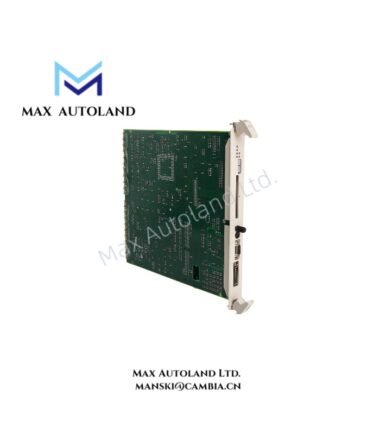
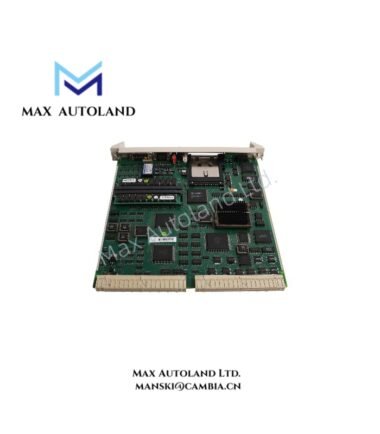
| Model | CP471-50 |
| Brand | Yokogawa |
| Product Type | Processor Module |
| System Platform | CENTUM VP |
| Compatible Field Control Units | AFV30, AFV40, A2FV50, A2FV70 |
| System Configuration | Single or dual-redundant |
| Network Interface | Vnet/IP system integration |
| Bus Interface | Compatible ESB bus coupler configuration |
| Origin | Japan |
| Weight | Approximately 0.7 kg |
| Explosion Protection | Depends on the confirmed suffix configuration |
| Corrosion Protection | ISA Standard G3 option listed in the supplied suffix information |
DCS Processor Architecture and Network Integration
The CP471 executes configured field control functions within a compatible Yokogawa field control station. Its integration depends on the installed field control unit, associated bus couplers, system software, and network configuration.
For dual-redundant installations, verify that both processor modules match the applicable hardware and software requirements. Confirm the supported replacement procedure before removing an operating module. The supplied information does not specify processor scan time, memory capacity, power draw, or redundancy switchover delay; these values should not be assumed.
Vnet/IP connectivity belongs to the system integration requirements and should be verified against the applicable CP471 hardware documentation. The module should not be treated as a 4-20 mA field signal interface without separate documentation confirming that function.
Frequently Asked Questions
Q: Can two CP471 modules operate in a redundant configuration?
A: Yes. The supplied product information states that two CP471 modules can operate in a dual-redundant configuration on a compatible duplexed field control unit. Confirm the supported configuration and system software requirements before installation.
Q: Does the CP471-50 support online replacement?
A: The supplied information describes online replacement for dual-redundant configurations. However, the permitted replacement procedure depends on the field control unit design and applicable maintenance instructions. Confirm the manufacturer’s procedure before removing a module.
Q: What are the power consumption and operating temperature ratings?
A: The supplied information does not provide verified power consumption or operating temperature limits. Obtain these values from the applicable Yokogawa hardware specifications before calculating cabinet thermal loads or confirming environmental suitability.
Field Installation Guidelines
- Verify the model: Confirm the complete model designation, suffix configuration, and hardware revision against the equipment bill of materials.
- Check compatibility: Confirm that the installed field control unit supports the CP471 and that the associated bus coupler and system software meet the manufacturer’s requirements.
- Inspect the installation point: Check the module slot, connector condition, mechanical alignment, and any required retaining hardware before insertion.
- Follow ESD precautions: Use appropriate electrostatic discharge protection when handling the processor module and its exposed connectors.
- Confirm redundancy: For duplexed installations, verify module pairing, configuration consistency, and system status before performing maintenance.
- Follow replacement procedures: Use the manufacturer’s approved installation and removal sequence. Do not assume that online replacement is permitted in every operating configuration.
- Verify startup status: After installation, check the module indicators, system diagnostics, controller communication, and field control station status.
- Document the installation: Record the complete model code, hardware revision, software release, slot assignment, and diagnostic results.
YOKOGAWA Top Products
Customers Also Viewed
Reviews
There are no reviews yet.