
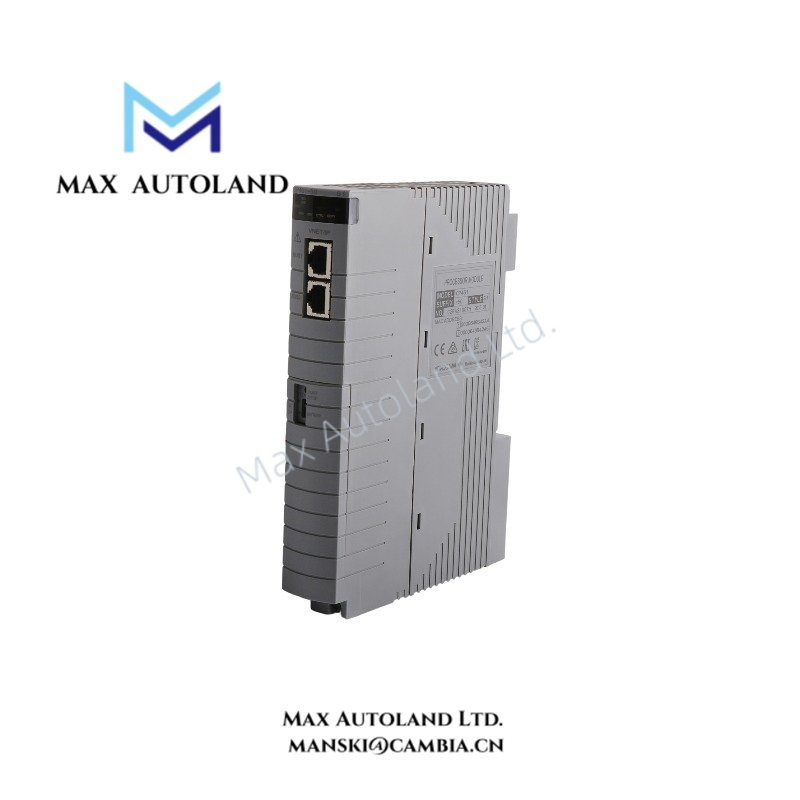
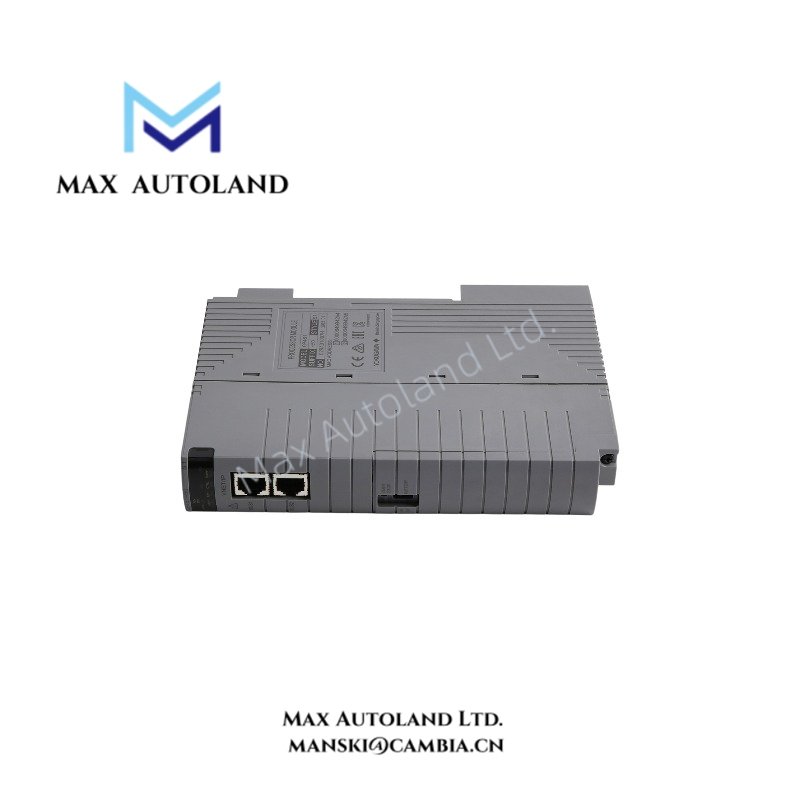
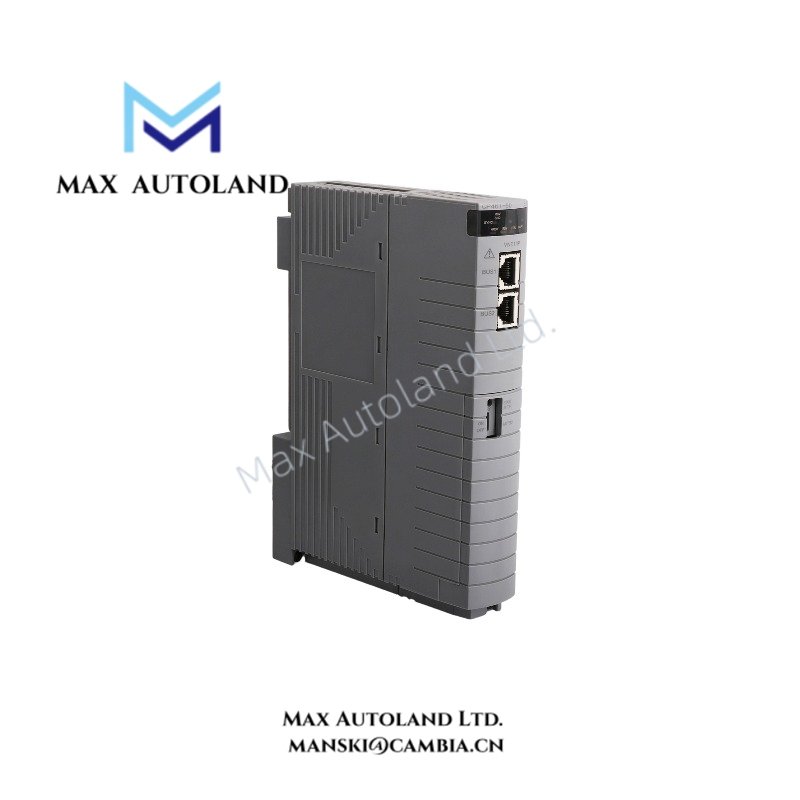
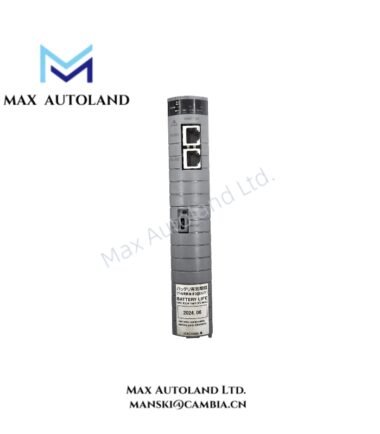
Overview
Hardware Specifications
| Parameter | Specification |
|---|---|
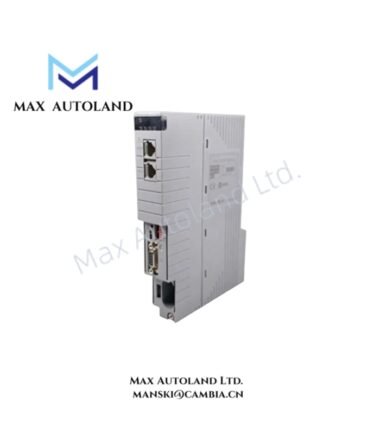
| Model | CP461-53 |
| Brand | Yokogawa |
| Product Type | Processor Module |
| Compatible FCUs | AFV30, AFV40, A2FV50, A2FV70 series |
| System Platform | CENTUM control systems |
| Control Network | Vnet/IP |
| Redundancy | Dual-redundant configuration supported on compatible FCUs |
| Origin | Japan |
| Weight | Approx. 0.7 kg |
| Dimensions | Approx. 32.8 x 149 x 199.5 mm |
| Operating Temp | -20 to +60 deg C |
| Power Source | FCU power system |
Vnet/IP Communication and Processor Redundancy
The CP461-53 operates as a processor component within a compatible Yokogawa field control unit. Its system role involves executing configured control functions and exchanging control data through the applicable control network.
For dual-redundant installations, confirm the FCU model, processor pairing requirements, firmware compatibility, and hardware revision before installation. Do not assume that redundancy guarantees a specific switchover time or uninterrupted execution under every fault condition.
The supplied information does not establish the exact processor architecture, memory capacity, network port count, or electrical consumption of the CP461-53. Confirm these parameters against the manufacturer’s documentation for the installed hardware revision.
Frequently Asked Questions
Q: Can two CP461-53 modules operate in a redundant configuration?
A: Yes, the supplied information identifies dual-redundant operation on compatible FCUs. Confirm the applicable FCU configuration and installation requirements before pairing the modules.
Q: What is the power consumption of the CP461-53?
A: The supplied information does not specify power consumption or backplane current draw. Consult the relevant Yokogawa hardware manual before calculating the FCU power budget.
Q: Is the CP461-53 hot-swappable?
A: Hot-swap support is not established by the supplied information. Follow the applicable FCU maintenance procedure and confirm whether the system permits module removal or insertion while energized.
Field Installation Guidelines
- Verify the module label, full model designation, hardware revision, and target FCU model before installation.
- Confirm slot assignment, mounting orientation, and processor redundancy requirements against the applicable Yokogawa installation manual.
- Isolate power when required by the manufacturer’s maintenance procedure. Do not remove or insert the module under power unless the system documentation explicitly permits it.
- Inspect the connector and backplane for contamination, bent contacts, or physical damage before insertion.
- Route network and signal cables according to the system wiring documentation. Keep communication cables separated from high-noise power conductors where practical.
- Apply cable shielding and grounding according to Yokogawa’s installation instructions. Avoid introducing unintended ground paths.
- After installation, check module status indicators, FCU diagnostics, network communication, and redundancy status before returning the equipment to service.
YOKOGAWA Top Products
Customers Also Viewed
Reviews
There are no reviews yet.