
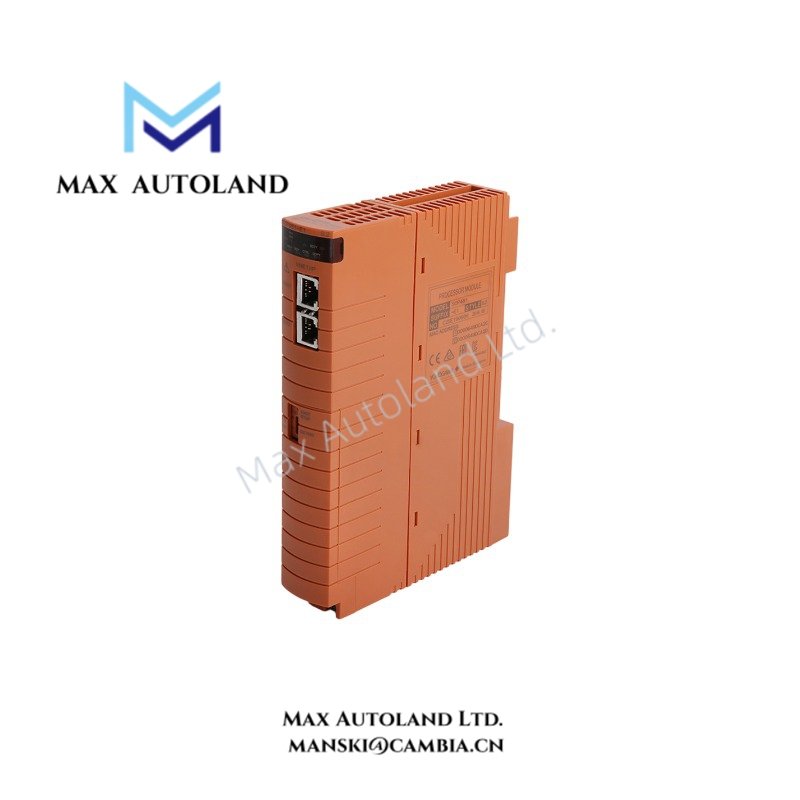
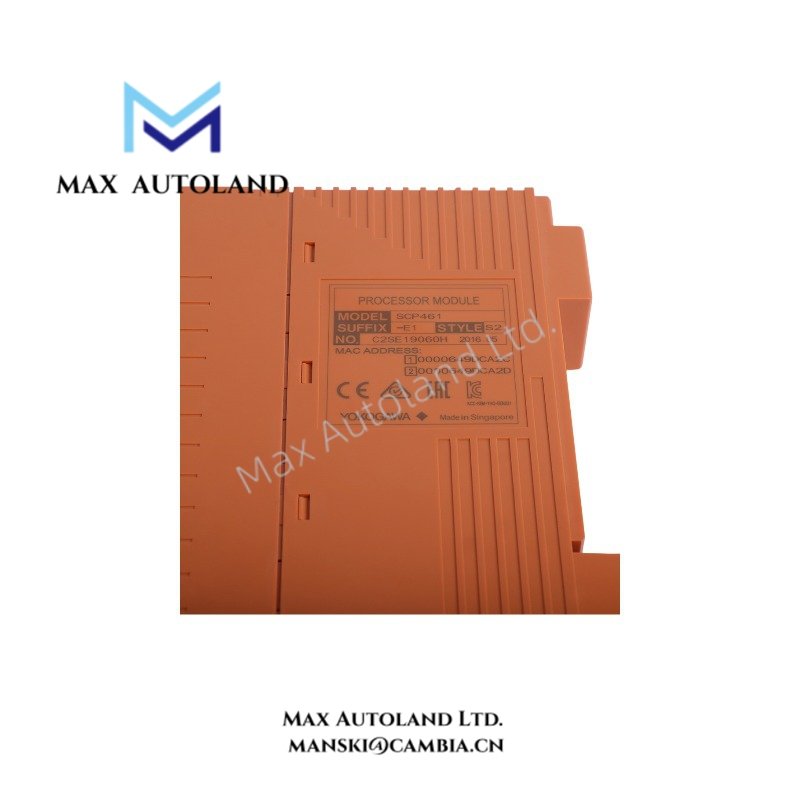
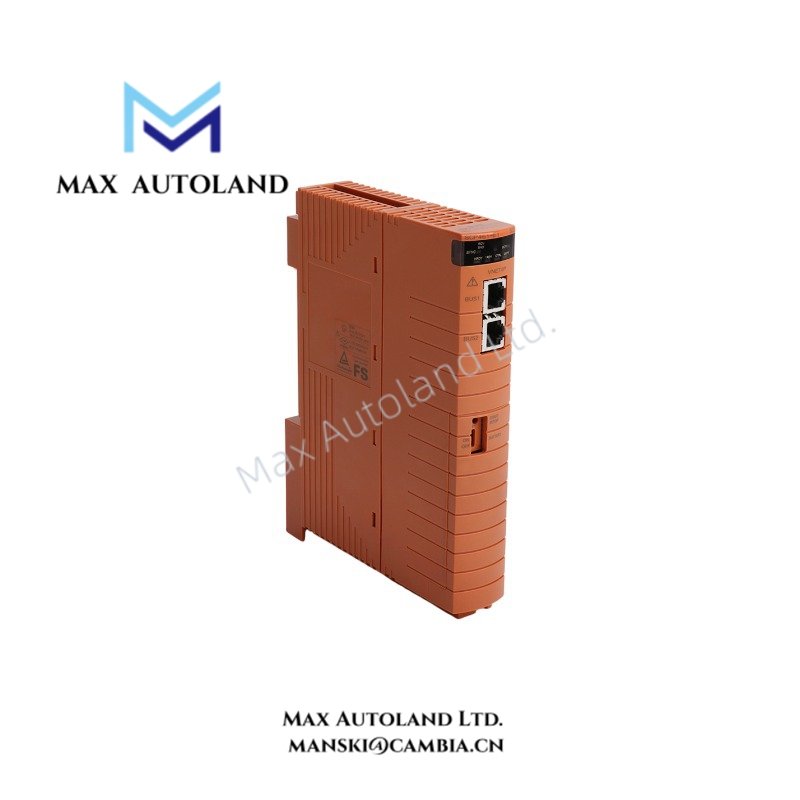
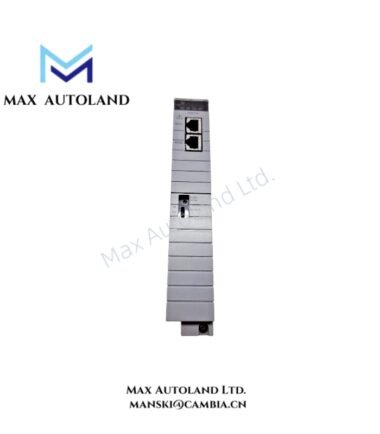

Overview
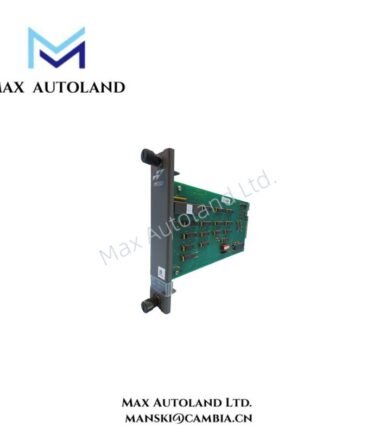
Hardware Specifications
| Parameter | Specification |
|---|---|
| Model | CP461-E1 |
| Brand | Yokogawa |
| Product Type | Processor Module |
| Applicable Field Control Units | AFV30S, AFV30D, AFV40S, AFV40D |
| Origin | Japan |
| Weight | 0.25 kg |
| Dimensions | 16 x 13 x 5.3 cm |
| Explosion Protection | Depends on the suffix code |
| Environmental Option | ISA Standard G3 |
| RFI Option | Enhanced RFI, option code /ERFI |
| Tariff Code | 8537101190 |
Process Control and Environmental Options
The CP461-E1 executes configured control processing within compatible Yokogawa field control units. Before selecting a replacement, confirm the installed unit type and the full module ordering code.
The documented suffix options include the following configurations:
- -5: Standard type without explosion protection.
- -E: Standard type with explosion protection.
- 0: Basic type.
- 1: With ISA Standard G3 option.
- /ERFI: Enhanced RFI option.
These codes describe ordering options, so check the complete product code before ordering or installing the module. In addition, confirm that the selected environmental and RFI options match the site’s requirements.
The available data does not specify processor speed, memory capacity, power consumption, or communication throughput. Consult the applicable Yokogawa hardware manual for these values rather than assuming specifications from another processor model.
Frequently Asked Questions (FAQ)
Q: Which field control units support the CP461-E1?
A: The supplied product information lists AFV30S, AFV30D, AFV40S, and AFV40D. Always check the field control unit documentation before replacing a module.
Q: How can users identify the correct explosion protection option?
A: Check the suffix code. The supplied information identifies -5 as the standard type without explosion protection and -E as the standard type with explosion protection. However, verify the complete ordering code and applicable certification before installation.
Q: What should technicians check before installing the module?
A: First, confirm the model and suffix codes. Next, check field control unit compatibility and the required environmental options. Finally, follow the manufacturer’s procedures for power isolation, module installation, and system diagnostics.
Field Installation Guidelines
- First, verify the CP461-E1 model and its suffix codes against the system documentation.
- Next, confirm compatibility with the installed AFV30S, AFV30D, AFV40S, or AFV40D field control unit.
- Check explosion protection requirements before installing the module in a classified area.
- Also, verify the ISA Standard G3 and enhanced RFI options where the application requires them.
- Follow the manufacturer’s instructions for power isolation, module insertion, and removal.
- Keep signal wiring separate from power wiring where the installation design requires it. In addition, follow the specified grounding and shielding practices.
- After installation, check the module status indicators and system diagnostics.
- Do not assume hot-swap support or electrical ratings without confirmation from the applicable hardware manual.
YOKOGAWA Top Products
Customers Also Viewed




Reviews
There are no reviews yet.