
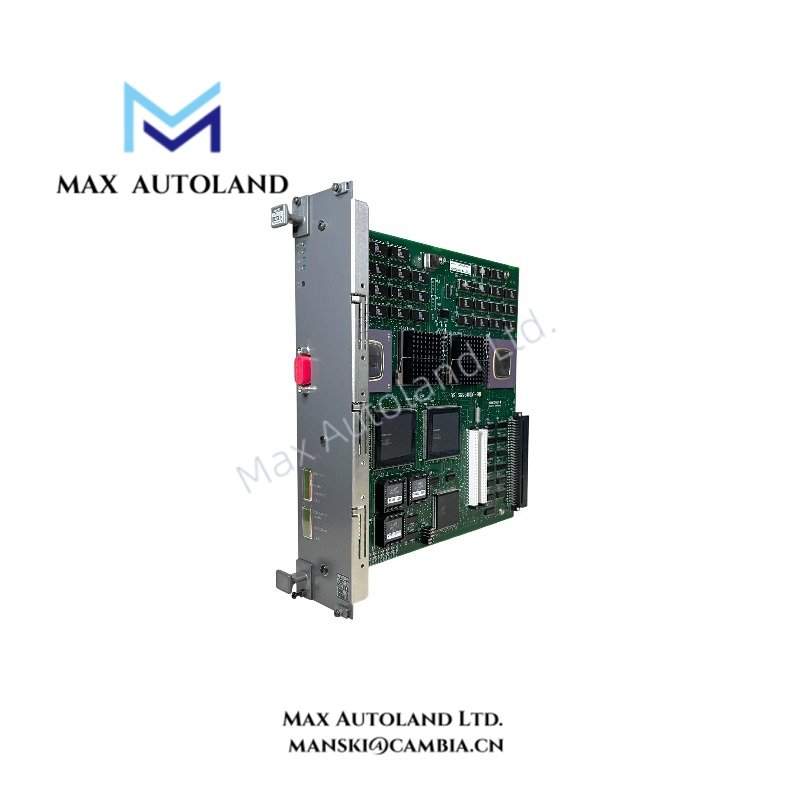
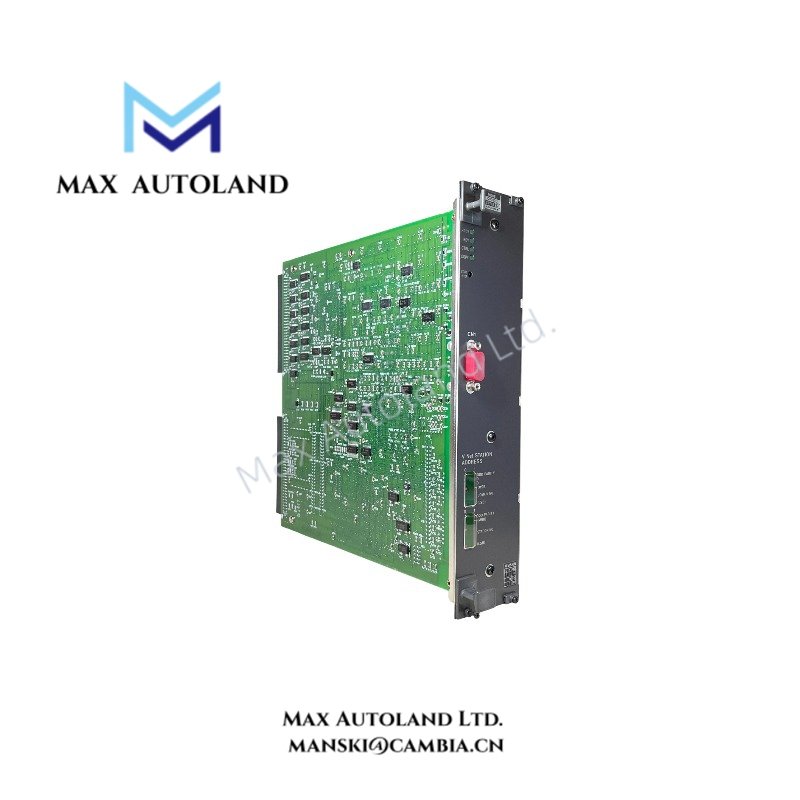
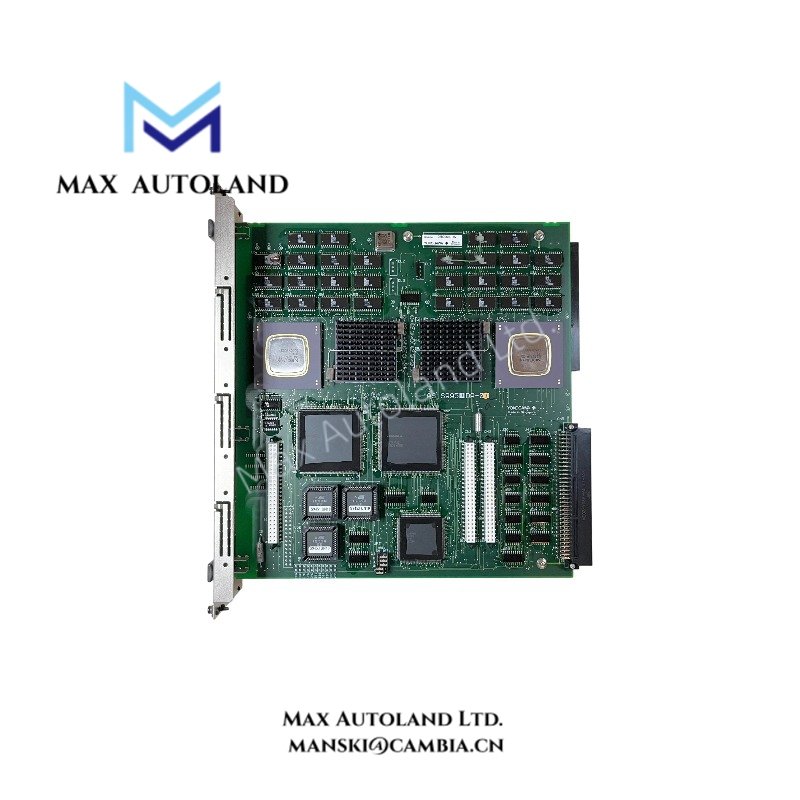
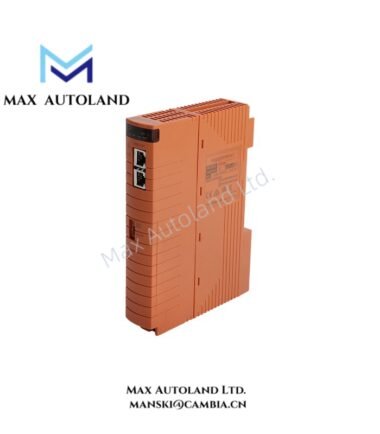
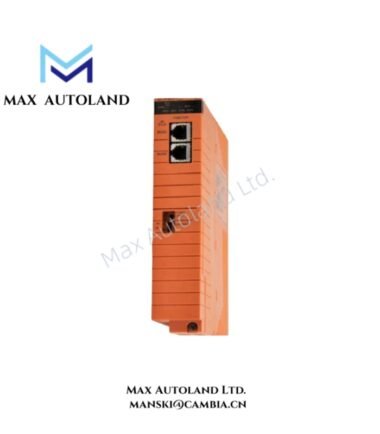
Overview
Hardware Specifications
| Parameter | Specification |
|---|---|
| Model | CP330D S3 |
| Brand | Yokogawa |
| Product Type | Processor Module |
| System Compatibility | CENTUM CS / CENTUM VP |
| Processor Architecture | 32-bit RISC |
| Processor Clock Speed | 400 MHz |
| RAM | 256 MB |
| Redundancy Support | Dual-redundant configuration |
DCS Processor Data Handling and Network Interfaces
A DCS processor executes configured control logic and processes controller data within its assigned control station. The supplied description associates the CP330D S3 with Yokogawa CENTUM systems, but it does not establish the module’s exact network interfaces, backplane protocol, or supported firmware versions.
Before integration, verify the processor’s hardware revision, station compatibility, and communication interfaces against the applicable Yokogawa hardware documentation. Do not infer support for specific fieldbus protocols or I/O configurations from the manufacturer name alone.
Frequently Asked Questions
Q: Can the CP330D S3 operate in a dual-redundant configuration?
A: The supplied description claims dual-redundancy support. Confirm the supported processor pairing, system configuration, and switchover behavior in the applicable Yokogawa documentation before installation.
Q: What are the processor speed and memory capacity?
A: The supplied description specifies a 400 MHz 32-bit RISC processor and 256 MB of RAM. Verify these values against the exact module part number and hardware revision.
Q: Is the CP330D S3 compatible with both CENTUM CS and CENTUM VP?
A: The supplied description lists both platforms, but it does not provide an official compatibility matrix. Confirm the supported control station, system release, and firmware requirements before replacing an installed processor.
Field Installation Guidelines
- Verify the complete model designation and suffix against the module nameplate and equipment bill of materials.
- Confirm the target control station, backplane type, firmware revision, and redundancy configuration before installation.
- Follow the manufacturer’s instructions for power isolation, electrostatic discharge protection, module insertion, and removal.
- Keep processor communication cables separate from high-voltage and high-current wiring where applicable.
- Apply cable shielding and grounding according to the documented interface requirements.
- After installation, check module status indicators, controller diagnostics, communication links, and redundancy status.
- Do not perform a live replacement unless the manufacturer explicitly permits hot swapping for the specific module and system configuration.
YOKOGAWA Top Products
Customers Also Viewed




Reviews
There are no reviews yet.