
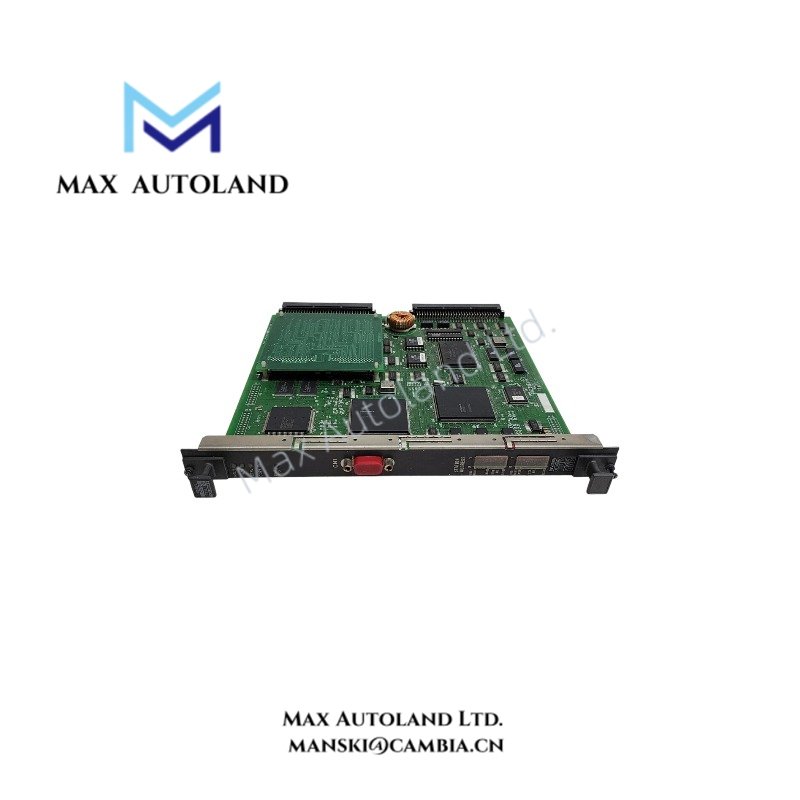
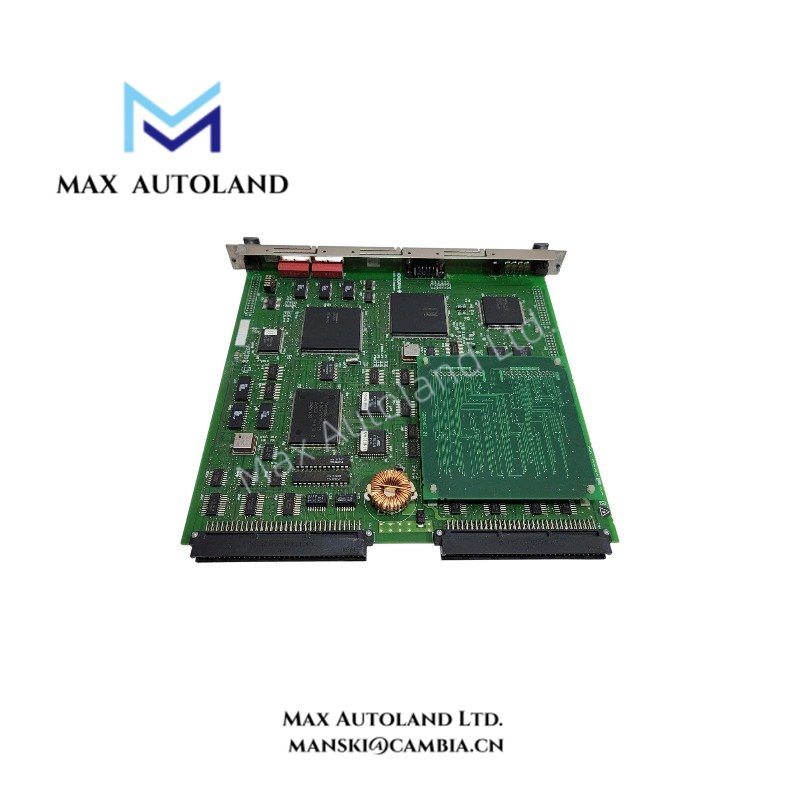
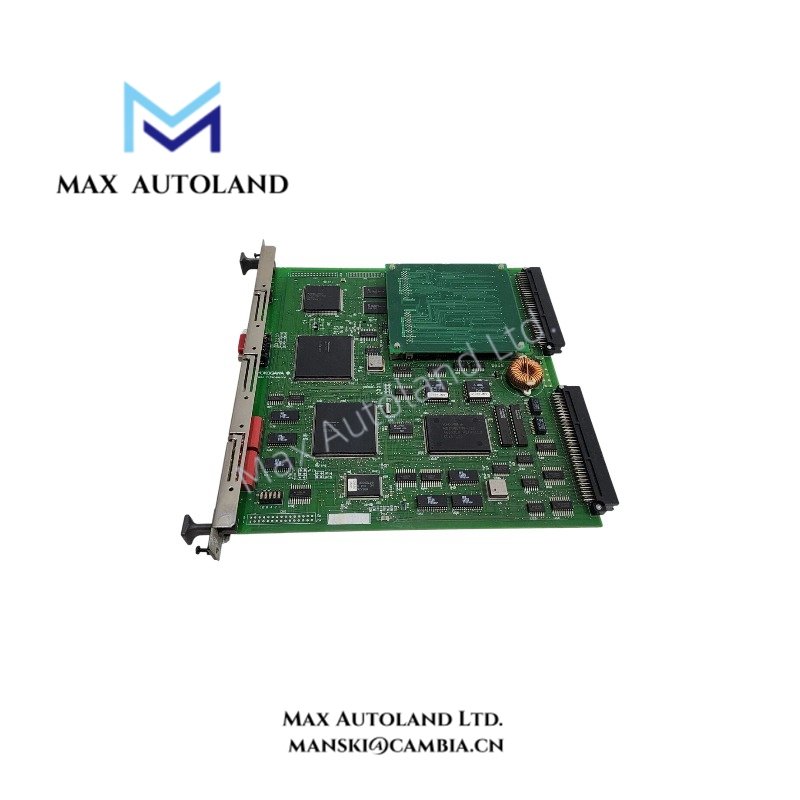
Overview
Hardware Specifications
| Parameter | Specification |
|---|---|
| Model | CP701 S1 |
| Brand | Yokogawa |
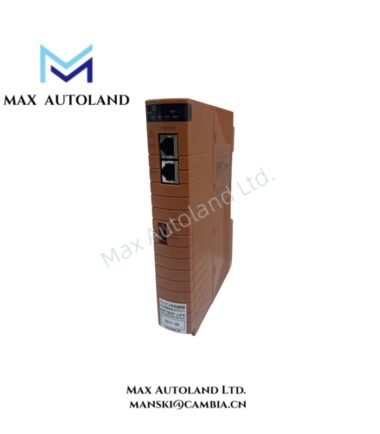
| Product Type | Field Control CPU Module |
| Weight | Approx. 0.3 kg |
| Shipping Weight | Approx. 1 kg |
| Dimensions | Approx. 254 x 51 x 279 mm |
| Operating Temp | 0 deg C to 50 deg C |
| Microprocessor | R4300 MPU |
| Internal Clock Frequency | 75 MHz |
| External Clock Frequency | 25 MHz |
| Main Memory | 8 MB with ECC |
| System Compatibility | CENTUM CS / CENTUM CS 3000, as stated in the supplied data |
| Redundancy | Dual-redundant configuration support stated in the supplied data |
| Communication | System communication interfaces depend on the installed hardware configuration |
DCS Processor Architecture and Memory Protection
The CP701 S1 uses ECC memory to detect and, where supported by the memory implementation, correct memory errors. The R4300 MPU executes processor instructions, while the host Field Control Station supplies power through the backplane.
For redundant installations, verify CPU pairing, backplane compatibility, communication-bus configuration, and system software revision against the applicable Yokogawa documentation. HART, Modbus, FOUNDATION Fieldbus, and PROFIBUS PA support should not be attributed directly to this CPU without confirmation of the associated interface hardware.
Frequently Asked Questions
Q: Does the CP701 S1 support hot swapping?
A: The supplied information does not confirm hot-swap capability. Check the applicable CENTUM hardware manual before removing or inserting the module while the system is energized.
Q: What is the CPU memory capacity?
A: The supplied specifications list 8 MB of ECC-protected memory. Confirm the exact hardware revision and memory configuration against manufacturer documentation.
Q: What power consumption should be allowed for the module?
A: No specific current or power-consumption value is available in the supplied data. Use the applicable hardware manual to determine the backplane load and power-supply requirements.
Field Installation Guidelines
- Verify the complete model designation, hardware revision, and target FCS compatibility before installation.
- Follow the manufacturer’s shutdown and isolation procedure before removing or inserting the CPU module.
- Inspect the module connector and backplane for contamination, damage, or bent contacts.
- Seat the module according to the designated rack position and mechanical retention procedure.
- Route communication and power wiring according to the system installation manual. Keep signal wiring separated from sources of electrical interference where required.
- After installation, verify module status, diagnostic indicators, CPU redundancy status, and communication health through the approved engineering tools.
- Do not apply unverified firmware or replace the module with a different revision without checking system compatibility.
YOKOGAWA Top Products
Customers Also Viewed




Reviews
There are no reviews yet.