
Overview
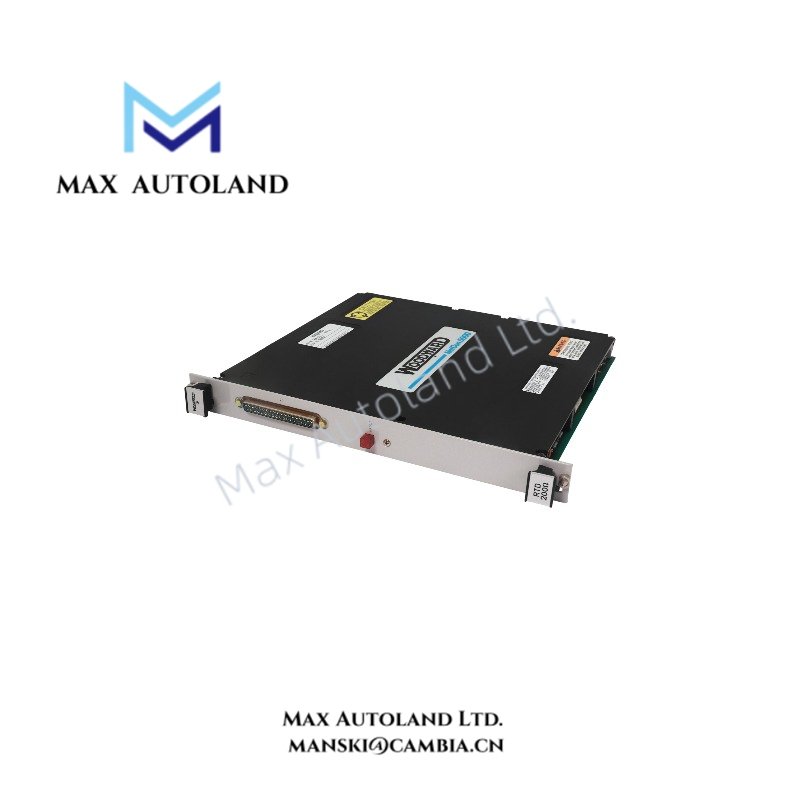
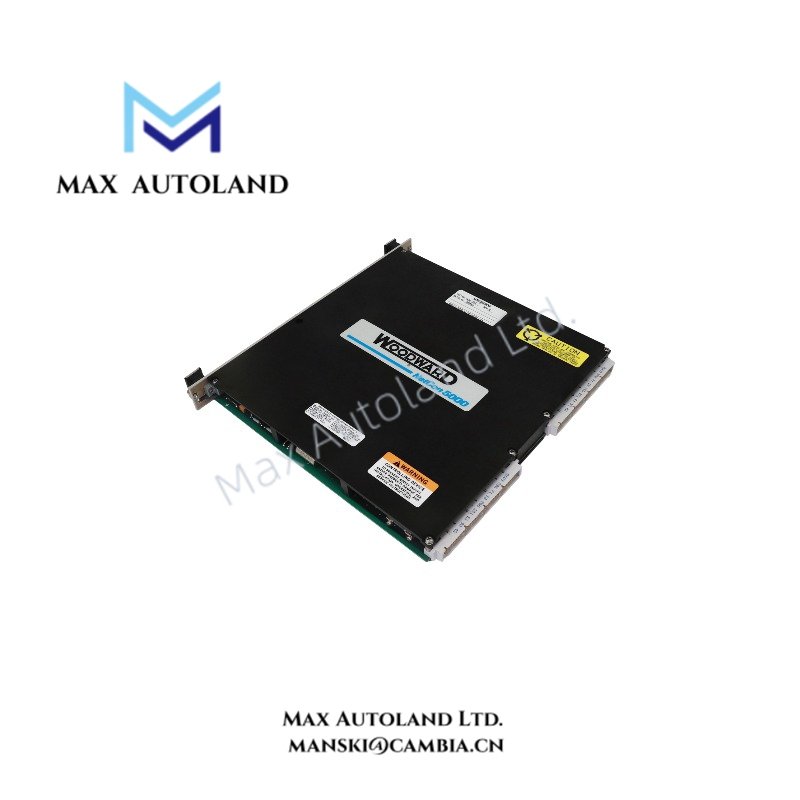
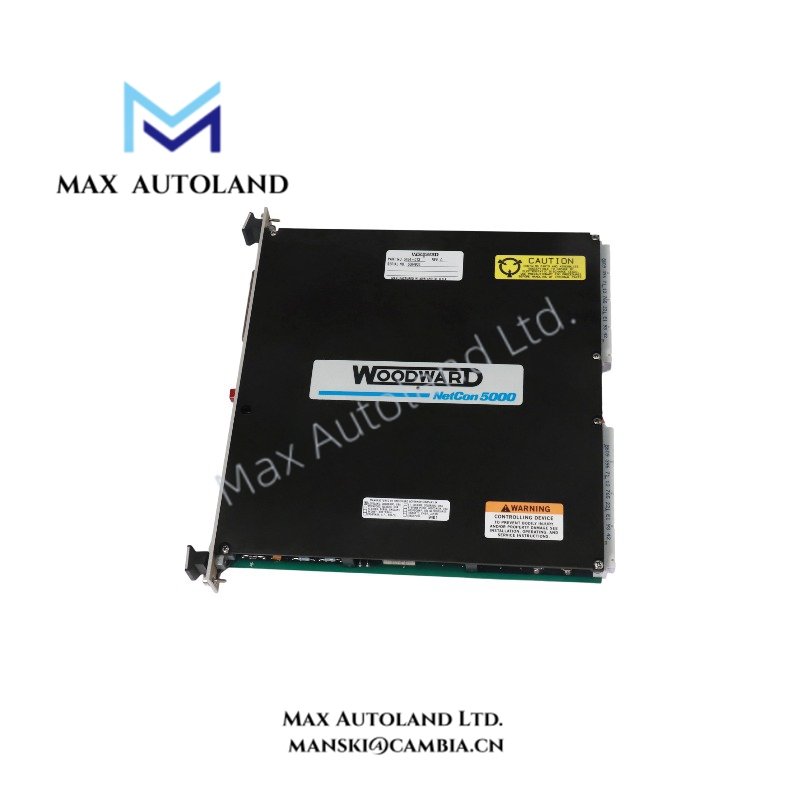
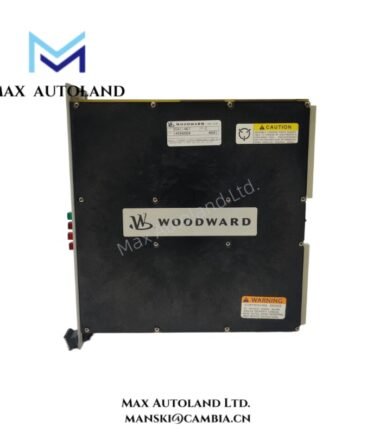
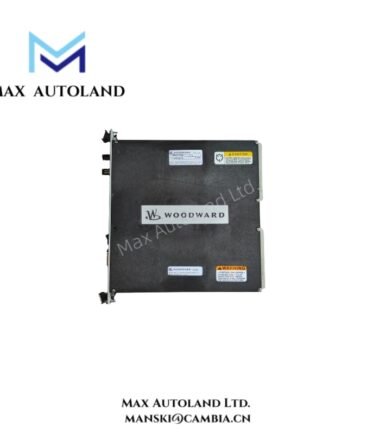
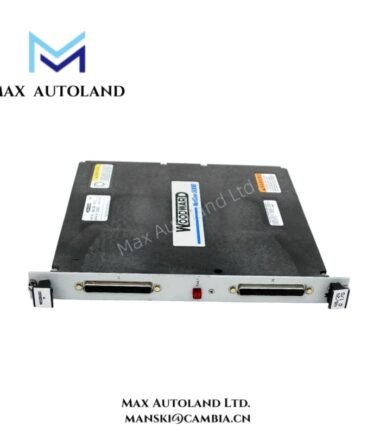
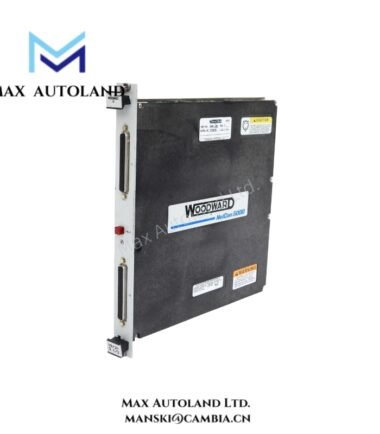
The Woodward 5464-013, also identified as the 5464-013, is a semi-insulated input driver for the NETCON 5000 system. It provides an input interface and includes a red LED for fault indication. Woodward has discontinued this model. The available specifications do not confirm its input range, channel count, or electrical ratings.
Hardware Specifications
| Parameter | Specification |
|---|---|
| Model | 5464-013 |
| Brand | Woodward |
| Product Type | Semi-Insulated Input Driver |
| System | NETCON 5000 |
| Manufacturer Status | Discontinued |
| Fault Indicator | Red LED |
| Origin | USA |
| Weight | 0.92 kg |
| Estimated Shipping Dimensions | 2.6 x 24.8 x 26.2 cm |
| Input Characteristics | Semi-insulated input driver |
Input Driver and Fault Indication
The 5464-013 serves as a semi-insulated input driver within the NETCON 5000 system. Its input range, channel count, and isolation rating require confirmation from the manufacturer’s documentation.
Additionally, the module includes a red LED for fault indication. However, the available information does not define the specific fault conditions. Therefore, consult the relevant system manual before diagnosing faults or replacing the module.
Frequently Asked Questions
Q: What is the function of the Woodward 5464-013?
A: The 5464-013 provides a semi-insulated input interface for the NETCON 5000 system. However, the available documentation does not specify its complete electrical characteristics.
Q: What does the red LED indicate?
A: The red LED indicates a fault condition. Refer to the system documentation to identify the specific fault and its diagnostic procedure.
Q: Can the 5464-013 replace the 5464-414?
A: The available information does not confirm compatibility between these models. Before using the 5464-414 as a replacement, compare their electrical specifications, connector assignments, and system requirements.
Field Installation Guidelines
- First, verify the model number and confirm compatibility with the NETCON 5000 hardware configuration.
- Before installation, isolate the power supply and follow the manufacturer’s electrical safety procedures.
- Next, inspect the connectors, terminals, and mounting points for damage or contamination.
- Keep signal cables separate from high-current wiring to reduce electrical interference.
- Also, follow the manufacturer’s grounding and cable-shielding requirements.
- After installation, check the LED status and use the approved diagnostic procedure to verify normal operation.
- Finally, confirm the manufacturer’s hot-swap instructions before removing or inserting the module under power.




Reviews
There are no reviews yet.