
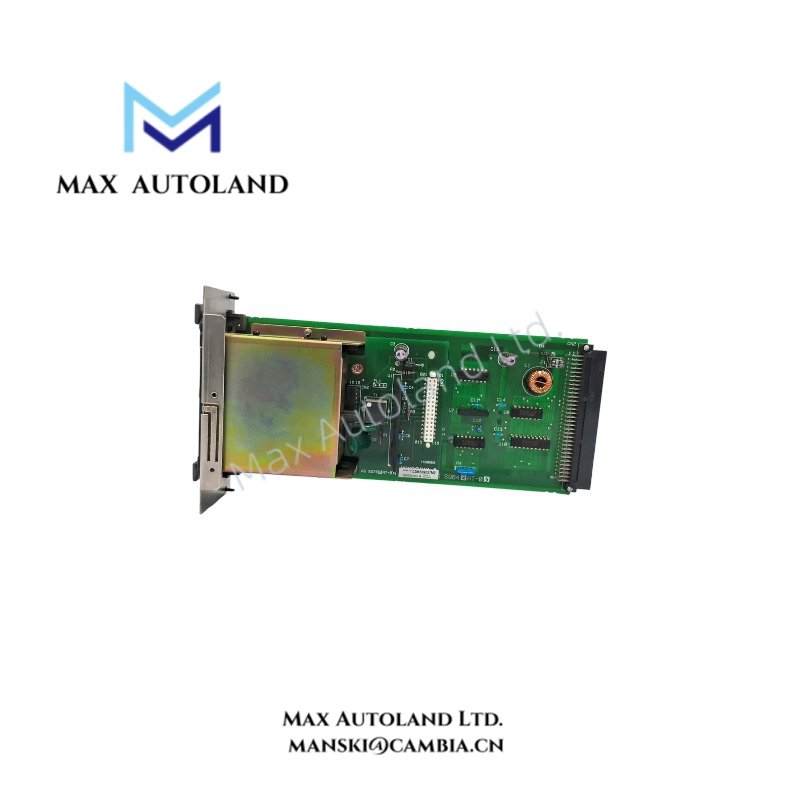
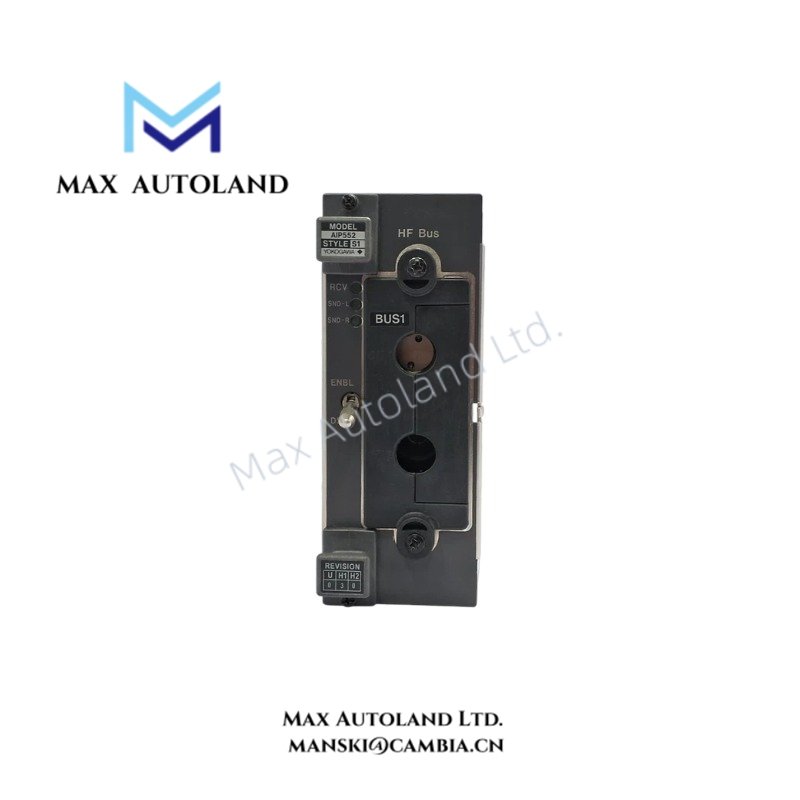
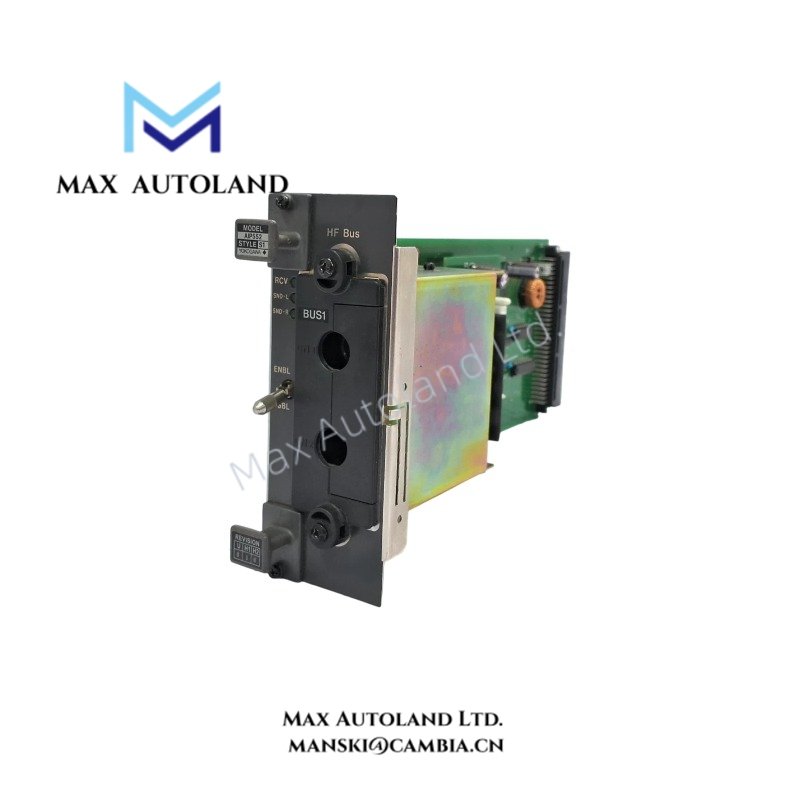
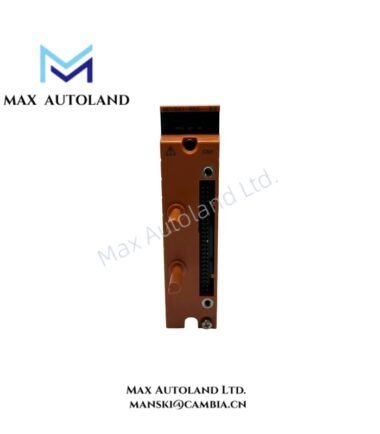
Overview
Hardware Specifications
| Parameter | Specification |
|---|---|
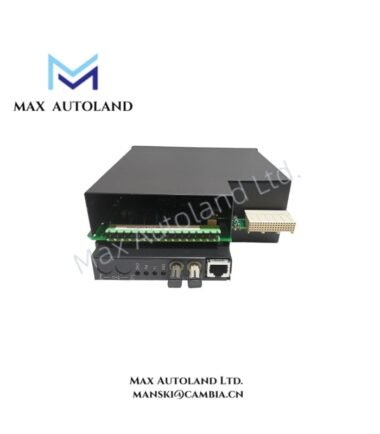
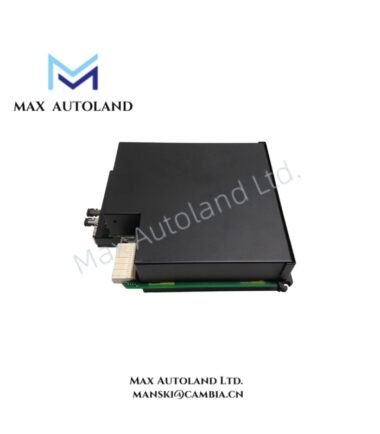
| Model | AIP552-S1 |
| Base Model | AIP552 |
| Brand | Yokogawa |
| Product Type | Communication Module |
| Origin | Japan |
| Operating Temp | 0 deg C to 55 deg C |
| Storage Temperature | -20 deg C to 75 deg C |
| Operating Humidity | 10% to 90% RH, non-condensing |
| Communication Interface | V-Net / HF bus designation requires confirmation |
| Protocol Support | Modbus and PROFIBUS support not verified |
| Mounting | Module mounting arrangement not verified |
| Part Number Reference | S9642AT series; relationship to AIP552-S1 requires confirmation |
DCS Communication Interface Verification
For Yokogawa DCS hardware, the physical network interface determines the applicable cable type, connector arrangement, and communication configuration. The supplied description associates the AIP552 with V-Net and HF bus conversion, but it does not establish the exact interface circuitry or supported protocols.
Before integration, verify the following against the applicable Yokogawa hardware manual:
- Network type and electrical interface at each port.
- Supported communication protocols and configuration requirements.
- Power supply input and backplane current consumption.
- Compatibility with the target controller, node, and communication bus.
- Whether the module requires specific firmware or system software revisions.
Do not infer Modbus or PROFIBUS capability from the general description alone.
Frequently Asked Questions
Q: Does the AIP552-S1 support Modbus or PROFIBUS?
A: The supplied information does not confirm either protocol. Check the official hardware specification and system configuration documentation before connecting external devices.
Q: What is the rated power supply and backplane current consumption?
A: Neither value is established by the supplied data. Confirm the module’s electrical ratings and rack power budget before installation.
Q: Can the AIP552-S1 be replaced while the DCS is operating?
A: Hot-swap capability is not confirmed. Follow the applicable Yokogawa maintenance procedure and isolate power when required by the manufacturer’s instructions.
Field Installation Guidelines
- Confirm the complete model code and nameplate information before installing the module.
- Verify the rack or node position, connector alignment, and mechanical retention requirements using the applicable hardware manual.
- Check the specified supply voltage and current consumption before connecting power.
- Route communication cables separately from high-current power conductors where practical.
- Apply cable shielding and grounding according to the manufacturer’s instructions for the actual interface.
- Verify network termination, polarity, and communication settings where applicable.
- Check module status indicators and system diagnostics after installation.
- Do not energize or hot-swap the module until its power and replacement requirements have been confirmed.
YOKOGAWA Top Products
Customers Also Viewed
Reviews
There are no reviews yet.