
Overview
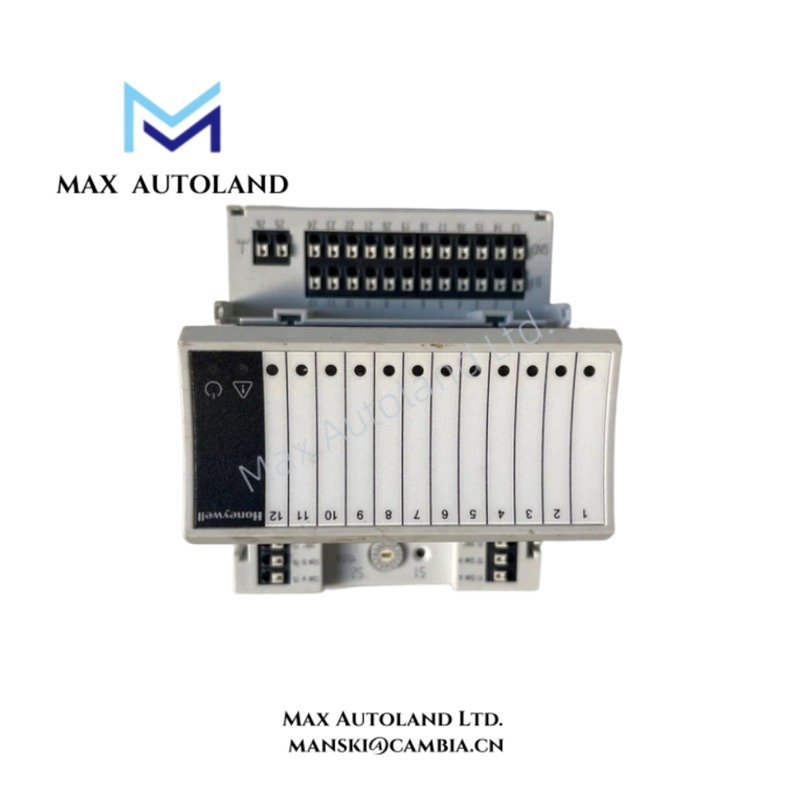
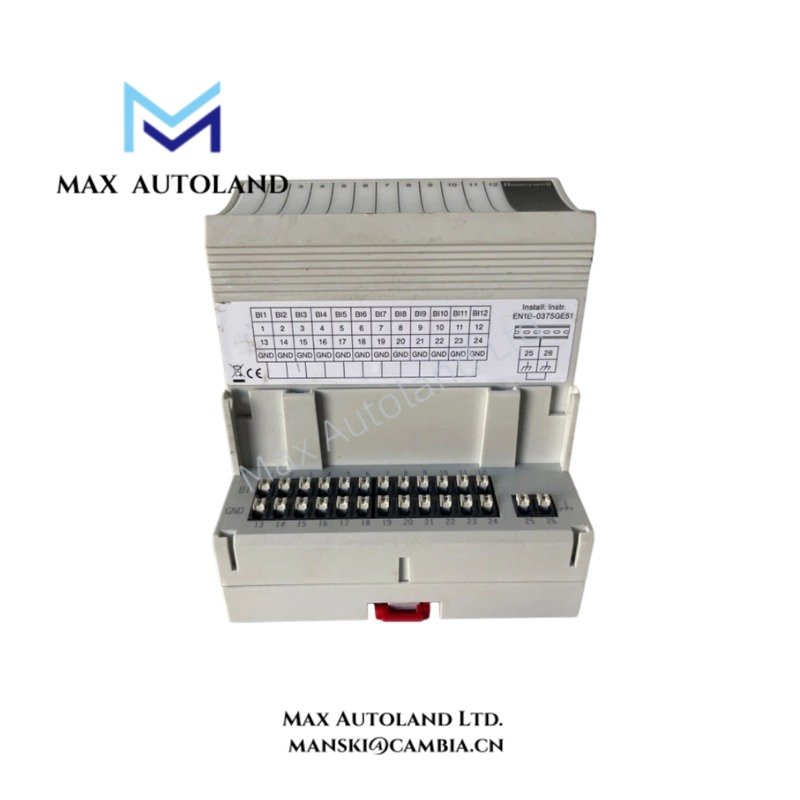
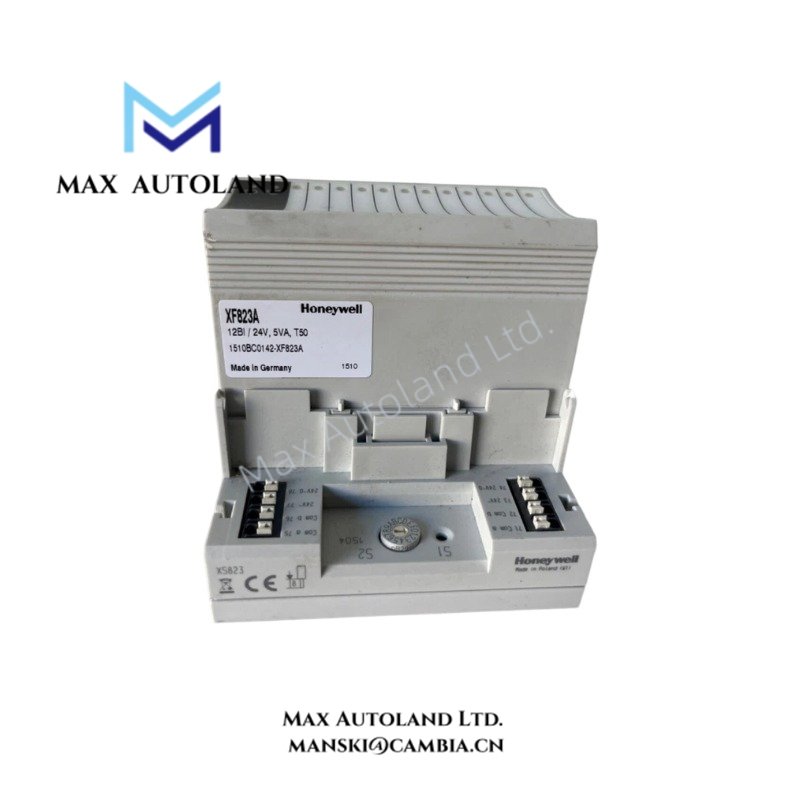
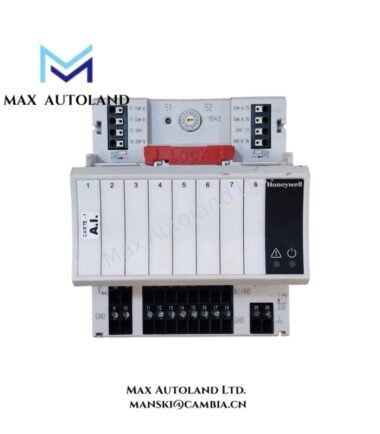
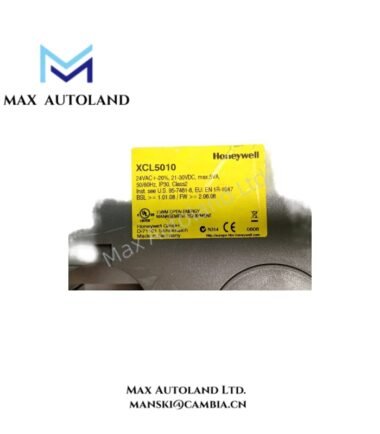
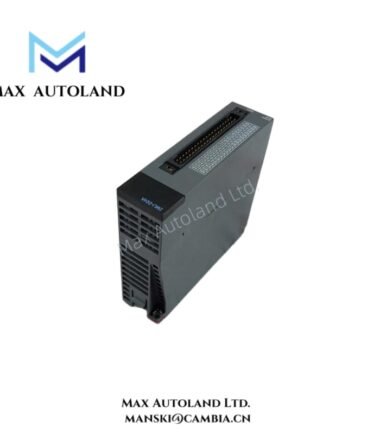
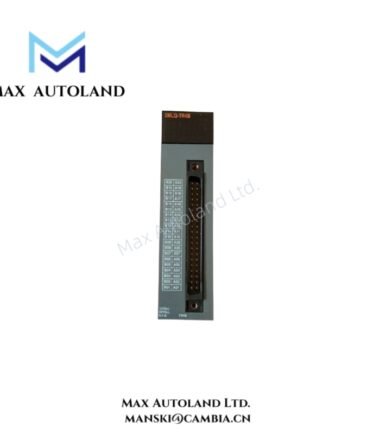
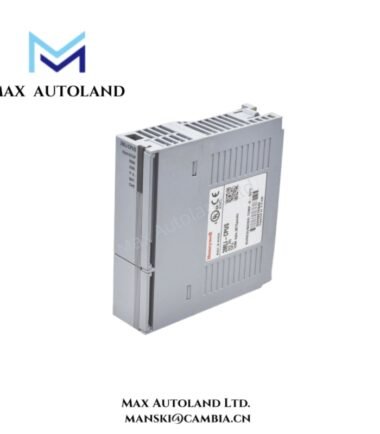
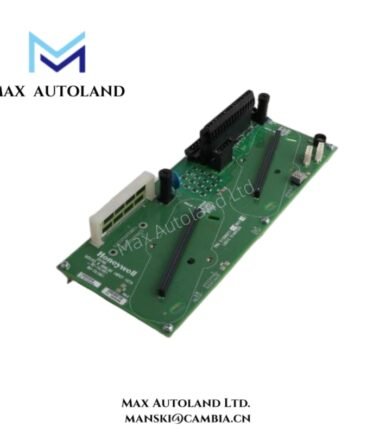
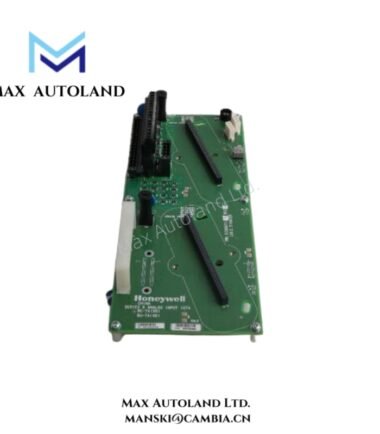
The Honeywell XF823A, also identified as the XF823A Panel Bus Digital Input Module, is specified for monitoring binary contact states in building automation control systems. It accepts discrete status signals from field devices, such as switch contacts and alarm contacts, and communicates input status through the Panel Bus interface. The supplied description identifies 12 digital input channels and a 24 VAC/VDC power supply; protocol details and electrical ratings require confirmation against the manufacturer’s documentation.
Hardware Specifications
| Parameter | Specification |
|---|---|
| Model | XF823A |
| Brand | Honeywell |
| Product Type | Panel Bus Digital Input Module |
| Number of Inputs | 12 binary inputs |
| Input Signal | Potential-free contacts / switch inputs |
| Communication Interface | Panel Bus; RS-485 protocol stated in supplied data, unverified |
| Addressing | Hexadecimal address switch |
| Power Supply | 24 VAC/VDC |
| Power Consumption | Approximately 5 VA |
| Status Indicators | Power and service LEDs |
| Mounting | DIN rail |
| Operating Temp | 0 to 50 deg C |
| Humidity | 10% to 95% RH, non-condensing |
| Approvals | CE, EN 60730-1, EN 60730-2-9, UUKL / UL 864 stated in supplied data; verification required |
Panel Bus Digital Input Characteristics
The module is described as a discrete contact-monitoring device. Its intended signal path consists of field contact states, input-channel detection, and communication of the resulting status to a compatible controller.
- Contact monitoring: The supplied description identifies potential-free contacts and switch inputs. Confirm the permitted contact wiring and input circuit characteristics before connecting field devices.
- Bus communication: Verify the supported Panel Bus implementation, controller compatibility, addressing procedure, and communication wiring from the applicable manufacturer documentation.
- Status indication: The supplied information identifies power and service indicators. Confirm their operating states and diagnostic meanings using the hardware manual.
- Electrical compatibility: Confirm the permitted AC or DC supply, terminal assignments, and power consumption before energizing the module.
The supplied data does not establish hot-swap capability, channel isolation, input debounce time, or specific controller compatibility. These characteristics should not be assumed from the product description alone.
Frequently Asked Questions
Q: How many digital input channels does the XF823A provide?
A: The supplied specifications identify 12 binary input channels. Confirm the channel count and terminal assignments against the manufacturer’s datasheet before installation.
Q: Can the XF823A be replaced while the control system remains powered?
A: Hot-swap capability has not been verified. Follow the manufacturer’s replacement procedure and isolate power when required by the hardware documentation.
Q: Which power supply does the XF823A require?
A: The supplied description states 24 VAC/VDC with an approximate consumption of 5 VA. Verify the permitted voltage range, AC/DC compatibility, and actual load rating before connecting the supply.
Field Installation Guidelines
- Verify the hardware: Confirm the complete model number, terminal layout, controller compatibility, and approved mounting method using the manufacturer’s documentation.
- Check the power supply: Verify the supply voltage and AC/DC requirements before connecting power. Do not assume that AC and DC supplies are interchangeable without confirmation.
- Wire the inputs: Connect field contacts to the designated input terminals. Observe the specified common-terminal arrangement and input circuit requirements.
- Separate wiring: Route low-level contact wiring separately from motor power cables and other sources of electrical interference. Apply shielding and grounding practices specified for the installation.
- Configure addressing: Set the hardware address only after confirming the manufacturer’s addressing procedure and the controller’s configuration.
- Commission the module: Energize the equipment according to the approved startup procedure. Check the status indicators and verify each input channel by changing the corresponding field contact state.
- Document the installation: Record the module identity, address, terminal assignments, supply measurements, and verified channel responses.




Reviews
There are no reviews yet.