Overview
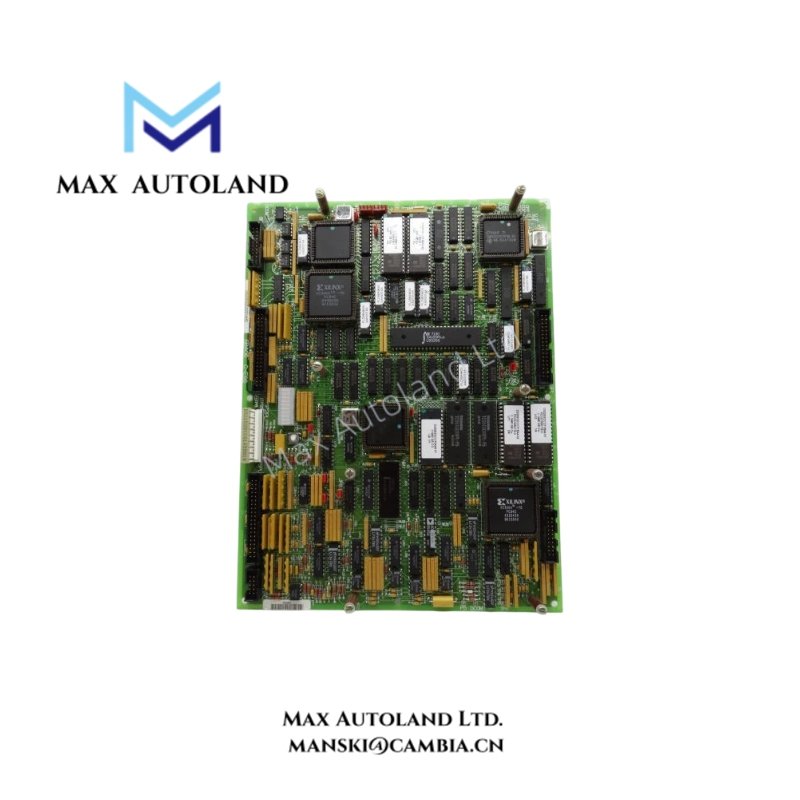
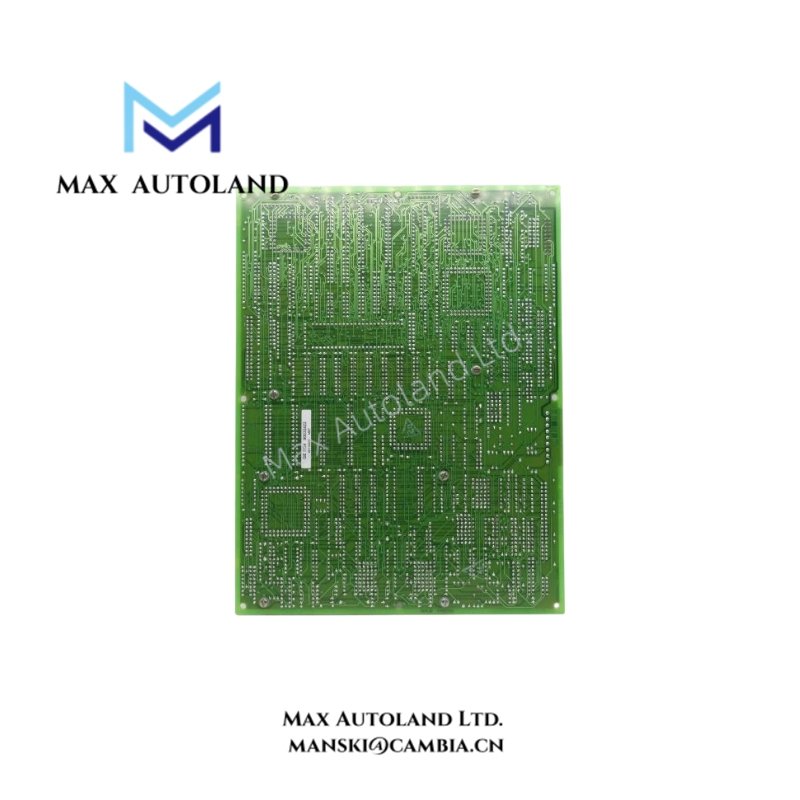
The DS200SDCCG1AFD is a Drive Control Card manufactured by General Electric (GE) for the Mark V drive control platform. It provides processing functions for drive operation and motor control. The board uses a three-microprocessor architecture with shared RAM, allowing multiple processors to access data during control operations. Its hardware configuration includes a specific functional and artwork revision that maintenance personnel should check when selecting a replacement.
Technical Specifications
| Parameter | Specification |
|---|---|
| Model | DS200SDCCG1AFD |
| Brand | General Electric (GE) |
| Product Type | Drive Control Card |
| Series | Mark V |
| Functional Acronym | SDCC |
| Instruction Manual | GEI-100029 |
| PCB Coating Style | Normal Coating |
| Functional Revision 1 | A |
| Functional Revision 2 | F |
| Artwork Revision | D |
| Microprocessor Architecture | Three microprocessors |
| Memory | Shared RAM |
Drive Control and Processing
The DS200SDCCG1AFD uses three microprocessors to distribute processing tasks across the drive control system. One processor handles drive control operations, while the other two perform motor control-related processing. One of the motor control processors handles computationally intensive tasks.
Furthermore, the shared RAM allows multiple microprocessors to access common data. This architecture supports the coordination of processing activities within the drive control board.
Hardware Configuration
The board uses a standard Mark V PCB assembly with configurable hardware jumpers. These jumpers determine specific board settings, although some positions are reserved for factory testing and should not be changed during routine maintenance.
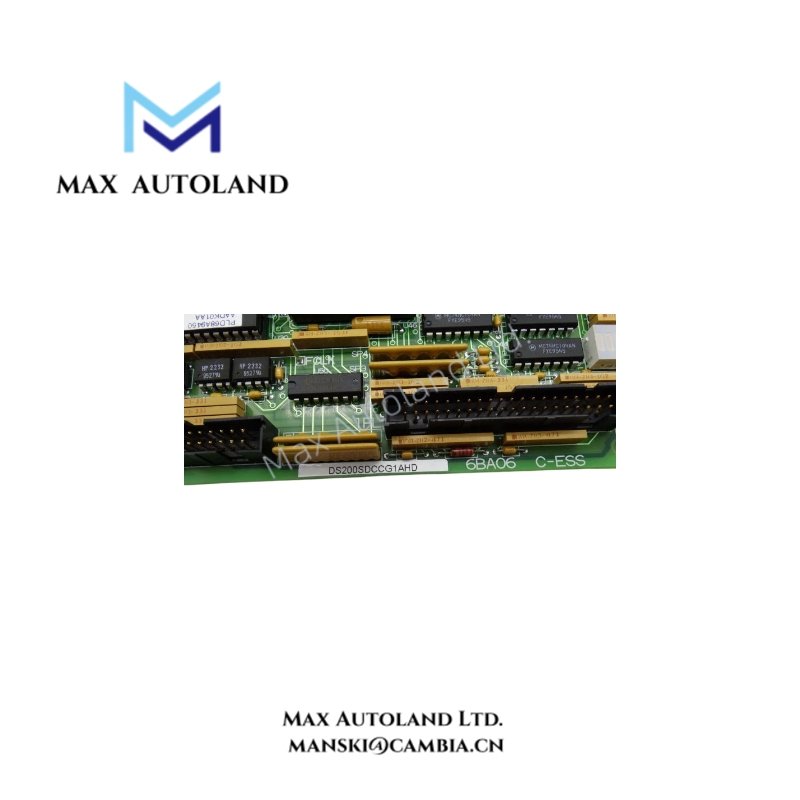
In addition, the complete part number identifies the board’s hardware revision. Therefore, maintenance personnel should check the AFD suffix against the existing board before ordering a replacement.
Configuration and Maintenance
Board configuration involves a serial communication connection and dedicated configuration software. The configuration process includes the following steps:
- Connect the appropriate serial interface to the board through the supported communication hardware.
- Configure the laptop’s serial port and install the required configuration software.
- Download the existing configuration file and make the necessary changes.
- Upload the updated configuration file to the board.
- If multiple compatible boards require identical settings, use the same configuration file where the application permits.
Safety precaution: Switch off the drive before disconnecting the serial cable. This prevents accidental contact with energized drive circuits during maintenance.
Frequently Asked Questions
Q: How many microprocessors does the DS200SDCCG1AFD have?
A: The board uses three microprocessors. They distribute drive control, motor control and computational processing tasks.
Q: What manual is associated with the DS200SDCCG1AFD?
A: The associated instruction manual is GEI-100029, covering the GE Drive Control Card.
Q: Can another DS200SDCCG1A revision replace the DS200SDCCG1AFD?
A: Not automatically. Different suffixes identify different functional or artwork revisions. Check the complete part number, board configuration and drive application before selecting a replacement.