Overview
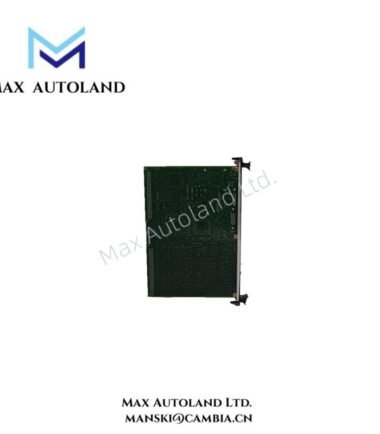
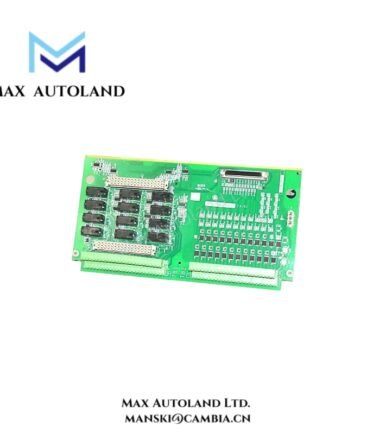
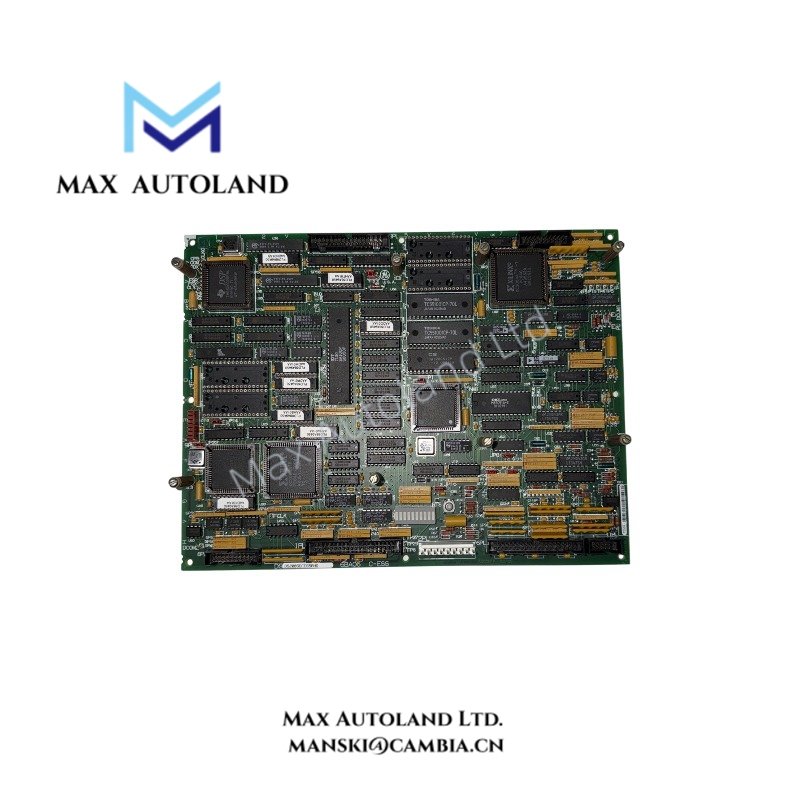
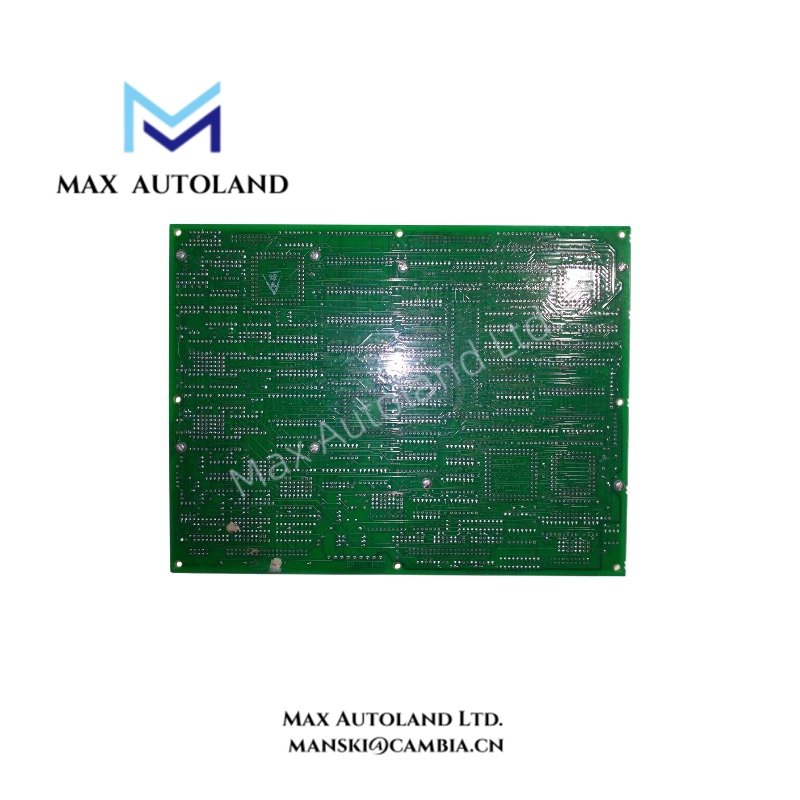
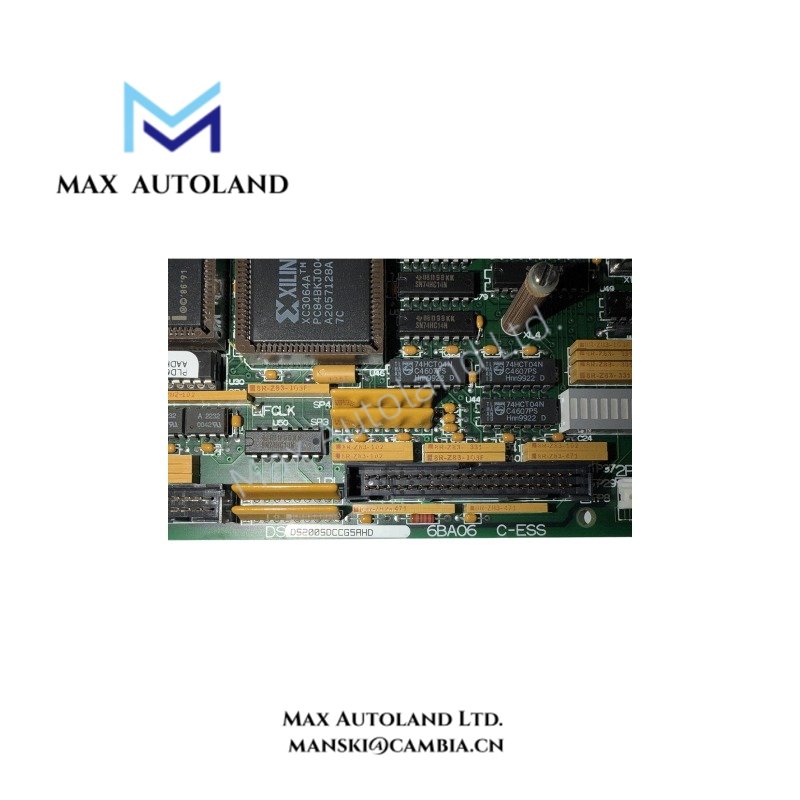
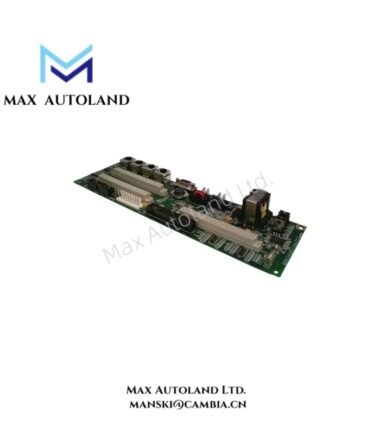
The GE DS200SDCCG5AHD, associated with the DS200SDCCG5A base model, is a drive control board intended for control processing within GE Mark V Speedtronic systems. The supplied specifications identify three processors, dual-ported RAM, EPROM and EEPROM storage, diagnostic LEDs, and interfaces for auxiliary boards. Confirm the exact hardware revision and configuration against the board label and GEI-100029 documentation before installation.
Hardware Specifications
| Parameter | Specification |
|---|---|
| Model | DS200SDCCG5AHD |
| Base Model | DS200SDCCG5A |
| Brand | General Electric (GE) |
| Series | Mark V Speedtronic |
| Product Type | Drive Control Board |
| Board Variant | Group 5 (G5), as supplied |
| Processor Configuration | Three processors: DCP, MCP, CMP, as supplied |
| Memory | Dual-ported RAM |
| EPROM Slots | 4 |
| EEPROM Slots | 1 |
| Logic Components | Xilinx integrated circuit chips |
| Diagnostic Indicators | Approximately 10 status LEDs, as supplied |
| Board Expansion | Supports auxiliary boards; verify exact compatibility |
| Reference Manual | GEI-100029 |
Drive Control Processing and Hardware Interfaces
The DS200SDCCG5AHD uses its processor and memory resources to execute drive control functions and exchange control data with compatible system hardware. The supplied information identifies the Drive Control Processor (DCP), Motor Control Processor (MCP), and Co-Motor Processor (CMP).
The board also includes programmable memory, jumpers, DIP switches, a hardware reset button, connectors, and vertical pin headers. Status LEDs provide visual indications for hardware diagnostics. The exact meaning of each indicator and the configuration of each jumper must be verified against the applicable board documentation.
For industrial drive integration, verify the backplane interface, firmware revision, processor configuration, and auxiliary board compatibility. Do not assume that boards sharing the DS200SDCCG5A base designation have identical hardware or firmware.
Firmware and Configuration Compatibility
The supplied description lists GE Control System Toolbox, ST2000, and LynxOS Drive Configurator as associated software. Confirm the applicable tool, firmware package, and configuration procedure for the installed Mark V system before making changes.
GE-specific drive control hardware requires configuration that matches the target system. Firmware compatibility, processor revisions, and stored control parameters should be checked before replacing or reprogramming the board. The listed software names alone do not establish compatibility with every DS200SDCCG5AHD revision.
Frequently Asked Questions
Q: How many processors does the DS200SDCCG5AHD contain?
A: The supplied specifications identify three processors: DCP, MCP, and CMP. Verify the exact processor configuration against the installed board revision.
Q: Can the DS200SDCCG5AHD be replaced while the drive remains energized?
A: Hot-swapping capability is not established by the supplied information. Follow the applicable GE maintenance procedure and isolate power as required before removing or installing the board.
Q: Are all DS200SDCCG5A variants interchangeable?
A: Interchangeability is not confirmed. Check the complete part number, hardware revision, firmware compatibility, connector arrangement, and system configuration before substitution.
Field Installation Guidelines
- Verify identification. Record the complete DS200SDCCG5AHD part number and hardware revision. Compare them with the replacement requirements and applicable GE documentation.
- Isolate power. Follow the equipment-specific shutdown, isolation, and verification procedures before removing the existing board.
- Inspect connectors. Check the backplane contacts, pin headers, and auxiliary board connections for damage, contamination, or misalignment.
- Check configuration. Record the existing jumper and DIP switch positions before changing any settings. Apply only settings documented for the target system.
- Control electrostatic discharge. Use appropriate ESD protection when handling the circuit board. Avoid touching exposed conductive contacts and components.
- Secure the board. Align the board with the designated guides and connectors. Avoid excessive insertion force or mechanical stress.
- Verify operation. After installation, follow the approved startup procedure and check diagnostic indicators, system status, and drive control behavior against the maintenance manual.