
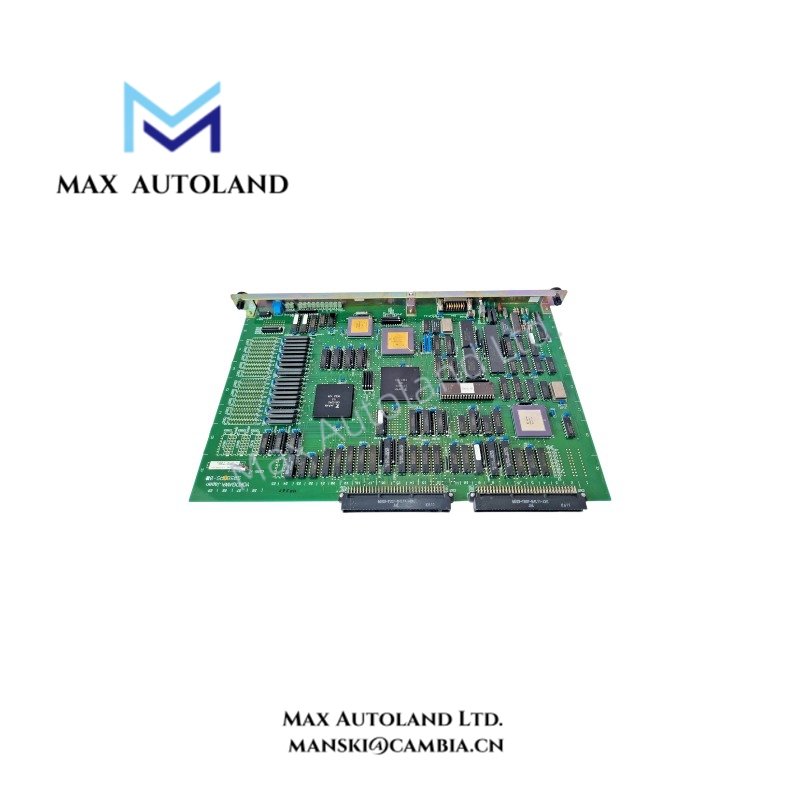

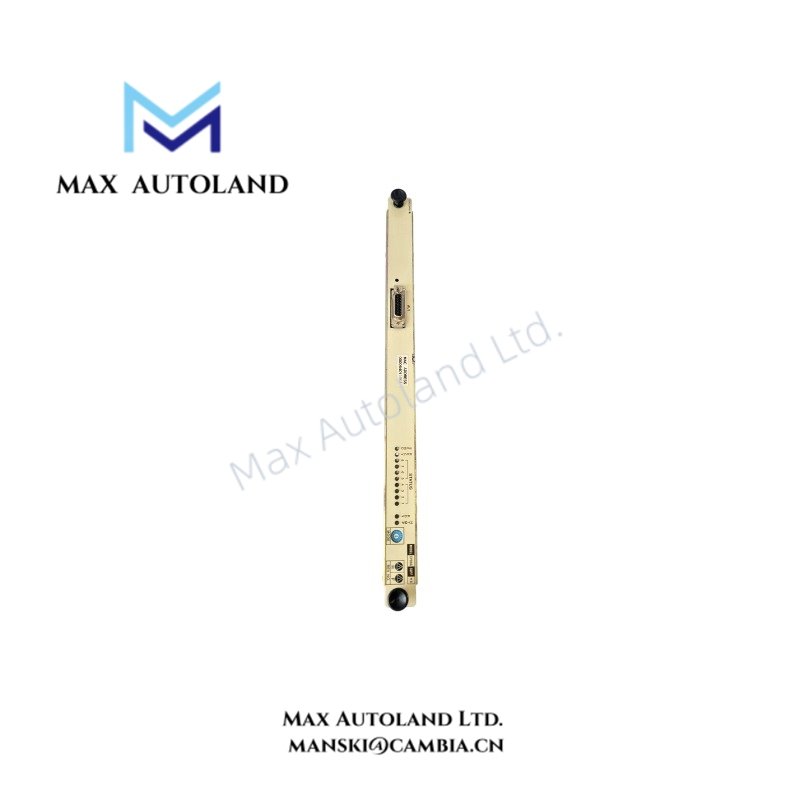
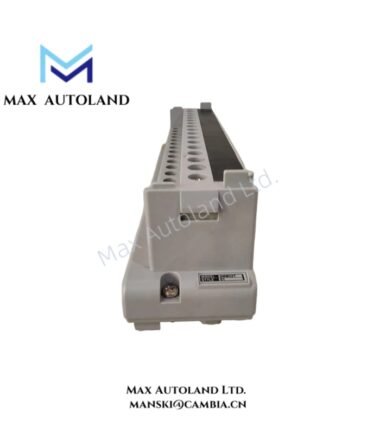
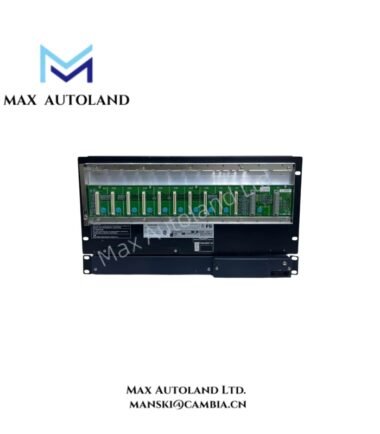
Overview
Hardware Specifications
| Parameter | Specification |
|---|---|
| Model | CP99A-A |
| Brand | Yokogawa |
| Product Type | Processor Card |
| Compatible System Series | CENTUM XL and micro XL (uXL), as stated in the supplied data |
| Operating Temp | 0 to 50 deg C, as stated in the supplied data |
| Device Function | Control-system processing |
| Status Indicators | Integrated LED indicators, as stated in the supplied data |
| Connector Type | Rack-mounted rectangular multi-pin connector, as stated in the supplied data |
| Firmware Compatibility | Requires verification against the target system configuration |
DCS Processor Integration and Backplane Compatibility
The CP99A-A is described as a processor card for legacy Yokogawa DCS hardware. Its installation requires confirmation of the target rack, backplane interface, system configuration, and applicable hardware revision.
For DCS integration, verify the electrical interface and firmware compatibility before replacing an installed processor. Do not assume that processor cards from different CENTUM generations share the same pin assignments, power requirements, or startup procedures.
The supplied information does not establish specific backplane communication speeds, processor performance ratings, or redundancy behavior. Confirm these characteristics against the relevant Yokogawa technical documentation.
Frequently Asked Questions
Q: Can the CP99A-A be hot-swapped while the control system is operating?
A: Hot-swap support is not established by the supplied specifications. Check the system maintenance procedure and rack design before removing or inserting the card. Isolate power when required by the manufacturer’s instructions.
Q: What backplane current and power supply ratings does the CP99A-A require?
A: The current consumption and power requirements are not specified in the supplied data. Verify the card’s electrical ratings and the rack power supply capacity before installation.
Q: Is the CP99A-A compatible with newer Yokogawa CENTUM platforms?
A: Compatibility with newer platforms is not confirmed. Verify the supported hardware generation, backplane interface, firmware requirements, and system configuration before selecting a replacement.
Field Installation Guidelines
- Confirm the complete model designation and hardware revision against the installed rack documentation.
- Follow the manufacturer’s shutdown, isolation, and electrostatic discharge precautions before handling the processor card.
- Inspect the card edge connector and rack interface for contamination, damaged contacts, or mechanical deformation.
- Align the card with the designated rack slot and engage the connector without excessive force.
- Keep signal wiring and grounding arrangements consistent with the system installation documentation. Do not modify protective earth or cable shield connections without an approved wiring specification.
- After installation, perform the prescribed startup checks and inspect the diagnostic indicators.
- Verify processor status, system communication, and control-system operation before returning the equipment to service.
YOKOGAWA Top Products
Customers Also Viewed



Reviews
There are no reviews yet.