
Overview
Suffix Breakdown & Model Matrix
| Code | Specification |
|---|---|
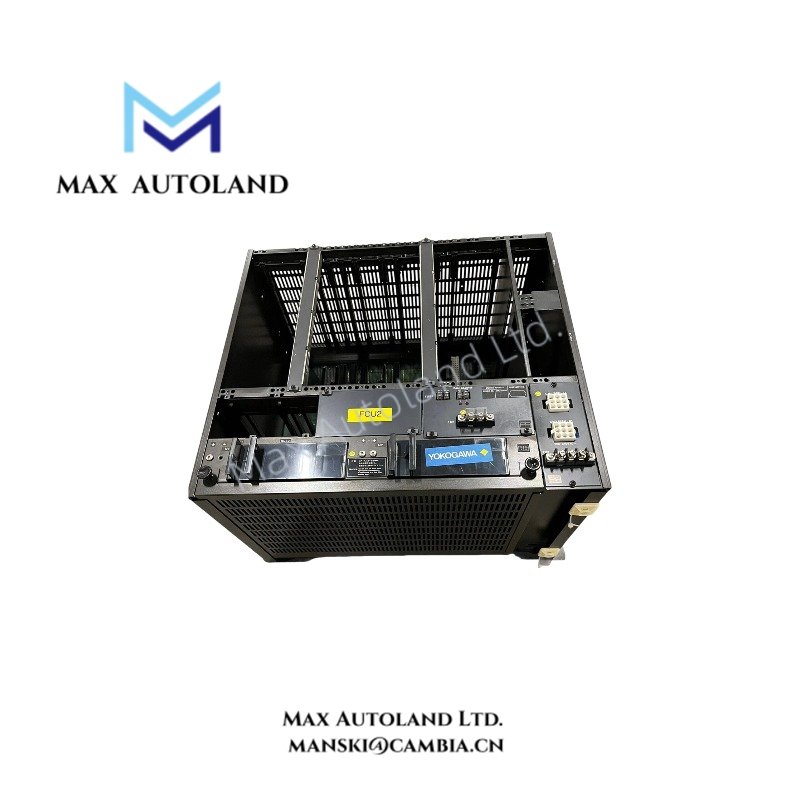
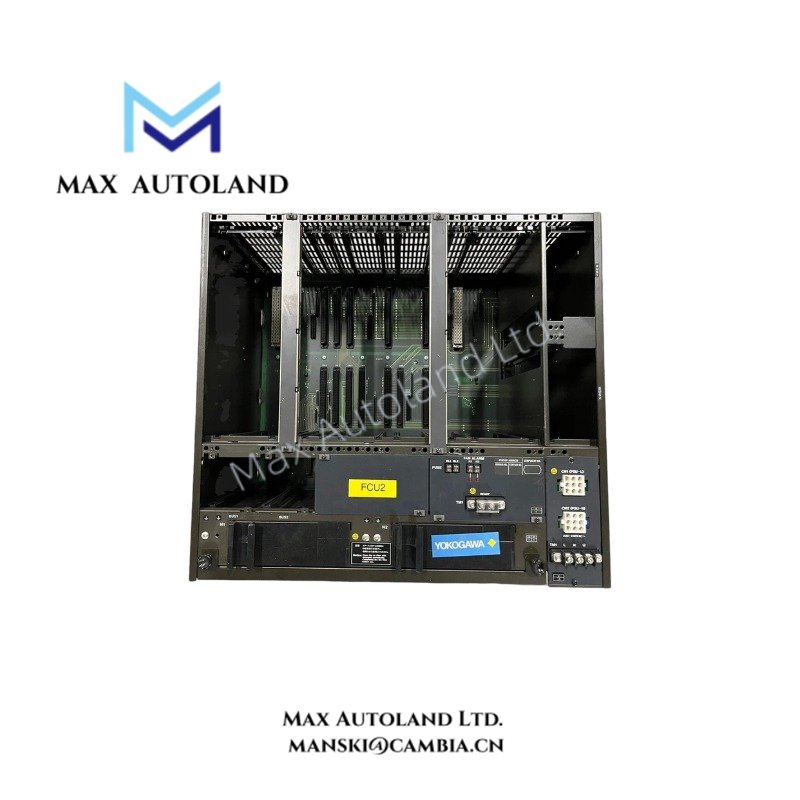
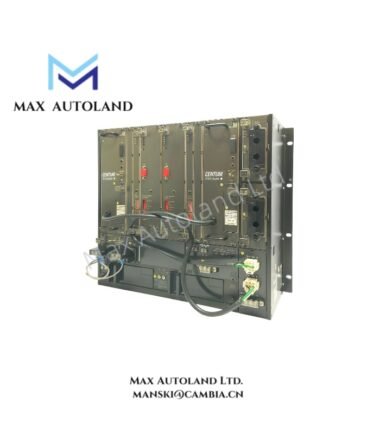
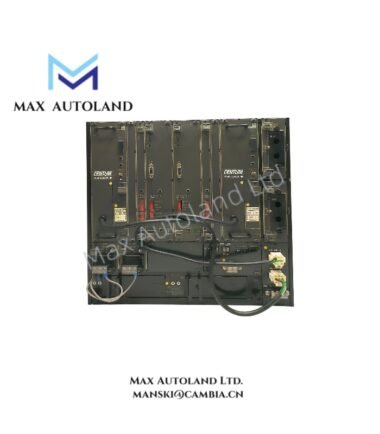
| AFS20D | Duplexed Field Control Unit for Vnet and RIO, with cabinet |
| -H | Standard type, 16 Mbyte main memory |
| 4 | Dual-redundant Vnet and dual-redundant RIO bus |
| 1 | Single AC power system |
| 2 | Dual AC power system |
| 1 (Suffix) | 100-120 V AC power supply |
| 2 (Suffix) | 220-240 V AC power supply |
| 4 (Suffix) | 24 V DC power supply |
| 3 (Suffix) | LFS1100 basic software license for standard field control station functions, for Vnet and RIO with CP345 |
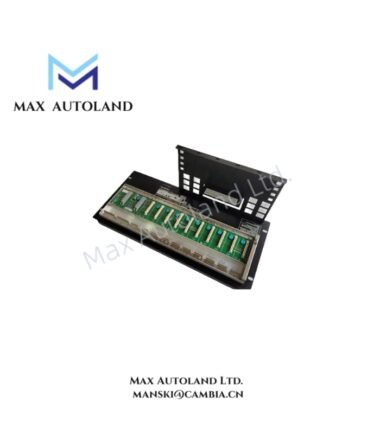
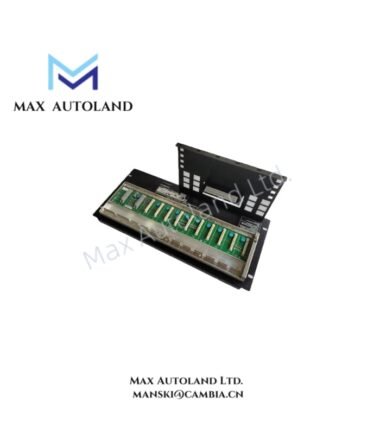
| /-NDF4 | Node Interface Unit for dual-redundant RIO bus and dual power supply, front-mounted |
| /-NDR4 | Node Interface Unit for dual-redundant RIO bus and dual power supply, rear-mounted |
| /CH | Channel base with cable hole |
| /CE | CE, C-Tick, and KC markings |
Note: The supplied configuration codes describe selectable hardware and software options. Confirm the complete ordering code against the applicable Yokogawa configuration documentation before selecting a replacement unit.
Hardware Specifications
| Parameter | Specification |
|---|---|
| Model | AFS20D |
| Brand | Yokogawa |
| Product Type | Duplexed Field Control Unit |
| System Platform | CENTUM control system |
| Origin | Not specified in the supplied documentation |
| Processor | VR5432, 133 MHz |
| Main Memory | 16 Mbyte |
| Memory Protection During Power Failure | Battery backup |
| Main Memory Backup Duration | Maximum 72 hours |
| Battery Recharge Time | Minimum 48 hours |
| Vnet Interface | Dual-redundant |
| RIO Bus Interface | Dual-redundant or single, depending on configuration |
| Maximum Connectable Nodes | 8 |
| Power Supply Options | 100-120 V AC, 220-240 V AC, or 24 V DC |
| AC Frequency | 50/60 Hz |
| Power Consumption at Maximum Node Installation | 1700 VA at 100-120 V AC; 2000 VA at 220-240 V AC |
| DC Current at Maximum Node Installation | 50 A at 24 V DC |
| FCU Status Contact Output | Three terminals: NC, NO, and common |
| Status Contact Rating | 250 V AC maximum; 30 V DC maximum |
| Status Contact Current | 2 A maximum |
| Status Contact Power | 125 VA maximum |
| Power Supply Connection | M6 screw terminals |
| Dual Power System | Supported, subject to configuration |
| Weight, Excluding Nodes | Approximately 250 kg |
| Weight, Maximum Node Installation | Approximately 400 kg |
| Dimensions | Not specified in the supplied documentation |
| Operating Temp | Refer to Yokogawa System Overview, GS 33K01A20-50E |
Vnet and RIO Communication Architecture
The AFS20D provides a dual-redundant Vnet interface for control system communication. Its RIO interface can be configured for single or dual-redundant operation, depending on the selected hardware configuration.
For installations requiring redundant RIO communication, verify the selected bus configuration and the corresponding node interface unit. The /NDF4 and /NDR4 options identify front-mounted and rear-mounted node interface arrangements, respectively, as described in the supplied ordering information.
The dual-redundant communication configuration does not, by itself, establish a specific switchover time or guarantee uninterrupted operation under every fault condition. Refer to the applicable Yokogawa system documentation for redundancy behavior and system-level limitations.
Frequently Asked Questions
Q: How much main memory does the AFS20D provide?
A: The AFS20D provides 16 Mbyte of main memory. The supplied specifications identify battery backup for memory protection during power failure, with a maximum backup duration of 72 hours.
Q: What power supply configurations are available?
A: The listed options are 100-120 V AC, 220-240 V AC, and 24 V DC. The ordering configuration also identifies single or dual AC power system arrangements. Verify the complete unit code before connecting the supply.
Q: How many remote I/O nodes can the AFS20D support?
A: The supplied hardware specifications list a maximum of 8 connectable nodes. Confirm the supported node arrangement and RIO redundancy configuration against the applicable system documentation.
Field Installation Guidelines
- Verify the complete model and suffix code against the cabinet wiring diagram and system configuration documents.
- Confirm the supply voltage and AC or DC power configuration before energizing the unit.
- Check the power terminal connections and protective grounding in accordance with the manufacturer’s installation instructions.
- Verify the Vnet and RIO cable routing against the system network design. Keep communication cables separated from power conductors where required by the installation specifications.
- For redundant RIO configurations, confirm the installed node interface unit, mounting position, and bus connections before commissioning.
- Check the battery condition and memory backup requirements during maintenance. Follow the manufacturer’s prescribed battery replacement and handling procedures.
- Allow sufficient cabinet access and mechanical support for the documented unit weight. Include the additional load from installed nodes when determining cabinet and support requirements.
- Consult Yokogawa System Overview, document GS 33K01A20-50E, for installation conditions and environmental limits not specified in the supplied data.
YOKOGAWA Top Products
Customers Also Viewed

Reviews
There are no reviews yet.