
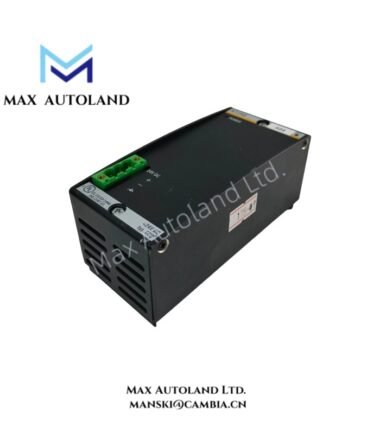
Overview
Hardware Specifications
| Parameter | Specification |
|---|---|
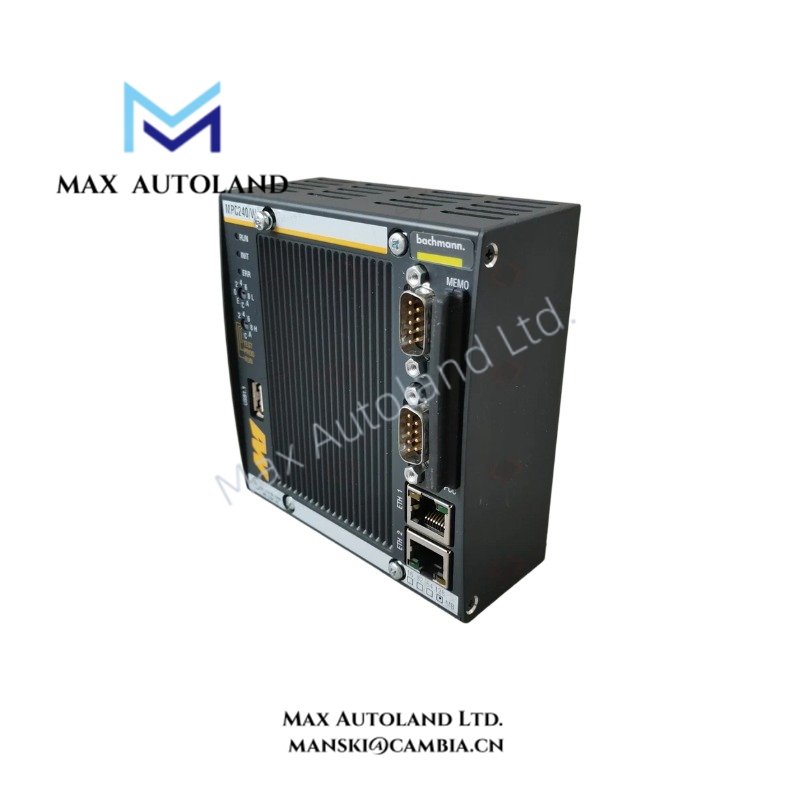
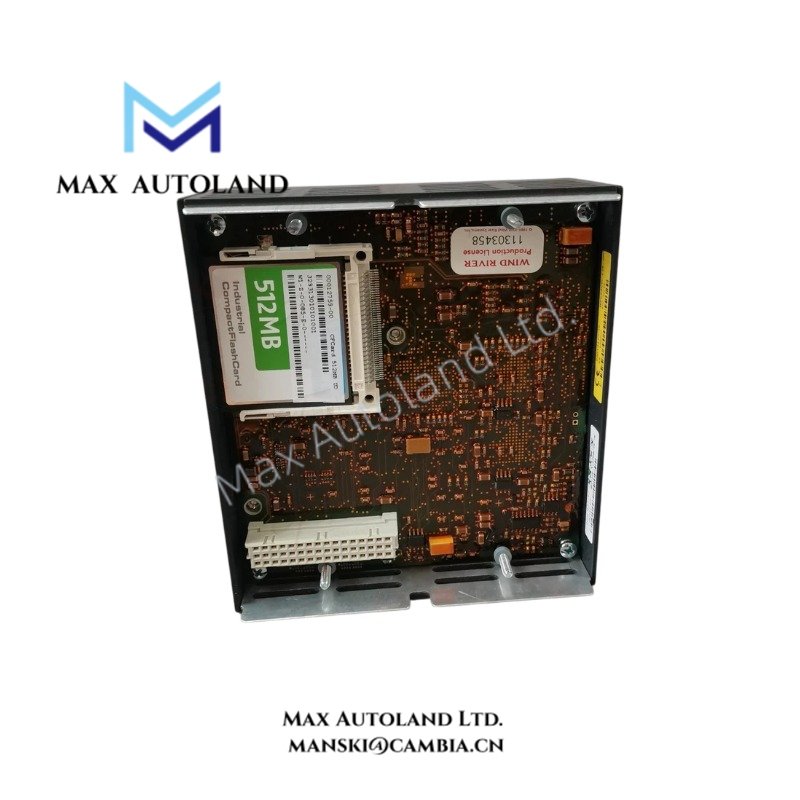
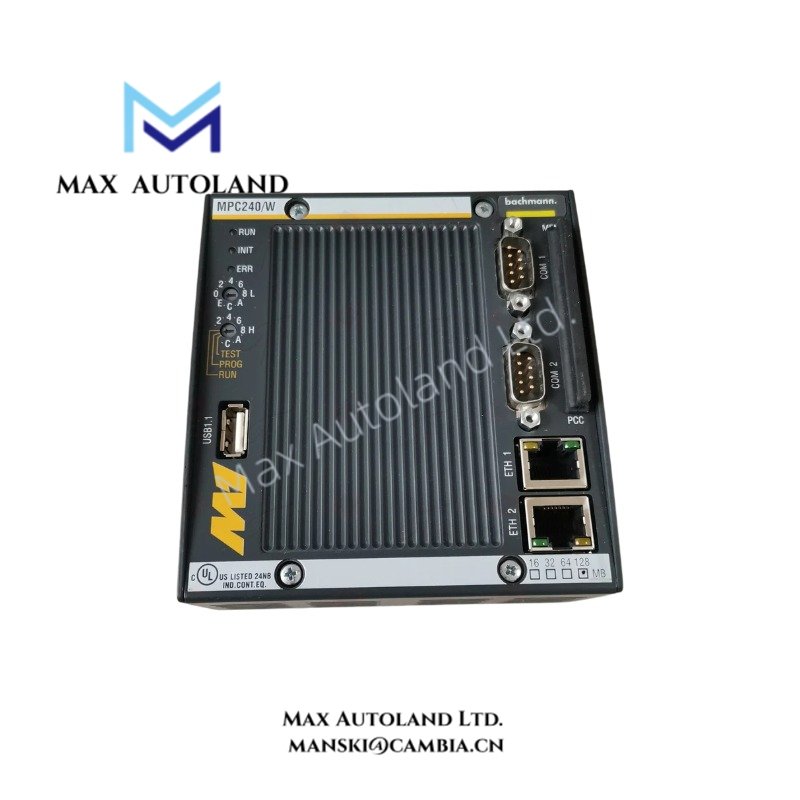
| Model | MPC240/W |
| Base Model | MPC240 |
| Brand | Bachmann |
| Product Type | CPU Processor Module |
| System Platform | Bachmann M1 Automation System; exact compatibility requires verification |
| Weight | 0.65 kg |
| Dimensions | 11 x 6 x 12 cm |
CPU Architecture and Backplane Communication
A CPU processor module executes control logic and coordinates data exchange with compatible I/O modules through the controller’s internal communication infrastructure. However, the supplied information does not establish the MPC240/W processor architecture, backplane bus specifications, memory capacity, or supported communication protocols.
Before integrating this module into an existing controller, verify the hardware revision, firmware compatibility, backplane requirements, and supported peripheral configuration against the applicable Bachmann documentation.
Frequently Asked Questions
Q: Is the MPC240/W interchangeable with the MPC240?
A: The supplied product data lists MPC240 as the spare model associated with MPC240/W. This association does not independently confirm complete hardware or firmware interchangeability. Verify the part number and hardware revision before replacement.
Q: What power supply and backplane does the MPC240/W require?
A: The required supply voltage, current consumption, and compatible backplane are not specified in the supplied data. Consult the relevant Bachmann hardware manual before installation.
Q: Can the MPC240/W support a firmware upgrade?
A: Firmware upgrade support and compatible firmware versions are not established by the available information. Confirm the installed firmware, hardware revision, and approved update procedure before attempting an upgrade.
Field Installation Guidelines
- Verify the module identification and hardware revision against the controller configuration and applicable technical documentation.
- Isolate controller power according to the site’s electrical safety procedures before inserting or removing the module.
- Inspect the backplane connector and module contacts for contamination, mechanical damage, or misalignment.
- Install the module in the designated compatible slot and secure it according to the manufacturer’s instructions.
- Confirm the power supply, grounding, and backplane compatibility before energizing the controller.
- After startup, check controller diagnostics, module recognition, and communication with configured I/O modules.
- Do not assume hot-swap capability. Confirm the manufacturer’s replacement procedure before removing the module from an energized rack.
Bachmann Top Products
Customers Also Viewed
| Bently Nevada | ABB | Yokogawa | Woodward | Schneider |
| 133835-02 | SPDSM04 | CP451-10 | 5463-785 | 140CPU65150 |
| 135321-01 | SPIEET800 | CP461 | 5437-672 | BMEXBP0400 |
| 135322-01 | SPINIET800 | CP461-50 | 9907-175 | 140CPU67160 |
| 136751-01 | SPNLK01 | CP451-11 | 5466-355 | 170FNT11001 |
| 136751-02 | SPSED01 | CP701 S1 | 5466-257 | 170ADO34000 |
| 184139-10 | SPSEM11 | CP345 S1 | 5466-1049 | 170ADM35010 |
| 82362-01 | SPSET01 | SCP461-11 S1 | 5501-381 | 170ADI34000 |
| 84134-01 | SPTKM01 | CP451-10 S2 | 8200-177 | 140ARI03010 |
| 87900-02 | SPTPS02 | CP401-10 | 8200-205 | BMXCPS4002 |
| 89998-01 | SPTPS13 | NFCP100-S00 | 9907-029 | 140CRP93200 |


Reviews
There are no reviews yet.