

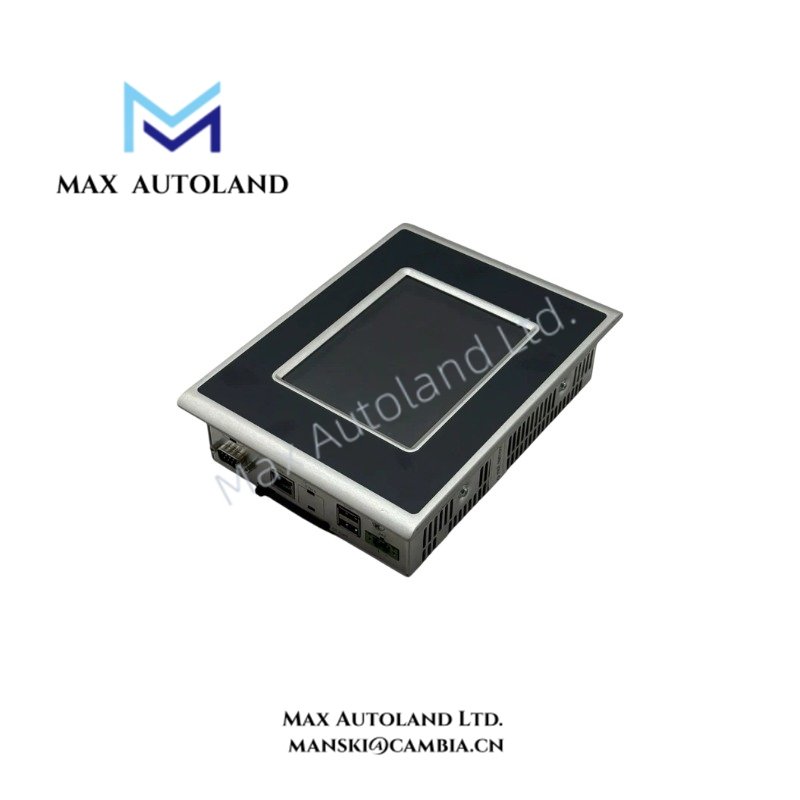
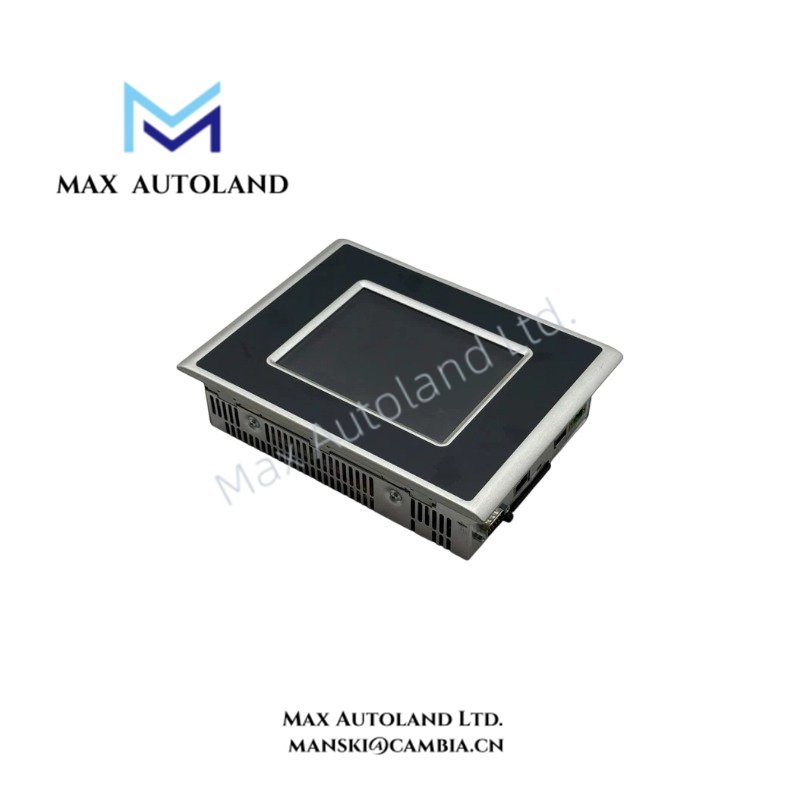
Overview
Hardware Specifications
| Parameter | Specification |
|---|---|
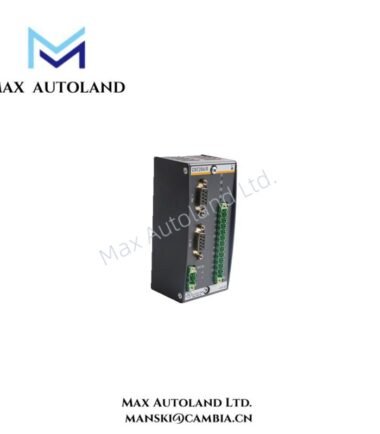
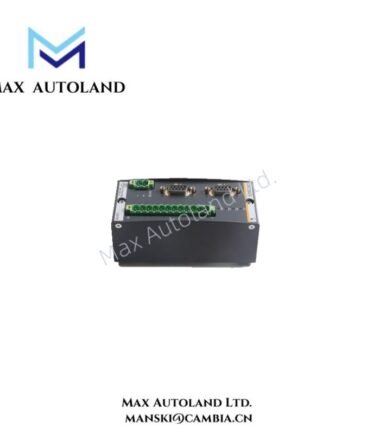
| Model | WT205V |
| Brand | Bachmann |
| Product Type | Industrial Operator Terminals |
| Device Function | Human-Machine Interface (HMI) |
| Display and Input | LCD display with touch-sensitive input, as described in the supplied information |
| Communication Interfaces | Exact interfaces not verified |
| Programming Environment | Exact software compatibility not verified |
HMI Communication and Configuration
An industrial operator terminal exchanges operating information with a controller and presents selected process variables through its visualization interface. Configuration depends on the installed hardware and software versions.
For the WT205V, verify the available communication ports, supported protocols, power input, and software image against the device nameplate and manufacturer documentation. Do not assume PROFINET, CANopen, or a specific processor architecture without model-specific confirmation.
Frequently Asked Questions
Q: Can the WT205V operate with a Bachmann M1 controller?
A: Compatibility depends on the terminal hardware, communication interfaces, and installed software. Confirm the supported controller connection and visualization software version before integration.
Q: Which power supply does the WT205V require?
A: The supplied information does not specify the rated input voltage or power consumption. Check the terminal nameplate and the applicable hardware manual before connecting power.
Q: How can the correct firmware or software image be selected?
A: Identify the hardware revision and installed system configuration first. Use a manufacturer-supported software image that matches the specific terminal variant.
Field Installation Guidelines
- Verify the WT205V model designation, hardware revision, and electrical ratings before installation.
- Confirm panel cutout dimensions, mounting clearances, and mechanical retention requirements using the applicable installation drawing.
- Check the rated supply voltage and polarity before energizing the terminal.
- Route communication cables separately from high-voltage and high-current conductors where practical.
- Apply cable shielding and grounding according to the interface specification and plant grounding scheme.
- Confirm controller communication, screen updates, touch input, and diagnostic functions during commissioning.
- Record the installed firmware or software version to support maintenance and replacement planning.
Bachmann Top Products
Customers Also Viewed
| Bently Nevada | ABB | Yokogawa | Woodward | Schneider |
| 133835-02 | SPDSM04 | CP451-10 | 5463-785 | 140CPU65150 |
| 135321-01 | SPIEET800 | CP461 | 5437-672 | BMEXBP0400 |
| 135322-01 | SPINIET800 | CP461-50 | 9907-175 | 140CPU67160 |
| 136751-01 | SPNLK01 | CP451-11 | 5466-355 | 170FNT11001 |
| 136751-02 | SPSED01 | CP701 S1 | 5466-257 | 170ADO34000 |
| 184139-10 | SPSEM11 | CP345 S1 | 5466-1049 | 170ADM35010 |
| 82362-01 | SPSET01 | SCP461-11 S1 | 5501-381 | 170ADI34000 |
| 84134-01 | SPTKM01 | CP451-10 S2 | 8200-177 | 140ARI03010 |
| 87900-02 | SPTPS02 | CP401-10 | 8200-205 | BMXCPS4002 |
| 89998-01 | SPTPS13 | NFCP100-S00 | 9907-029 | 140CRP93200 |




Reviews
There are no reviews yet.